Digital signage for hospitals, clinics and aged care
A specifier's guide to digital displays for hospitals, clinics and aged care: where they go,…



Healthcare puts demands on digital displays that consumer screens are not built for. Manuco supplies commercial-grade displays to healthcare facilities across Australia from its Thomastown warehouse in Melbourne's north, and the brief is rarely simple: 24/7 uptime, infection control, mixed audiences from anxious patients to time-pressed clinicians, and signage that has to keep working when nothing else in the room is going right.
This guide covers what to consider when specifying digital displays for hospitals, clinics, and aged care facilities. It is written for procurement officers, facilities managers, and project leads who understand the clinical environment but may not specify display technology often enough to know which specifications matter for which rooms.
Digital displays in healthcare cluster around two distinct environments: public-facing areas carrying patient and visitor information, and clinical-facing areas carrying staff communication. The two have different specification requirements, and treating them as one procurement category usually leads to over-spending in some rooms and under-spending in others.
A reception screen needs to be legible from a queue, tolerate cleaning chemicals, and run from early morning to late evening. A nurses' station scheduling display has none of those requirements but needs to integrate with hospital information systems and stay readable from any angle in a busy ward.
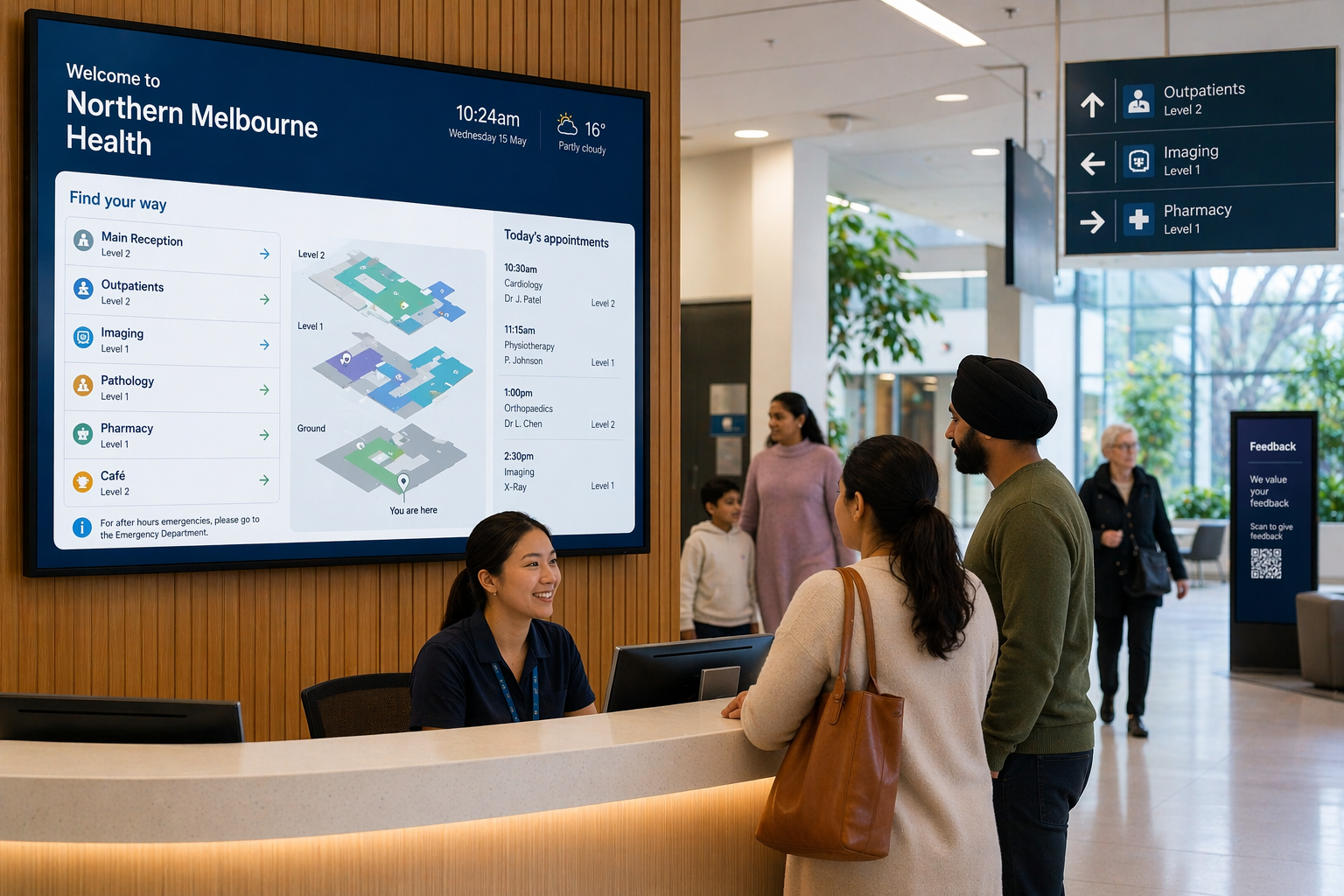
Wayfinding in a large hospital precinct is more demanding than it looks from outside. Major Melbourne hospital networks operate multi-building campuses where outpatient clinics shift locations between buildings, departments expand or contract within a financial year, and visitors arriving for an appointment may have never set foot on the campus before.
Static printed maps go out of date within months. Updated maps cost time and money to print and distribute, and the new versions still don't help the visitor who downloaded the old PDF before they left home.
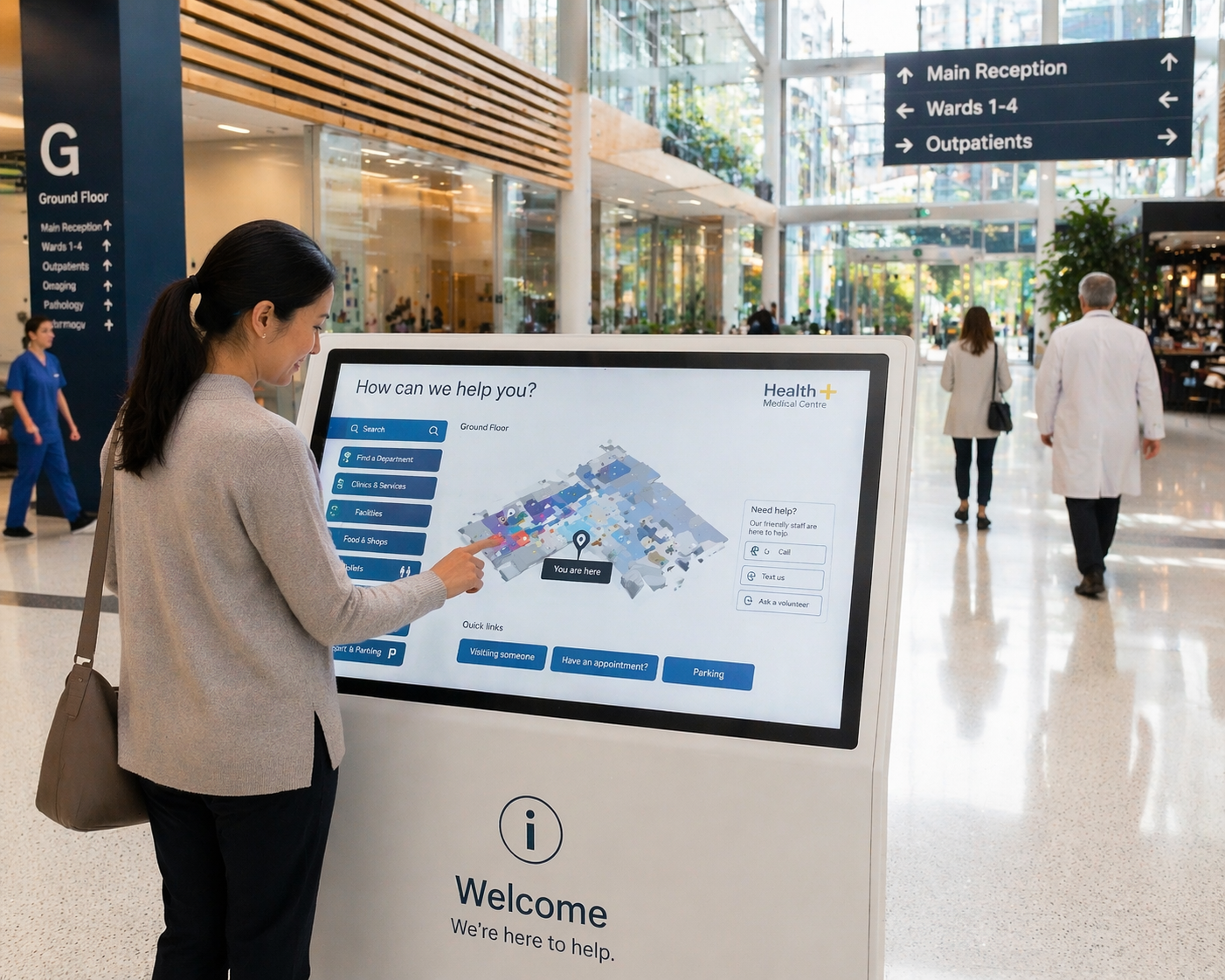
Digital wayfinding kiosks solve this by holding one source of truth that updates from a central content system. Touch-enabled kiosks at main entrances let visitors search for a clinic by name, get a route to the right floor, and print a map if they need it. Wall-mounted directional displays at key junctions confirm they are heading the right way.
For large precincts the wayfinding system has to scale across multiple buildings while keeping content consistent. That requires hardware that can be matched across sites and a content management system that handles permissions across departments without each ward updating its own map.
Healthcare displays face conditions that consumer screens are not designed for. The specifications that decide whether a screen survives five years or five months in a clinical environment are panel duty cycle, ingress protection, surface treatment, brightness, and connectivity.
| Specification | What healthcare environments need | Why it matters |
|---|---|---|
| Panel duty cycle | 16/7 minimum, 24/7 for never-closed environments | Reception screens running 18 hours a day will fail at consumer ratings within 12 months |
| IP rating | IPX1 baseline for general clinical areas; IP65 for environments with frequent wash-down cleaning | Standard alcohol wipes degrade unprotected enclosures, and hospital-grade disinfectants can introduce fluid into unsealed bezels |
| Brightness | 450 to 700 nits for indoor environments with natural light | Consumer panels at 250 to 350 nits wash out against bright window light from foyers and atriums |
| Touch surface | Compatible with 70% isopropyl alcohol cleaning | 70% IPA is the most commonly referenced formulation in healthcare equipment cleaning instructions |
| Connectivity | RS232 or LAN for centralised management | Allows IT to monitor and control screens from a central console without site visits |
A note on anti-microbial coatings: they reduce bacterial load on the touch surface and they do not replace cleaning protocols. They are useful alongside infection control procedures, not in place of them.
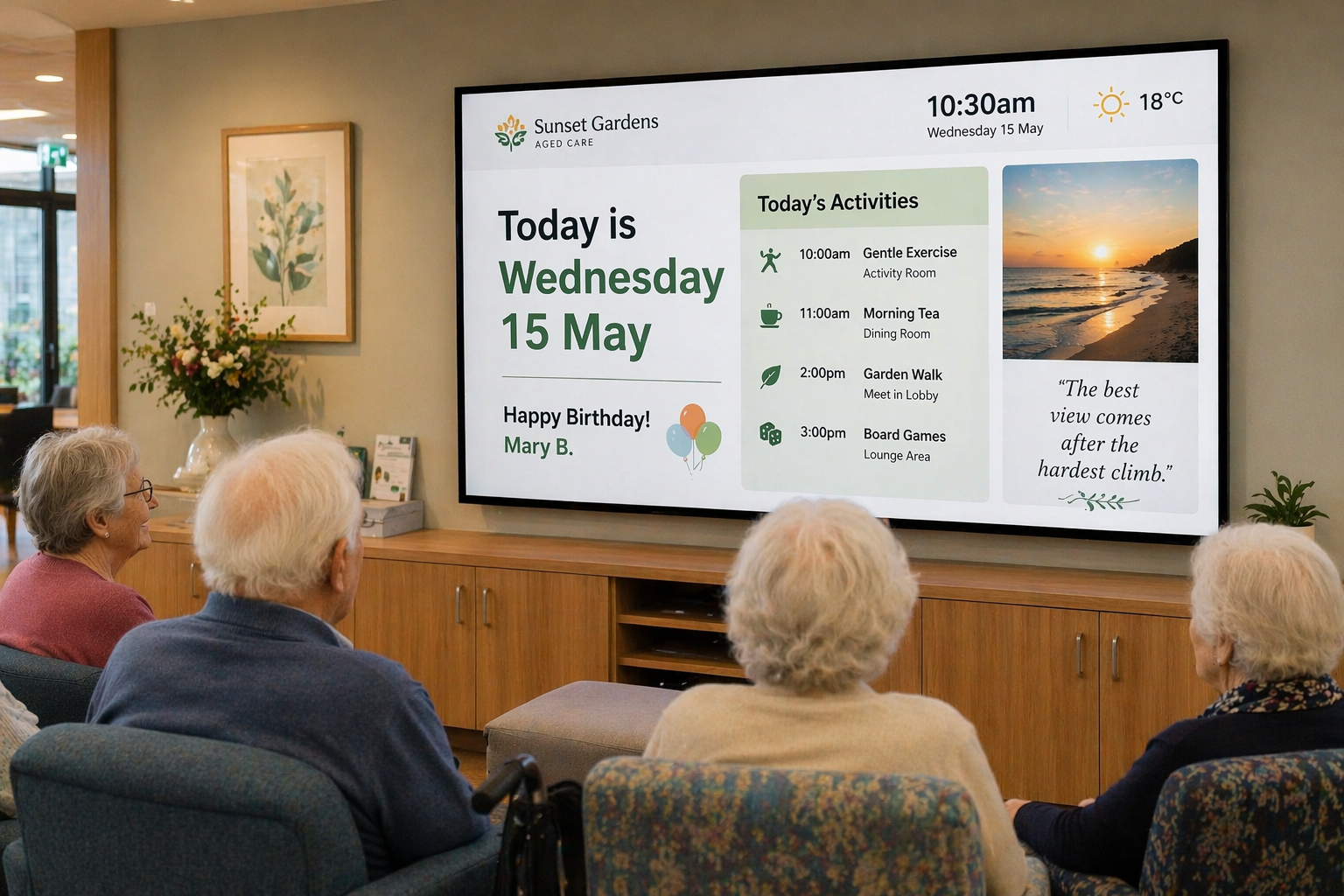
Aged care and residential facilities have a different display brief from acute hospitals. Residents may have low vision, mobility limitations, or cognitive conditions including dementia. Displays in these settings have to suit residents and their families, whose needs differ from clinical staff.
Practical considerations for aged care displays:
Common rooms and lounge areas often run a mix of resident-facing content (activities schedule, day of the week, weather, family photos for memory care wings) and staff-facing content (medication round reminders, care notes). Displays that handle both without specialist intervention save cost across a multi-site provider.
Content governance often gets less attention than hardware in healthcare procurement, and it usually causes more friction post-installation. The questions worth working through before specifying a system:
The healthcare display market is not short of options. Hyundai IT, AUO, AD Link, and other commercial-grade brands all build panels rated for the conditions described above, and the right choice depends on the environment, the facility's IT infrastructure, and the multi-site procurement strategy. As a distributor rather than a manufacturer, Manuco's role is to help specifiers compare across brands and identify the right specification for each location.
For procurement teams planning a healthcare fit-out or a multi-site upgrade, the most useful first step is a site walkthrough that maps each display location to a specification before quotes go out. That avoids a common procurement mistake: buying the same screen for every room and discovering six months later that the foyer panel is too dim for the natural light and the corridor screens are over-specified for what they need to do.
Manuco can assist with site-by-site specification for healthcare and aged care projects across Melbourne, regional Victoria, and nationally. Get in touch with the Thomastown team to arrange an assessment.
Web Design by CJ Digital