

Digital menu board screens have become standard in quick-service restaurants (QSRs) and busy cafes across Melbourne. Price rises can be pushed across the network in minutes instead of reprinted and couriered. Promotional overlays can run for 48 hours and disappear. Breakfast menus can flip to lunch at 10:30 without a staff member climbing on a stool. But the commercial-grade hardware that makes all of that possible looks superficially like a 65-inch TV from Bunnings, and that confusion is where procurement decisions go wrong. As a commercial display distributor based in Thomastown, Manuco sees those decisions play out in real installs every month.
This guide covers digital signage for restaurants across indoor counter boards, drink gallery walls, and outdoor drive-thru displays, and the specifications that separate screens that last from screens that fail in the first summer.
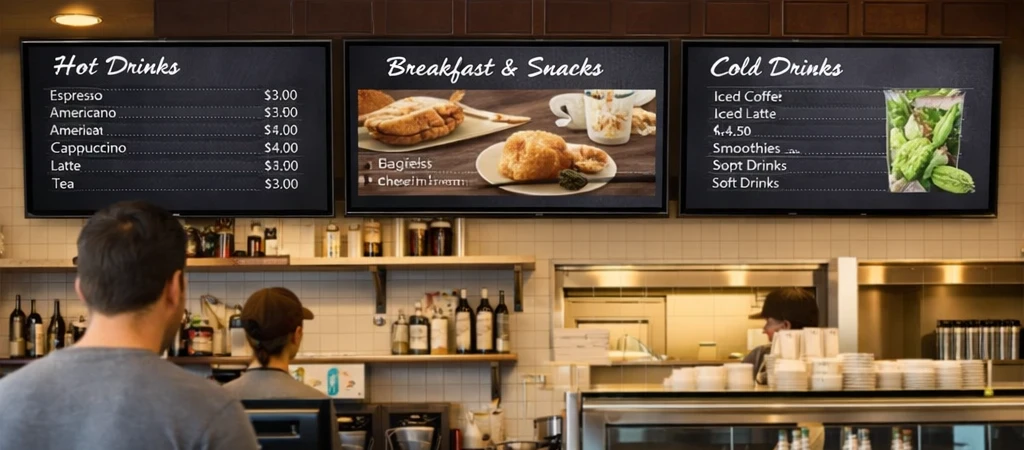
Indoor digital menu board screens
Most QSR menu boards are counter-mounted displays above the order point, often in landscape rows of three to six 55-inch or 65-inch screens. They run from open to close, 12 to 18 hours a day, seven days a week. The headline specification here is endurance.
The numbers that matter:
- 500 to 700 nits brightness. Enough to cut through interior lighting and glass shopfronts without overpowering the room. Home TVs typically run 300 to 400 nits, which washes out under QSR fluoro lighting.
- 24/7 commercial panel rating. Consumer panels are rated for around 8 hours of daily use. Commercial panels are built to run 16 hours or continuously without burn-in, uneven brightness, or early backlight failure.
- 178-degree viewing angle. Queue lines do not stand dead centre in front of the board. Customers at either end of a wide counter still need to read it.
- Anti-glare coating. Counter-mounted screens often face a shopfront window or overhead downlights. A semi-matte finish cuts the reflection without dulling the image.
Drink gallery walls and promotional secondary screens have the same panel requirements but can sometimes be smaller. A 43-inch portrait screen above a coffee station showing drink options is more practical than 65-inch overkill.
Drive-thru menu boards
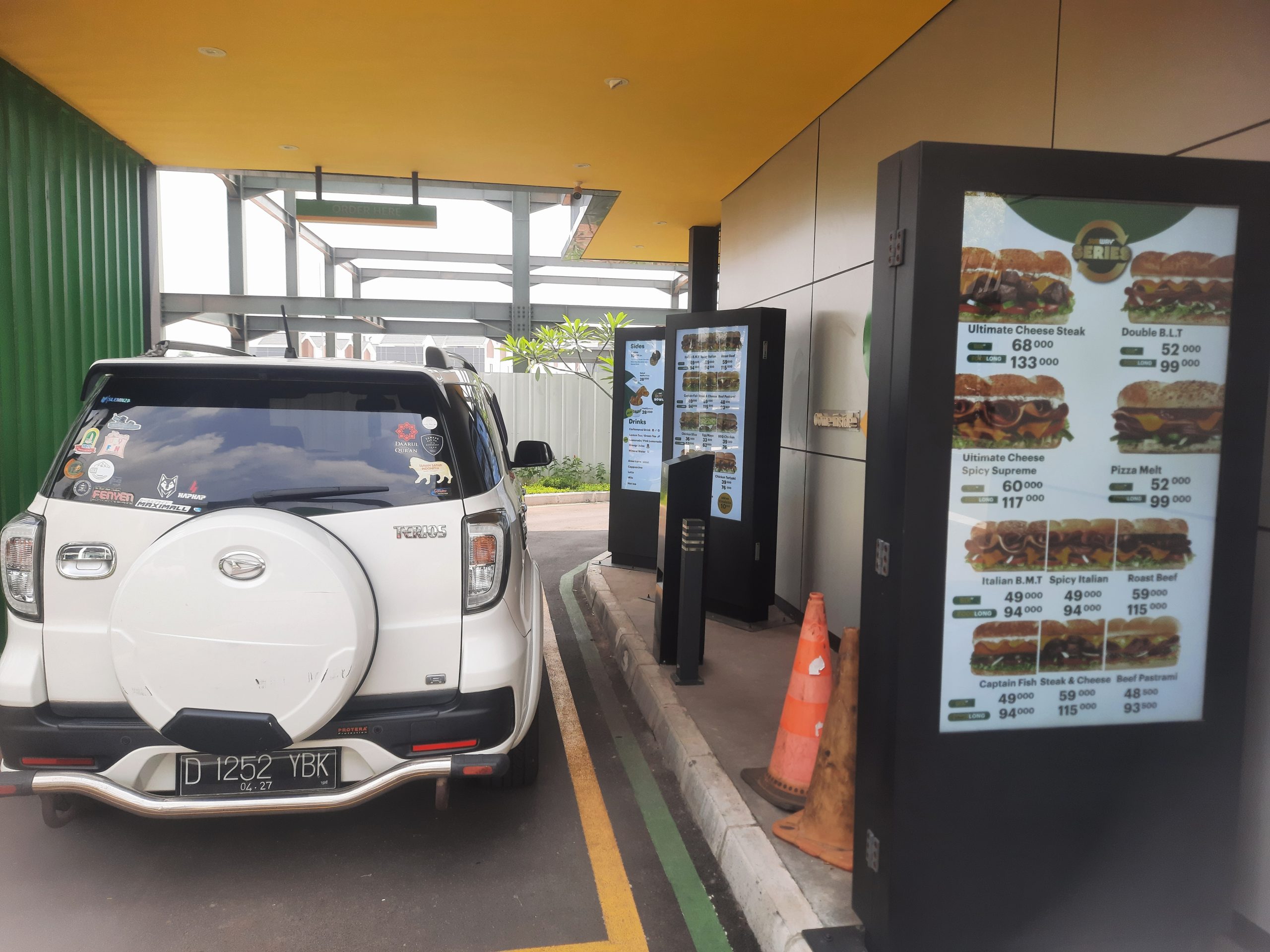
Drive-thru is a different specification problem. Outdoor displays need to be readable in direct Melbourne summer sun, stay operational through rain, and resist frost, heat, and the occasional clipped car mirror. This is where cheap outdoor displays fail within the first year, usually in public, during a Saturday lunch rush.
Drive-thru displays need:
- 2,500 to 3,500 nits brightness. Direct sun at a drive-thru in Epping or Hoppers Crossing will reduce a 1,000-nit screen to unreadable. Screens in the 2,500 to 3,500 range stay legible under full sun and automatically dim for night trading.
- IP56 or better on the front. Rain, dust, and the high-pressure wash-downs used on forecourt cleaning cycles all attack the front panel. IP56 tolerates dust and heavy water spray from any direction.
- Operating temperature range of around -30°C to +50°C. Not because Melbourne hits those extremes, but because the inside of a sun-exposed steel enclosure in Point Cook can climb past 60°C by 2pm in January. Proper thermal management (active cooling, heat-rated panels) keeps the display alive.
- Auto-brightness sensors. A 3,000-nit screen at 3am in Braeside is blinding and wastes energy. Ambient sensors scale the output across the day.
- Impact-rated cover glass. A reversing ute, a clipped trailer, or a thrown bottle are all survivable with tempered or laminated cover glass. Bare consumer panels do not get back up.
Drive-thru displays are often sold as “weatherproof outdoor TVs” by consumer brands. Read the specs carefully. A screen rated for a patio in summer will not survive a west-facing drive-thru running 18 hours a day in the open.
Where consumer displays fail in QSR use
The pressure to cut hardware costs on a franchise rollout is real. A 55-inch consumer TV costs a fraction of a commercial panel. For a 60-store network, the numbers look like genuine savings on the purchase order.
The failures are predictable:
- Uneven brightness after six months. Consumer backlights are not engineered for 16-hour days. Panels develop hot spots, dim patches, and colour shifts that make the menu look unprofessional.
- Burn-in from static menu headers. Logos, category labels, and price grids that stay on screen for hours burn into consumer LCDs within months. The ghost image remains even when the content changes.
- Backlight failures at 18 to 24 months. Consumer TVs are typically warranted for 12 months and engineered for domestic use at around 8 hours per day. Commercial panels are rated for 50,000 to 100,000 hours of operation and designed for 16-hour or 24/7 duty cycles.
- No remote management. When a consumer display freezes on a frozen menu at 7pm Friday in Werribee, someone has to drive there and physically restart it. Commercial displays recover themselves or are restarted remotely from head office.
Running a franchise network on consumer TVs is a capital loss waiting to happen. The initial saving is typically wiped out by replacement hardware and lost trading hours inside three years.
Content management across franchise networks
With the hardware specified, the next question is content management. How do menus get onto the screens, across how many sites, and how fast?
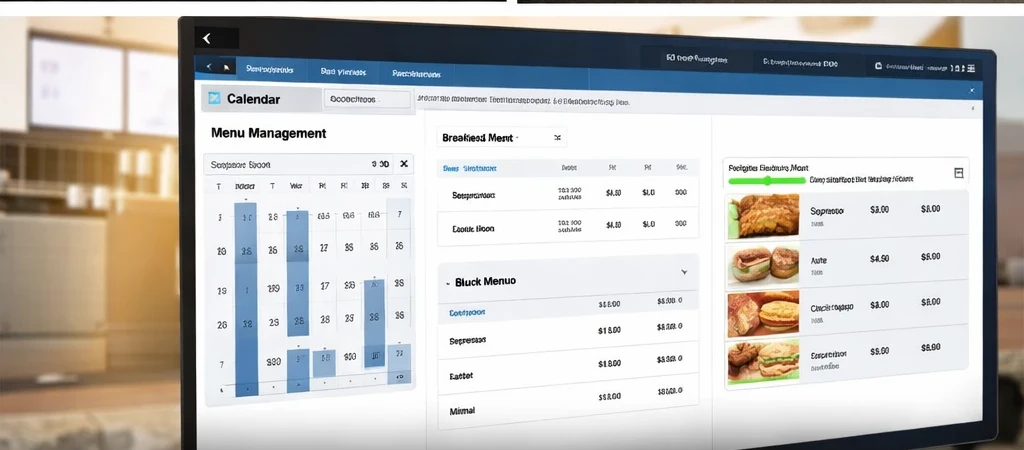
A practical content management system for a QSR network should support:
- One-click price changes across every site. A produce input price rise should update the menu board in all 40 stores inside minutes, not as a separate job per site.
- Daypart scheduling. Automatic switching between breakfast, lunch, and dinner menus at fixed times, including handling of public holiday schedules.
- Promotional overlay scheduling. Run a 48-hour promotion on specific products, on specific screens, at specific times, without touching the base menu content.
- Brand-compliance auditing. Confirmation that every site is showing the right menu, at the right size, in the right colours, at any given moment.
- Offline resilience. Network drops happen. The screens need to keep running the last-cached content without freezing or reverting to a logo loop.
Some franchise operators run these systems in-house. More often they are managed by a head-office marketing team or an external content partner. The display hardware choice should support whichever model the business runs, which is part of why working with a distributor rather than a single-brand reseller matters. A distributor with access to multiple panel brands (Hyundai IT, AUO, AD Link and DigitalView, among others) can match software and hardware to the workflow rather than force them together.
Procurement considerations for chain rollouts
Multi-site rollouts raise issues a single-store install does not. A few to think through before signing an order:
- Hardware matching across sites. A 2026 install and a 2027 replacement should be visually identical at the counter. Panel bezels, brightness, and colour calibration drift between product generations. Specify a model with a known production run or build in a spare pool.
- Warranty and on-site replacement. Three-year commercial warranties are standard from the major panel manufacturers. The replacement process is where that warranty earns its keep: how fast a failed unit can be swapped at a suburban store versus a regional one.
- Installation scheduling. Retrofitting menu boards in a trading store needs out-of-hours work or short-window installs. Rollouts across 30 or more stores need a coordinated program, not ad-hoc bookings.
- Integration with existing content systems. Most franchise networks already have some kind of digital asset workflow. A new display platform that does not talk to that workflow creates a parallel system nobody maintains properly.
Manuco has been supplying commercial display hardware to Australian B2B buyers since 1987, and our Thomastown warehouse holds local stock across the partner brand range. That matters for multi-site QSR rollouts because a delayed unit on install day stops the install sequence, and a lead time quoted in weeks instead of days is the difference between a store opening on schedule and a store opening behind its scheduled trade date.
Before you commit to a network rollout
If you are planning a new menu board install or a full network refresh, the practical next step is usually a single-store trial. One store, one full specification of commercial hardware and content management, running for 60 to 90 days under real trading conditions. That is enough to test brightness in real lighting, content workflows with real staff, and the procurement process end to end, before multiplying any of it across 40 stores.
Talk to us about a site assessment for a single store, or a specification review if you already know what you need.