

Indoor commercial displays now appear in reception foyers, corridors, canteens, libraries, sports halls, and staff rooms across Melbourne and Geelong schools. For procurement teams specifying a new build or upgrading an existing campus, the key questions are which environments benefit, what specifications matter, and who will own the content once the hardware is on the wall.
Where indoor displays work in a school
A reception screen does a different job from a corridor screen, which does a different job from a canteen menu board. Specifications and mounting approaches should match the environment.
- Reception and entrance foyers. First point of contact for parents, visitors, and late students. Used for visitor sign-in prompts, school announcements, principal’s messages, uniform shop hours, and community notices.
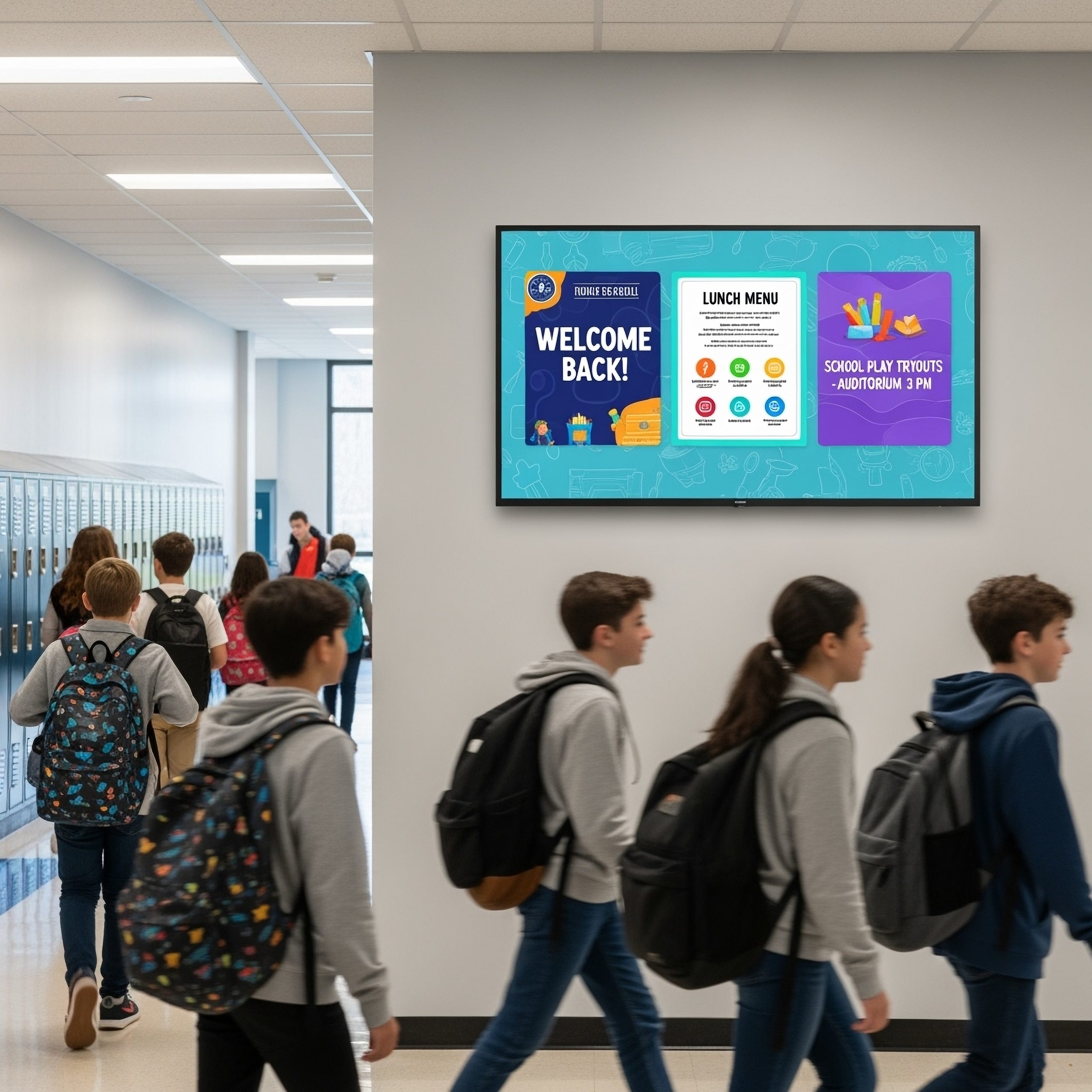
- Main corridors and thoroughfares. High-traffic zones during transitions between classes. Used for bell schedule changes, timetable updates, assembly reminders, and event promotion. Positioning matters: corridor content needs to be legible at a walking pace from several metres away.
- Canteens and food halls. Replaces laminated menu posters that go out of date the moment a supplier changes a product. Used for daily specials, pricing, allergy and dietary information, and order prompts.
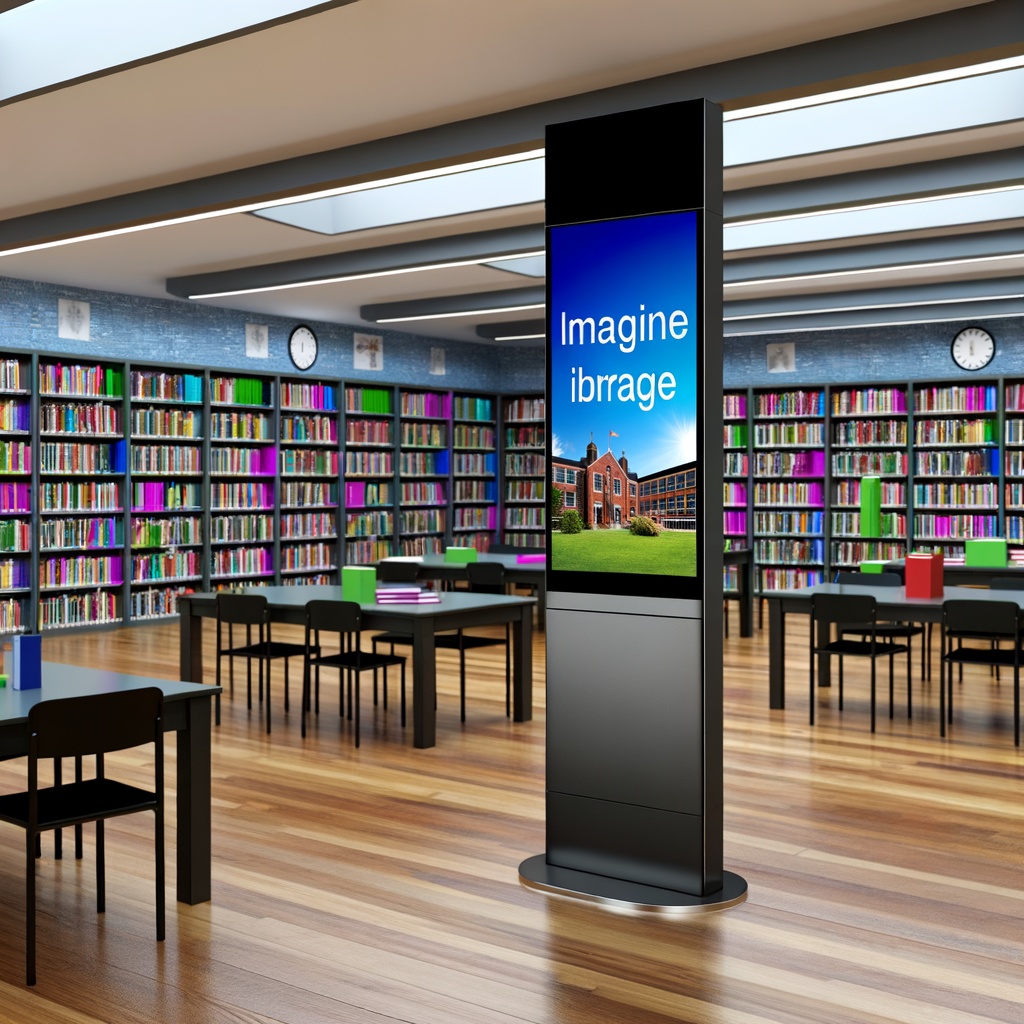
- Libraries and study spaces. Opening hours, silent study rules, resource availability, and event promotion. Lower-traffic environments that still benefit from centralised content management.
- Sports halls and gyms. Scoreboards, fixture lists, and event information. Often need bright panels because of overhead lighting and viewing distance.
- Staff rooms and back-of-house areas. Non-public content: internal communications, PD reminders, room bookings, and safety notices. Smaller screen sizes are usually fine because viewing distance is short.
What school displays need to do
The job of a school display is to get the right information to the right audience at the right time without an admin staff member walking around with a USB stick. In practice that breaks into five functions:
- Parent-facing communication at reception and main entrances: absence procedures, uniform shop hours, working bee reminders, P&C meeting times, principal’s messages.
- Student-facing information in public areas: bell changes, assembly reminders, timetable swaps, sports results, canteen menu, house points.
- Emergency alerts: lockdown notices, severe weather warnings, evacuation direction, unscheduled early closures. These override regular content and need to publish in seconds.
- Staff communications in non-public zones: PD schedules, meeting room bookings, internal safety reminders, whole-school notices.
- Celebration and achievement content: student work, awards, sporting achievements, VCE results where appropriate.
A small primary might only need a reception screen and a canteen menu. A secondary campus of 1,500 students across four buildings benefits from a connected system covering multiple environments.
Indoor versus outdoor digital signage for schools: when each fits
The two product categories are easy to mix up at the specification stage because both get called digital signage for schools or school digital signage. Different jobs, different hardware:
| Communication job | Right product |
|---|---|
| Broadcasting to passing traffic and the local community | Outdoor LED sign |
| Welcoming parents and visitors at reception | Indoor commercial LCD |
| Corridor updates for students and staff during the day | Indoor commercial LCD |
| Canteen menu and pricing | Indoor commercial LCD |
| After-hours event promotion visible from the street | Outdoor LED sign |
| Emergency alerts to current occupants of the building | Indoor commercial LCD |
| Scoreboards and event info in the sports hall | Indoor commercial LCD |
| Enrolment and open-day promotion to drive-by families | Outdoor LED sign |
Plenty of schools end up with both, and they serve different audiences. The outdoor sign talks to the community. The indoor displays talk to the people already in the building.
Specifications that matter for school environments
Digital signage for education settings is demanding in a few specific ways, and the specifications that matter reflect that.
Panel life and operating hours
A consumer television is designed for around 8 hours of daily use in a home. A school screen runs from 7:30am to 5:00pm during term time, plus holiday programs and after-school events. Commercial panels rated for 16 hours per day, or 24/7 operation, hold brightness and colour stability across years of that schedule where consumer panels degrade quickly. Over a ten-year fit-out lifecycle, the difference in replacement frequency and total cost is considerable.
Anti-glare and brightness
Corridors with windows, reception foyers with glass doors, and sports halls with overhead fluorescents all create glare. Commercial panels use anti-glare coatings and brighter backlights: 450 to 700 nits is typical for indoor commercial displays, against 250 to 350 nits for consumer TVs. For a reception screen positioned in morning sun, the difference is a legible display against a washed-out one.
Impact and wear resistance
In a student-accessible area, a screen will eventually be knocked by a school bag, leaned on, or tested for durability in more creative ways. Commercial-grade panels use sturdier bezels and housings, and mounting hardware is designed for rigidity. Recessed mounting or portrait-orientation mounting at height helps protect the screen in primary school corridors.
Warranty
Commercial display warranties are usually three years on-site, against one year return-to-base for consumer TVs. The difference shows up in year two: a commercial warranty sends a technician to the school; a consumer warranty means the display is posted, repaired, and returned while the school runs short. As a commercial display distributor we stock several commercial panel brands (Hyundai IT, AUO, AD Link, DigitalView), which means the specification can match the environment rather than defaulting to one brand at every install.
H3: Touch versus non-touch
Touchscreens suit reception kiosks, library information stations, and interactive wayfinding in larger campuses. They also introduce hygiene and breakage risk. Non-touch displays are the safer default for general information screens. Touch has a place in interactive contexts where the value justifies the extra cost and maintenance.
Content management and who owns it
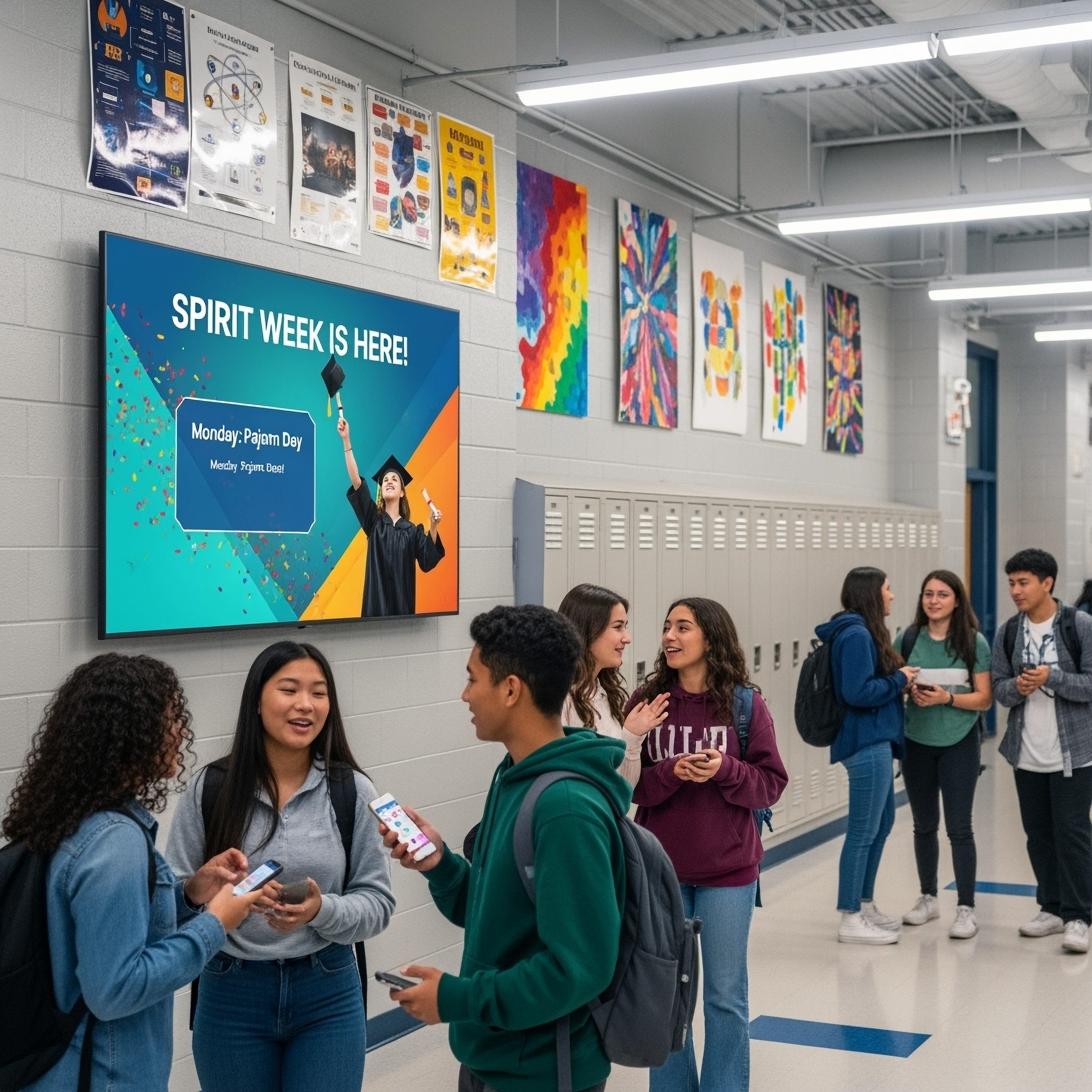
A display only works if someone updates the content on it. Many school signage projects drift because the ownership question gets skipped at the procurement stage.
Common ownership models:
- Front office administrator. Usually the best fit for reception and general-information screens. Non-technical software with role-based logins is important.
- IT coordinator or technician. Fits where the signage is integrated with the school’s broader IT stack (Active Directory, Google Workspace, Microsoft 365).
- Marketing and communications staff. Common in independent schools with a dedicated comms role, covering open-day messaging, enrolment content, and brand consistency.
- Teaching staff. Occasionally works for subject-specific screens (library, science labs), but risks inconsistency across a campus.
The content management software should match whoever will run it. An admin with no technical background needs drag-and-drop scheduling and a template library. An IT coordinator on a multi-site network needs role-based permissions and emergency-alert override. Marketing staff running parent-facing content need brand compliance and version control.
Emergency alert integration is the specification question most schools miss. When a lockdown happens, the signage should switch to a pre-configured alert screen instantly, ideally triggered from the same interface that controls the PA or SMS alert. If it requires a staff member to log in to a separate system and change content manually, it is not emergency-capable.
Specifying the right indoor displays for your school
Specifying digital signage for a school sits at the intersection of procurement, IT, facilities, and communications. The outdoor LED sign is a different purchase from the indoor commercial display, the reception screen has different needs from the corridor screen, and the content management software should match whoever will be driving it day to day.
For schools in Melbourne and Geelong planning a new build, a corridor upgrade, or a canteen refit, we can run a site walkthrough with someone who understands the indoor versus outdoor trade-off and the operating demands of a school environment. With local stock held in Thomastown, replacement panels can reach most Victorian schools within days rather than weeks if a display fails during term time.