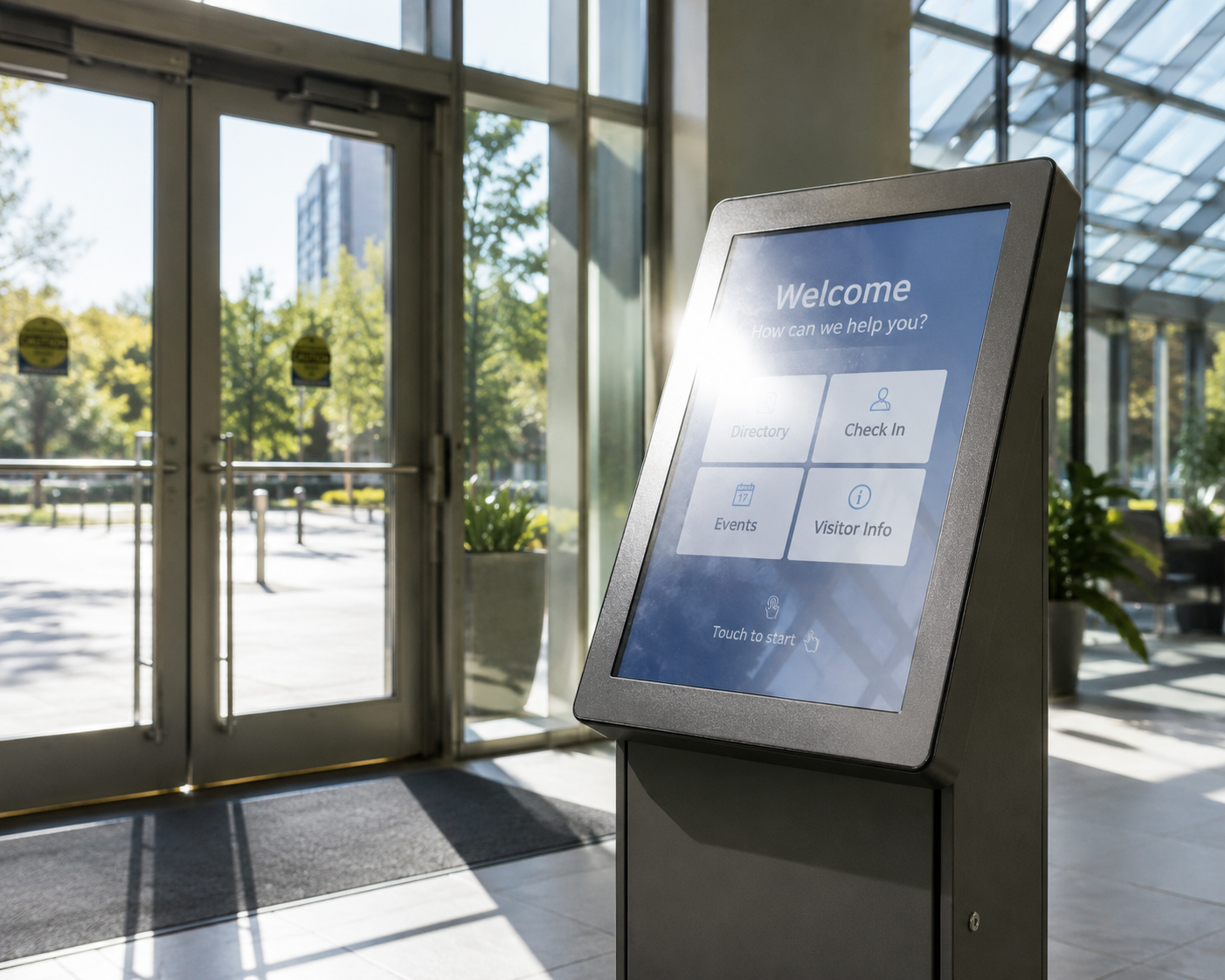
What makes a shopping centre wayfinding kiosk worth using
A specifier's guide to wayfinding kiosks for shopping centres: duty cycle, glare, vandal-resistant touch and…



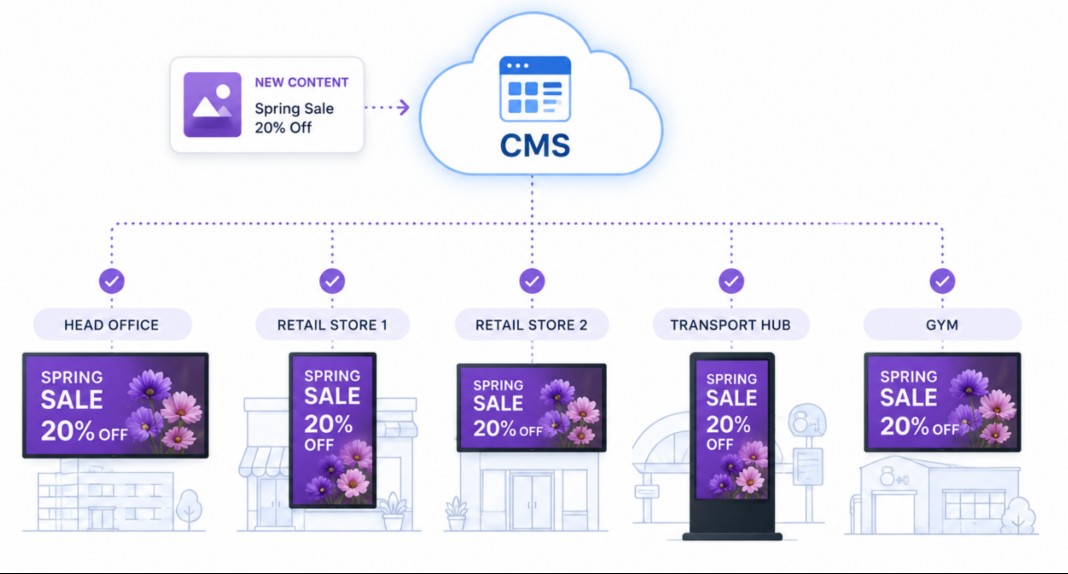
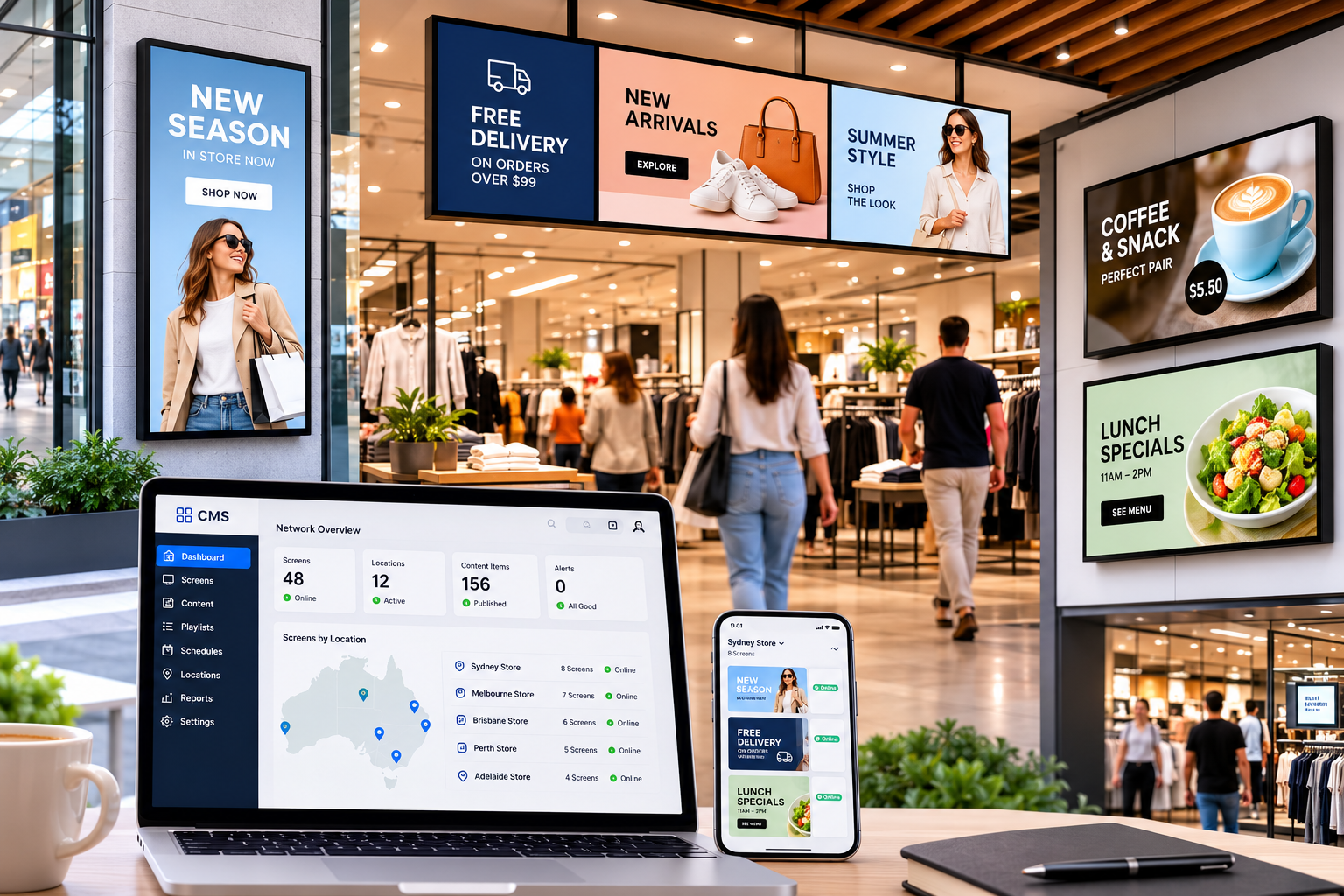
Picture a project manager who has signed off on twenty screens for a retail rollout. The hardware quote was the easy part. What was not in that quote is the monthly software bill, the person who updates the content, the data connection to each site, and the cost of swapping a failed unit three years in. Those lines decide what the network really costs.
Manuco Electronics supplies and specifies commercial displays for projects like these from Thomastown, in Melbourne's north. The running-cost questions below are the ones worth settling before a network is approved, whether it is five screens or fifty.
The upfront cost covers everything you pay once to get the network live. It is the number on the hardware quote, plus the work to install it.
The main upfront lines are the displays, the mounts or enclosures, the device that drives each screen, and the install. A commercial display costs more than a consumer television of the same size, because it is built to run long hours for years rather than a few hours a day. Why that gap matters is covered in the post on why cheap displays cost more over time.
Each screen also needs something to play its content. That is either a separate media player, a small box cabled to the screen, or a display with the player built in, known as a system-on-chip or SoC screen.
An SoC screen is often cheaper upfront and simpler, because there is one less box to buy and cable. A separate media player usually costs more, but it is easier to upgrade and can handle heavier content. On a large network, the play-out choice affects both the upfront bill and how easily you manage the screens later.
Install is the last upfront line, and the easiest to underestimate. It covers mounting, cabling, power, network points and getting each screen switched on and tested. A screen mounted high on an outdoor facade costs more to install than one at eye level in a foyer. A new fit-out, where cabling and power are planned in, is cheaper to wire than a retrofit into a finished space, where an electrician may need to run new points to each screen.
The biggest running cost on many networks is the one that is easiest to forget: the content itself.
Screens need new content to stay useful. Menus change, promotions rotate, wayfinding updates, and stale content is worse than no content. Someone has to design that content, load it and schedule it, week after week. On a small network that might be part of one person's job. On a large or multi-site network it is a real, ongoing budget line.
A menu that changes with every price rise needs someone on it constantly. A lobby screen that shows the same brand loop needs far less. The content workload is worth estimating per screen, the same way the software licence is.
The CMS subscription is a fixed cost you can see on an invoice. The content workload is a running cost that often is not budgeted at all. When a signage project disappoints, a tired, rarely-updated screen is a common reason. How to run and update content across many screens without a site visit is a topic on its own.
Once a network is run by more than one person, the question becomes who can change what. A CMS handles this with user roles and permissions.
For a network where several people touch the content, these controls matter as much as the hardware. They are the difference between a network that stays on-brand and one that drifts.
Two networks with the same number of screens can cost very different amounts to run. A few factors drive most of the difference.
Screen count is the obvious one. Because CMS licensing and content work both scale per screen, the running cost climbs with every display added.
Scale cuts both ways. Per-screen software often gets cheaper by the screen on a large network, while content work and support grow with every extra site. Ten screens in one building are simpler to run than ten screens spread across ten towns.
Duty cycle is next. A screen running sixteen hours a day in a shopping centre works harder than one in a meeting room, and hard-worked screens wear faster and reach replacement sooner. What makes a display suitable for that kind of use is covered in the post on commercial displays for 24/7 use.
Indoor or outdoor matters too. Outdoor displays cost more upfront and more to maintain, because they need brightness, sealing and cooling to survive the weather. The guide to outdoor digital signage for Australian conditions covers why.
Content complexity is the quiet one. A network showing simple menus is cheap to keep current. A network running tailored video across sites needs more design time and more bandwidth, both recurring.
| Cost line | One-off or recurring | What drives it |
|---|---|---|
| Displays and mounts | One-off | Size, screen count, indoor or outdoor, commercial grade |
| Media player or SoC | One-off | How each screen is driven; scale of the network |
| Install and commissioning | One-off | Mount height, cabling, power, outdoor access |
| CMS licence | Recurring | Per screen; screen count; software feature tier |
| Connectivity and power | Recurring | Wired or wireless; bandwidth; always-on hours |
| Content production | Recurring | Update frequency; content complexity; number of sites |
| Maintenance and replacement | Recurring | Duty cycle; display service life (5 to 7 years); support and stock location |
The way to avoid a budget surprise is to price the five-year running cost at the same time as the hardware, before the network is approved.
Ask for three things before you sign off: the per-screen software cost across the whole term, the content workload the network will create, and the replacement plan for when screens age. Those three answers turn a hardware quote into a real network budget.
Tell Manuco the number of screens, where they will sit, and how often the content will change. We will scope the network so the running cost is clear before you commit, rather than a surprise in year two.
Web Design by CJ Digital