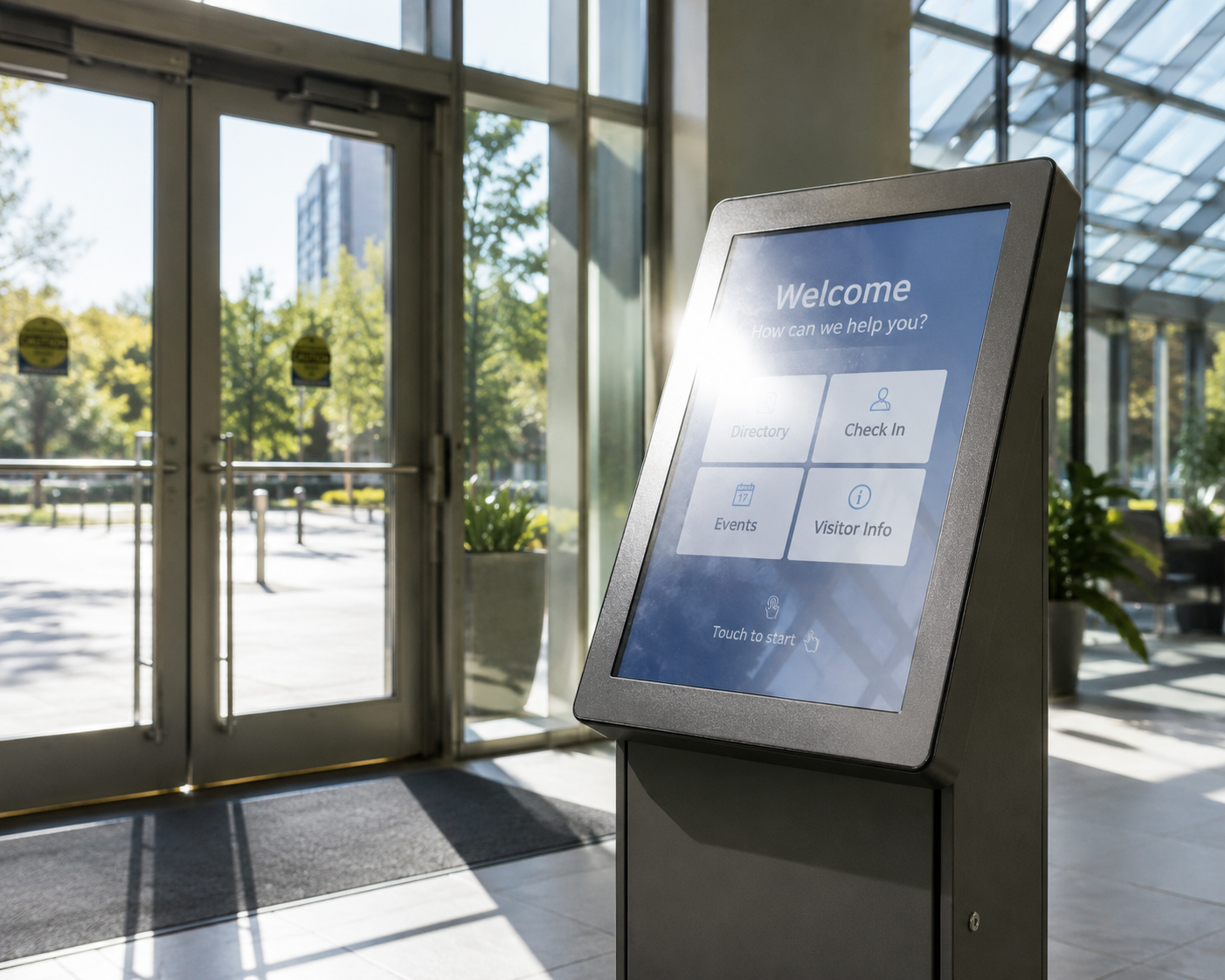
What makes a shopping centre wayfinding kiosk worth using
A specifier's guide to wayfinding kiosks for shopping centres: duty cycle, glare, vandal-resistant touch and…


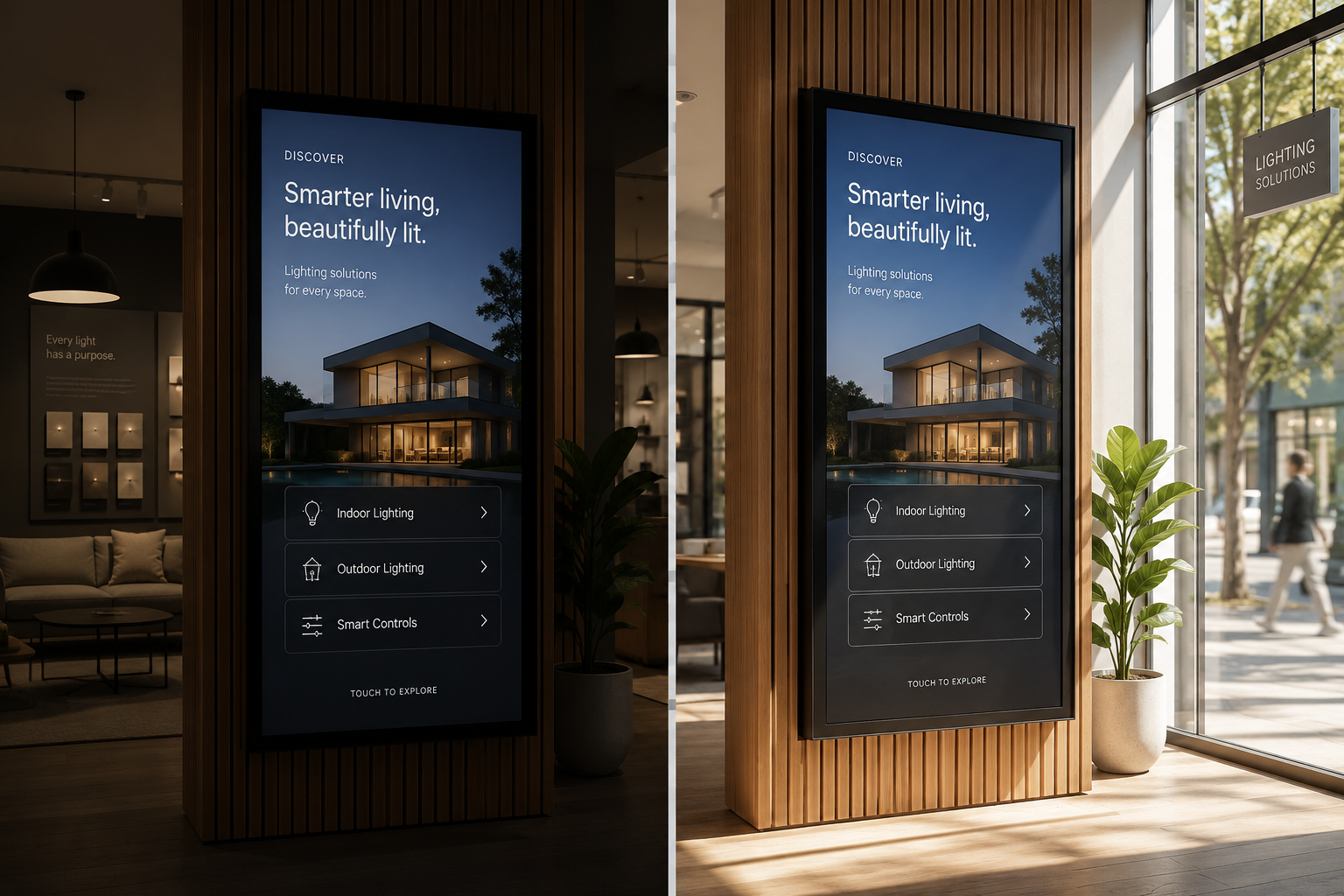
A screen can look brilliant in the showroom and turn into a dark mirror the day it faces the street. The showroom is dim and controlled. The shopfront catches the western afternoon sun straight on the glass. Same screen, brighter spot, and now it is unreadable at the exact moment people walk past.
Manuco supplies and specifies commercial displays from Thomastown, in Melbourne's north. Matching the brightness to the site is the difference between a screen that carries in daylight and one that disappears. Below are the ranges by environment, what an outdoor display screen needs in full sun, and why a brighter screen is not always the smarter buy.
A nit is a unit of luminance: one candela per square metre. In plain terms, it is how much light the screen sends towards the viewer. It is not the same as lumens, which measure the total light a source like a projector throws in all directions. For a flat display, nits is the figure that matters.
For a sense of scale, a mobile phone runs several hundred nits, a home television around 300 to 500, and a standard office monitor 250 to 350. Those levels work indoors because the room is dim enough for the screen to stand out.
The number on its own tells you little. What counts is the brightness set against the light in the room. A 500-nit screen that looks sharp in a corridor can turn flat and grey behind a north-facing window. The environment sets the target. The screen has to clear it.
The light a screen competes with rises sharply as you move from a shaded room out towards open sun. These are the bands for the common commercial settings.
Pick a screen below the band for its spot and it looks washed out at the worst times of day. For a west-facing shopfront, that is the busy late afternoon. The comparison table below sets out the same ranges at a glance.
| Where the screen sits | Suggested brightness | Why |
|---|---|---|
| Indoor, controlled light (foyers, waiting areas) | 300 to 500 nits | Steady lighting, no sun on the glass |
| Bright interior (open retail, atriums) | 500 to 700 nits | More ambient light to compete with |
| Window-facing, indoors (shopfront glass) | 700 to 1,000 nits | Daylight lands on the screen through the window |
| Semi-outdoor, sheltered (bus shelters, platforms) | 1,000 to 1,500 nits | Bright open sky all day, out of direct sun |
| Outdoor, direct sun (totems, forecourt signs) | 2,500 nits and up | Must cut through direct sunlight and glare |
For most commercial signage jobs, a commercial LCD is the right tool. It is sharp at close range, it renders text and pricing cleanly, and it costs less to buy. If people read the screen from arm’s length to a few metres away, an LCD is almost always the answer.
That covers most of what a display does inside a building:
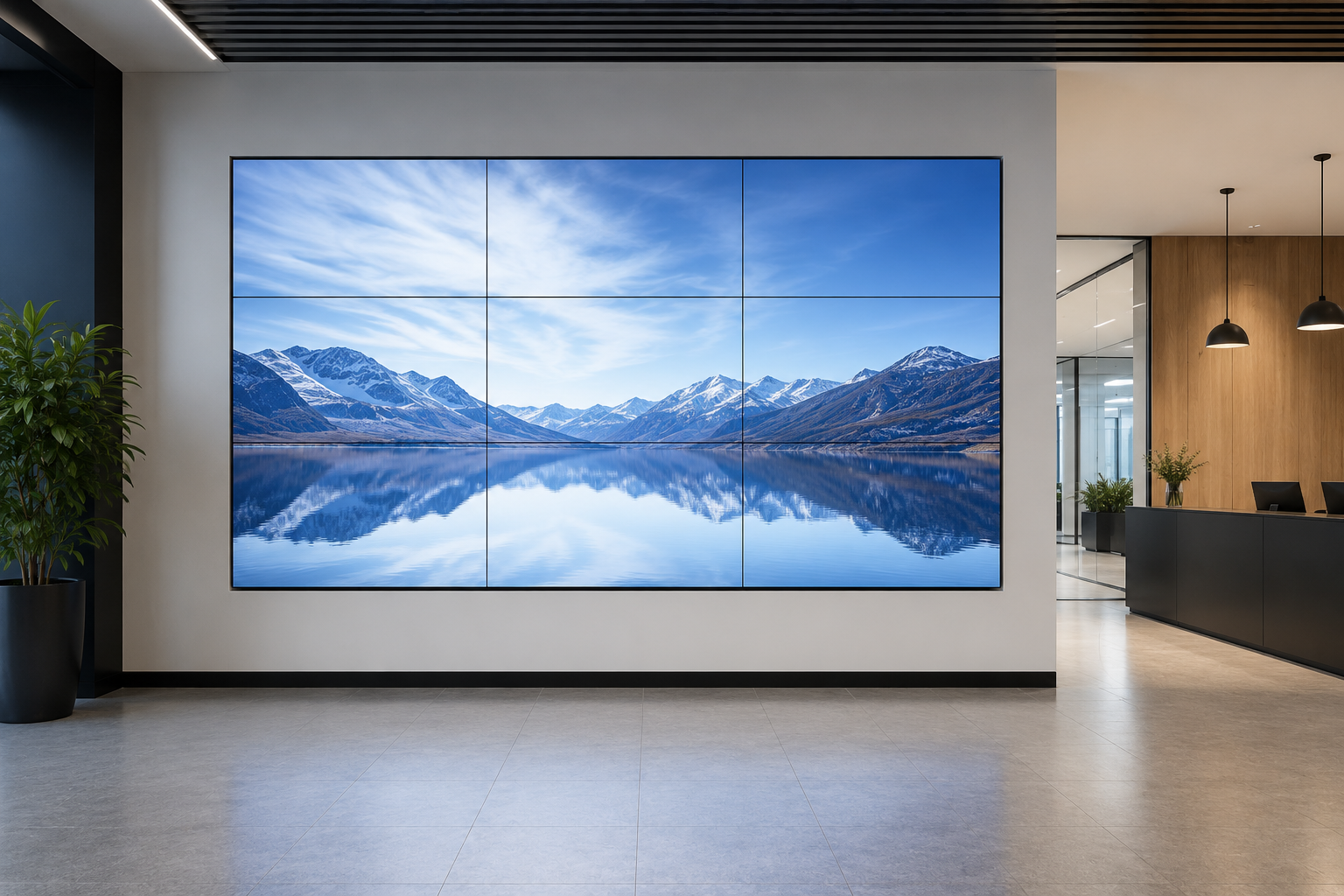
Commercial LCD panels are rated to run 16 or 24 hours a day for years, which a consumer TV is not. One thing to plan around: a single LCD panel tops out at around 100 inches. Past that size you either tile several panels into a video wall or move to direct-view LED. Tiling LCD panels leaves thin bezel lines across the image, which is fine for a data wall and wrong for a seamless feature wall.
Direct-view LED earns its higher price in a few clear situations. If any of these describe the job, an LED screen is worth the spend:
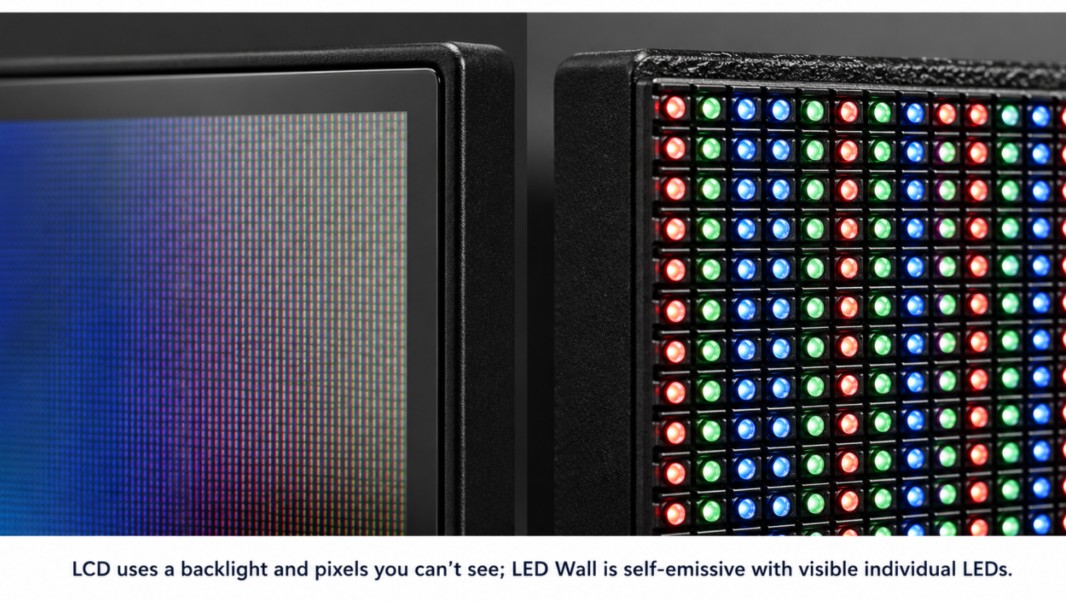
The trade-off is up-front cost and, for close viewing, sharpness. A direct-view LED screen’s clarity depends on its pixel pitch, the gap between the LEDs, measured in millimetres. A fine pitch under 2mm looks sharp from a few metres but costs the most. A coarse 10mm pitch suits a billboard seen from across a car park but looks blocky up close. The finer the pitch you need, the more the screen costs. Sizing an LED wall and choosing a pitch is a job of its own, and it overlaps with how you plan any video wall.
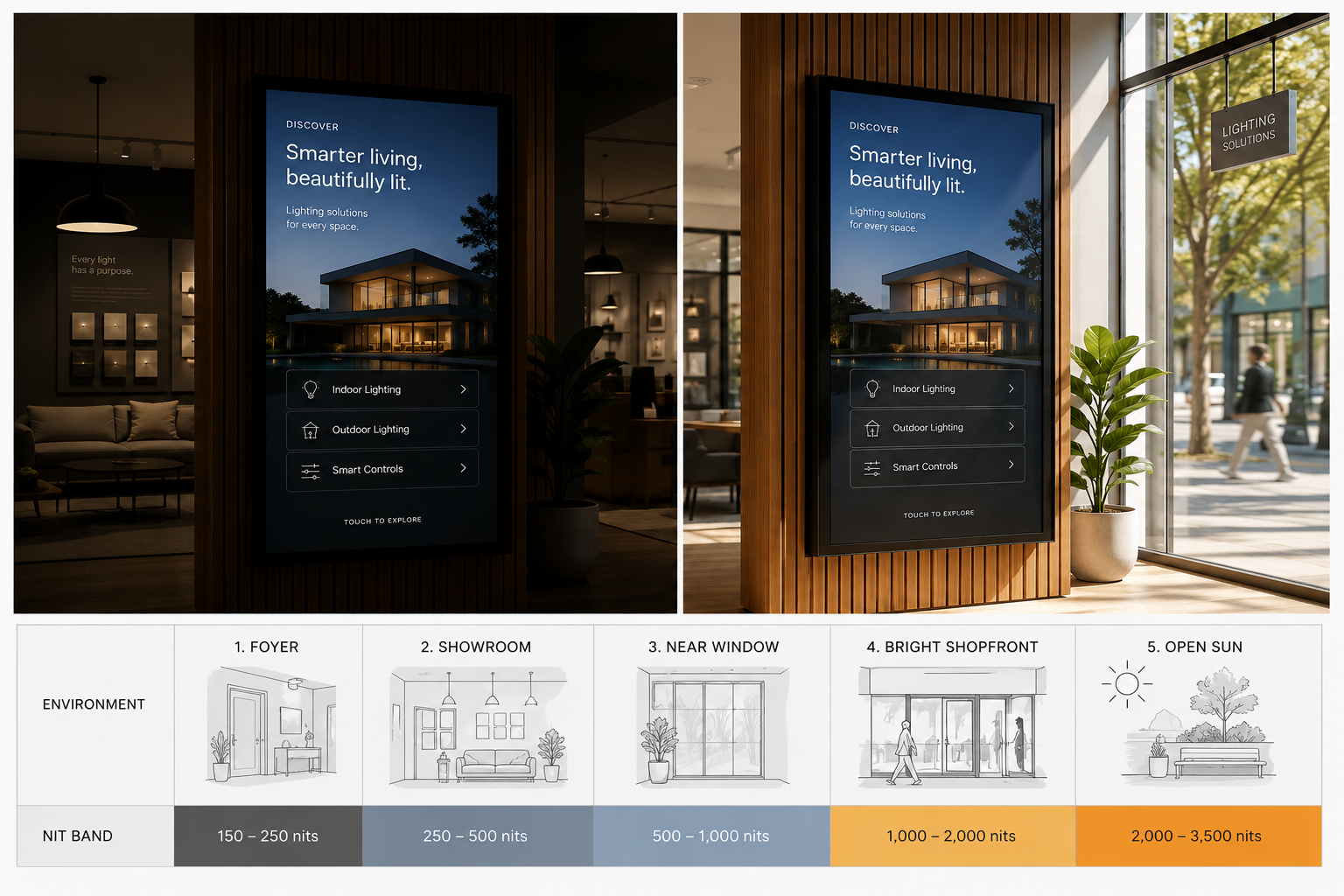
An outdoor display screen in direct sun needs at least 2,500 nits, and many run 3,000 to 5,000. The reason is in the numbers. Direct sun on the glass can reach tens of thousands of lux. A 500-nit screen has no answer to that, so the blacks lift to grey, the colours fade, and the front glass behaves like a mirror. The screen has to push out enough light to cut back through the glare.
Screens built for this are sold as sunlight readable digital signage. Most suppliers treat 1,000 nits as the floor for that label. That figure suits a shaded or semi-outdoor spot. An unshaded screen in full sun needs more, which is why an outdoor totem or forecourt sign starts at 2,500. Manuco's outdoor kiosk range sits in the 2,500 to 3,000 band for the same reason.
Orientation matters as much as the rating. A west-facing screen takes the full afternoon sun, which is peak trade for a lot of retail and hospitality sites. A north-facing one bears the harsh midday light. An east or south aspect is easier on the screen. Two identical displays on the same street can need different brightness based only on the way they face.
Brightness is one part of surviving outdoors. Heat, sealing against dust and water, and the panel's rating for local conditions all matter too. Our guide to outdoor digital signage for Australian conditions covers those alongside brightness.
A brighter screen is not a free upgrade. Pushing out more light draws more power and runs hotter. In a sealed outdoor case through a Melbourne summer, that heat becomes a real problem. Heat is the main thing that shortens a display's working life, so over-specifying brightness can cost you twice: more to buy, and fewer years before the panel fades.
Raw nits are also only part of readability. Three other things do a lot of the work.
A commercial display also adjusts itself with an ambient light sensor, lifting brightness in the sun and easing it off at night. You are speccing the ceiling the screen can reach. It sits below that for most of the day. That headroom is what keeps it readable at noon without burning power after dark.
At the panel level, the choice between LCD and LED changes how brightness behaves and how far it scales. That decision is worth its own look when you compare outdoor options.
The fastest way to the right number is to describe where the screen will sit. Indoors or out. Which way it faces. Behind glass or in the open. Shaded, or in full sun for part of the day. From those few details, a specific nit range falls out, and it is usually narrower than the full spread above.
If the display is a big spend, it is worth measuring the light at the spot with a lux meter first, or sending a few photos taken at different times of day. A screen facing a glass atrium can catch reflected glare that a plain compass direction would not warn you about.
One more thing is worth checking before you buy. The nit figure on a spec sheet is usually the bare panel, measured before the cover glass and enclosure go on. Both take a slice off the light that reaches your eye. So ask what the screen delivers through its glass. The panel rating on its own overstates it, and the gap is the difference between a number on paper and a screen you can read at 3pm.
Tell Manuco where the display will go and which way it faces, and we will match one to the light it has to work in.
Web Design by CJ Digital