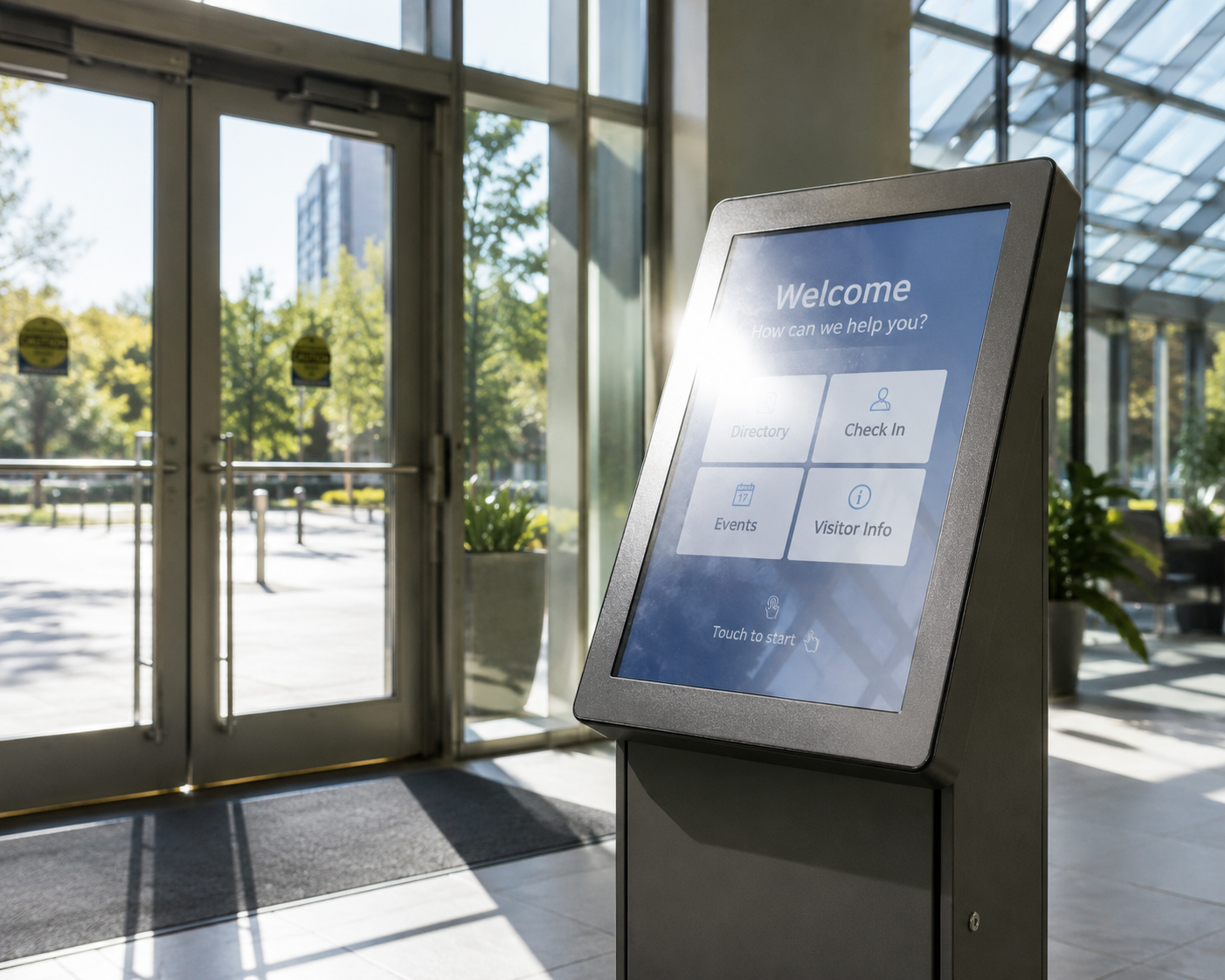
What makes a shopping centre wayfinding kiosk worth using
A specifier's guide to wayfinding kiosks for shopping centres: duty cycle, glare, vandal-resistant touch and…


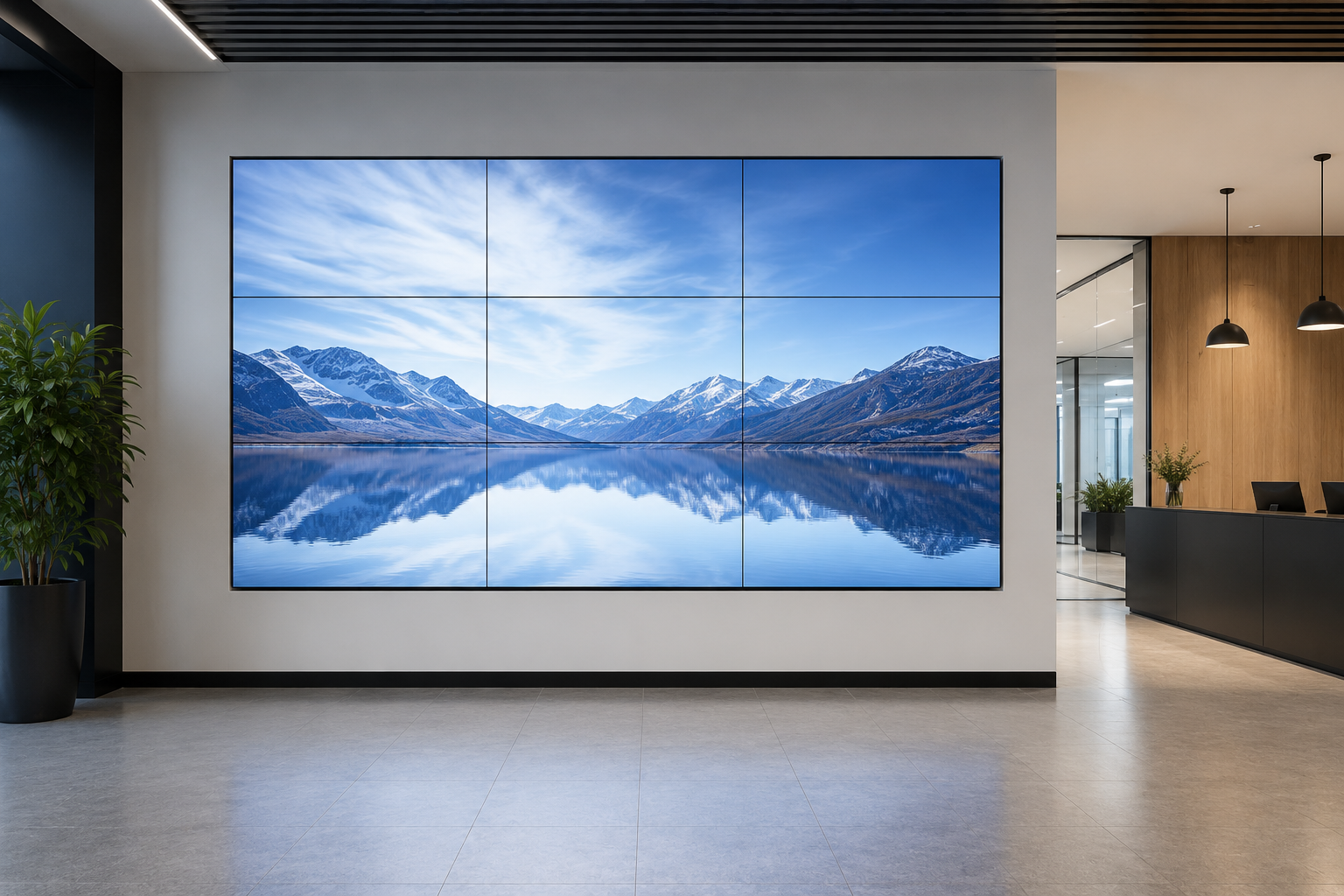
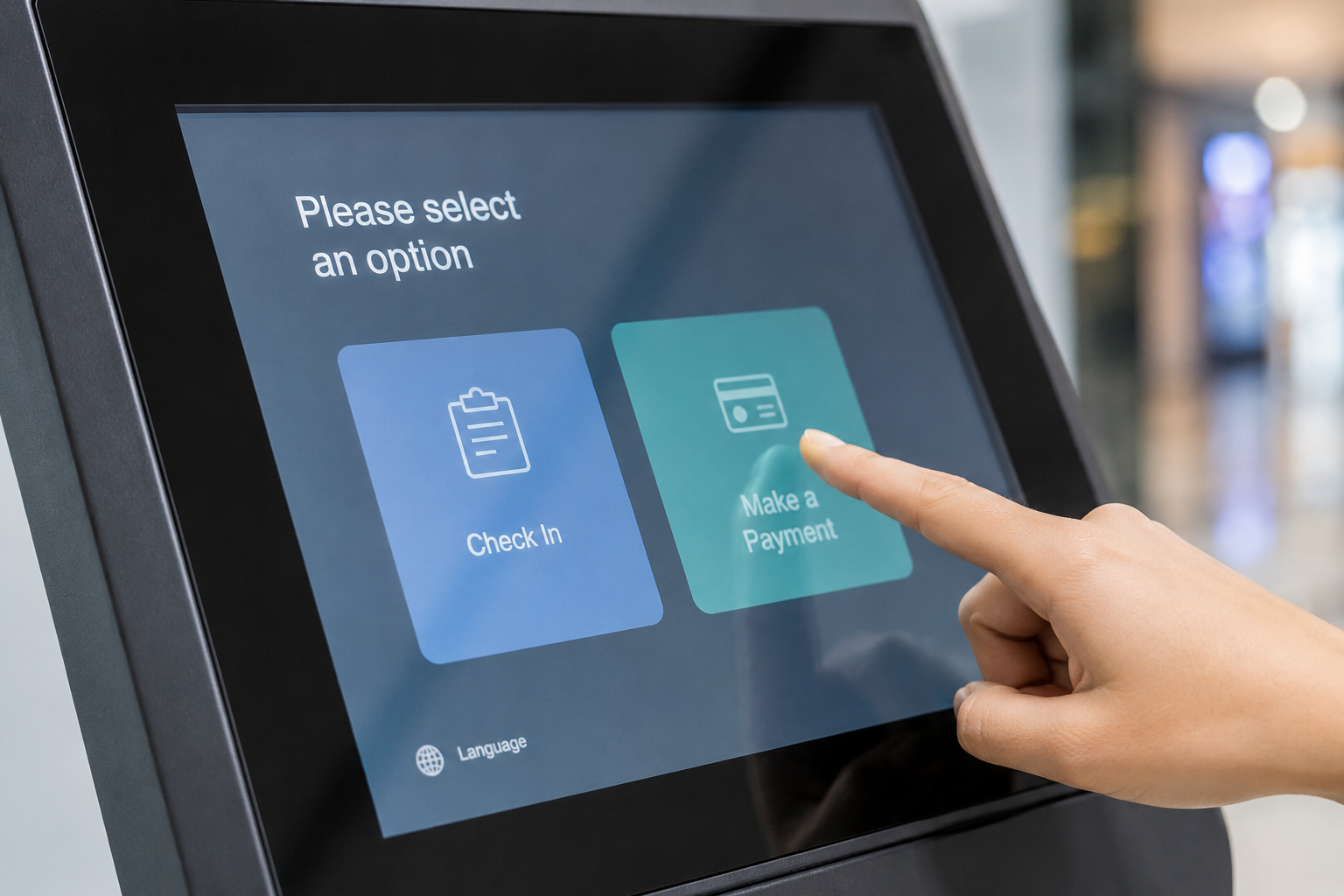
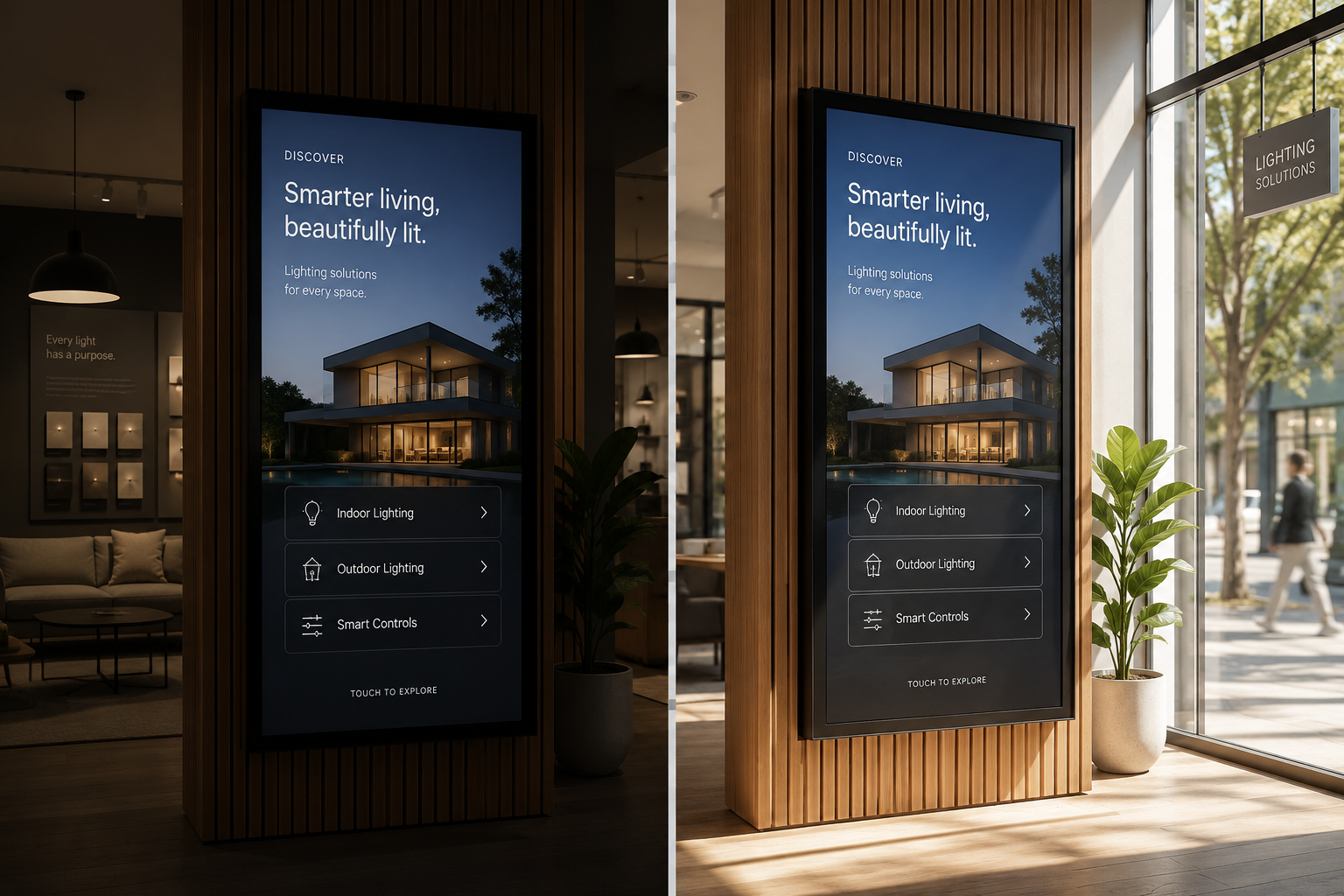
Picture the brief in front of you: a directory for a busy centre, something shoppers will reach for, in a space that trades from early morning to late-night shopping, seven days a week. The screen is the easy part. The harder questions are how it copes with those hours, how it handles the glare pouring through the atrium glass, and who keeps the store list current when three tenancies change in a single month. Manuco specifies and supplies commercial display hardware from Thomastown in Melbourne's north, so this guide is built around those decisions, the ones that settle whether the kiosk earns its floor space or just gathers fingerprints.
Worth knowing up front: the screen is rarely the first thing to fail in a public directory. It is the touch layer and the enclosure, worn down by thousands of taps a day and wiped over with whatever cleaner sits on the trolley. Specify those two well and the unit runs for years. Treat them like a retail TV and you will be back on site within twelve months.
Many do, which is the reason centres keep installing them. A well-placed kiosk earns its keep with the shoppers a phone doesn't help: the older visitor, the tourist, the tradesperson in an unfamiliar centre, the family who just want the nearest parents' room. It also does a second job a phone can't, promoting tenants, events and centre services to everyone walking past.
The honest limit is placement. A directory buried mid-mall gets ignored, because shoppers there have already chosen their direction. The same unit at an entrance, a lift lobby or a court junction, the points where people stop and decide, gets used all day. Wayfinding kiosks pay off at decision points, so the number and position of units matters as much as the hardware inside them.
A wayfinding kiosk helps a person find their way. It shows a directory, a map, a route to a store or an amenity, and often what's on at the centre. A self-service kiosk lets a person finish a task: order food, buy a ticket, check in or pay. The two often share the same hardware, yet they are specified for different jobs.
Wayfinding is what this guide covers. It is a browse-and-tap job: short interactions, thousands of them, from people who will never read an instruction. That shapes every choice below, from how large the map text has to be to how forgiving the touch needs to feel under a hurried finger.
The transactional side brings its own demands around payment hardware, receipt printers and shopper privacy. If a centre kiosk also takes payment or prints, start from the screen-and-touch choices in the self-service kiosk guide, then add the wayfinding needs on top.
A shopping centre is one of the harder public spaces to put a screen in. It runs long hours, draws big crowds, floods with daylight in parts and gets cleaned constantly. Four demands follow from that, and each one changes what you buy.
The touch layer is where a public kiosk lives or dies, so it pays to specify it deliberately rather than take whatever ships with the screen.
Most modern kiosks use projected capacitive touch, or PCAP, the same technology as a phone screen. It sits behind glass, responds to a light touch, handles more than one finger at once and shrugs off cleaning. Older resistive touch is cheaper and works with gloves or a stylus, but it wears at the high-use points on a map and feels dated to a shopper. For a centre directory tapped thousands of times a day, PCAP behind toughened glass is almost always the right call. The full comparison sits in the PCAP versus resistive guide.
Beyond the touch type, three things matter for public use. A front glass thick enough to take knocks and daily cleaning, which is where the IK rating comes in. An anti-glare or optically bonded surface, so fingerprints and reflections don't bury the map. And a commercial or industrial-grade touch sensor rated for constant use, so it doesn't fade under the load like a consumer part. Screen size and orientation are the same decisions as any kiosk, so the self-service kiosk guide covers them in full and this piece won't repeat them.
Most centres don't run one kiosk. They run several: entrances, court junctions, car park lobbies. The moment there is more than one unit, keeping them current by hand stops working.
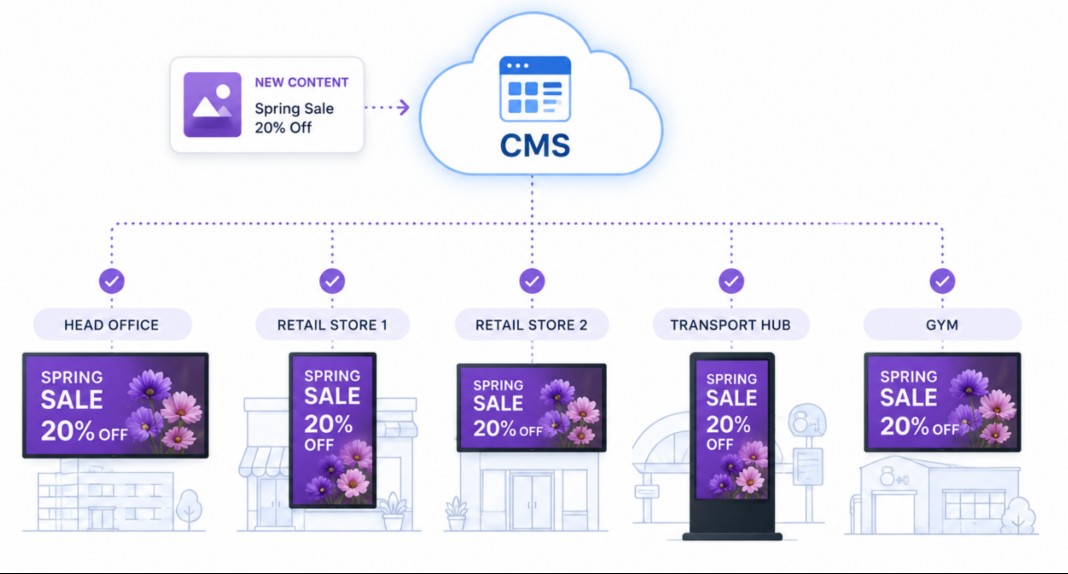
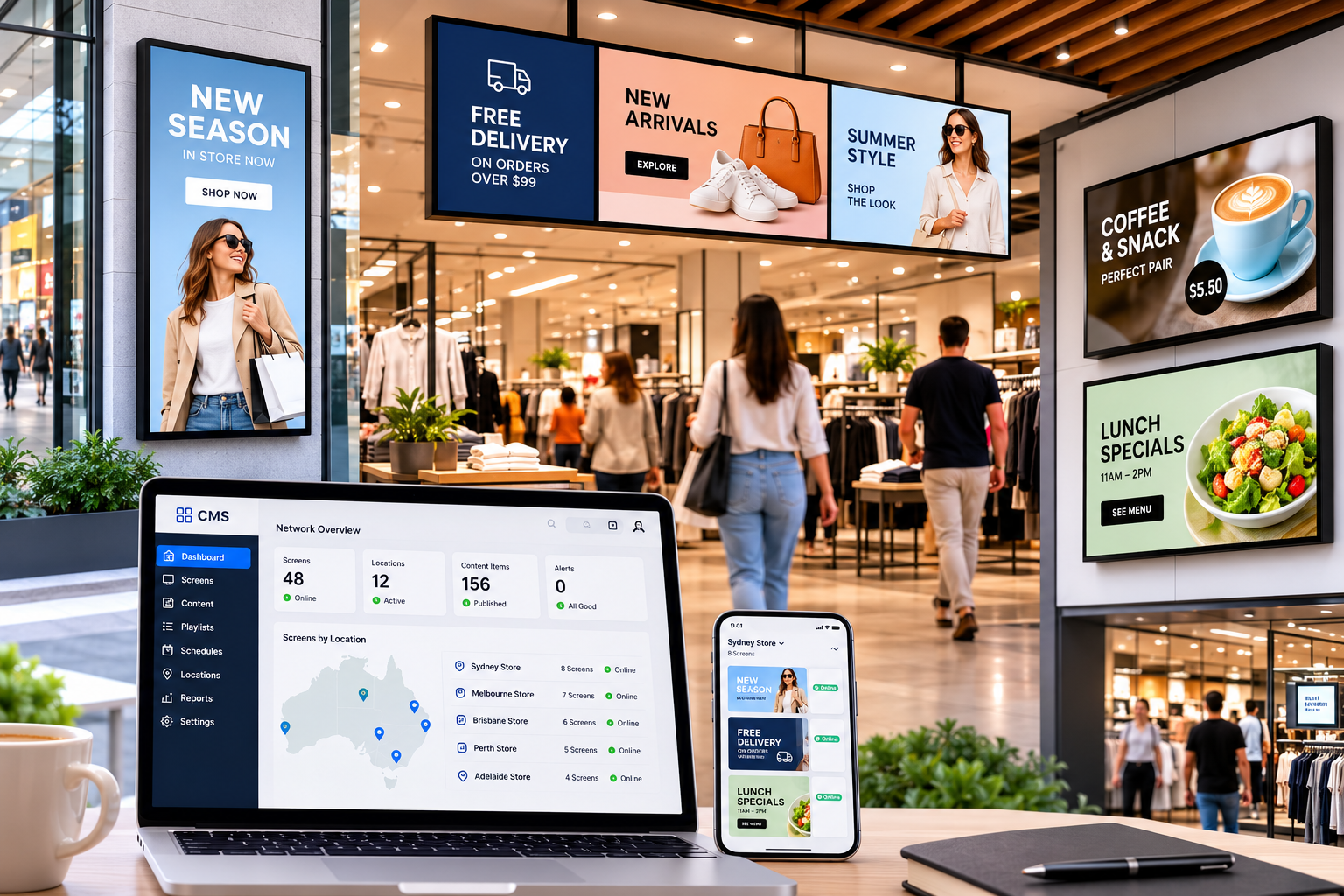
The answer is a content management system, or CMS: software that pushes the directory, the map and any promotions to every unit from a single screen. When a tenancy changes, you update the store list once and it lands on all of them. A CMS also lets you schedule content by time of day, group screens by zone and see at a glance when a unit drops offline, which for an unattended kiosk is often the first sign anything is wrong.
How the content reaches each screen, whether through a separate media player or a player built into the display, and the practical traps of running many units, are their own subject. The guide to running content across a display network covers that operations side. For a centre fleet, settle the CMS approach before buying hardware, because it shapes what you should buy.
| Kiosk placement | What the environment demands | Suggested unit |
|---|---|---|
| Main entrance (facing car park or street) | High daylight, high footfall, exposed to knocks and weather at the threshold | High-brightness display, IK10 front glass, PCAP touch; outdoor-rated if past the weather line |
| Under an atrium or skylight | Strong, changing daylight and glare through the glazing | High-brightness or semi-outdoor panel with anti-glare or optically bonded glass, PCAP touch |
| Centre court or junction | Constant footfall, prams and trolleys, occasional deliberate impact | Standard-brightness commercial panel, IK08 to IK10 glass, PCAP touch |
| Quiet mall or amenities corridor | Lower light, lower traffic | Standard commercial indoor display, PCAP touch, IK08 glass |
| Car park lobby or travelator landing | Dim, dusty, unattended | Dim, dusty, unattended |
Start from where each unit sits before you look at screens. Placement decides brightness, impact rating and whether a unit needs weather protection, and those three drive most of the cost. A directory in a sheltered court is a different unit from one at a glass entrance three metres away, even though shoppers treat them the same. Map every planned position against the demands above before pricing anything, and you sidestep the two common mistakes: over-speccing a sheltered spot, or under-speccing an exposed one and paying for it later in call-outs.
Send Manuco the centre's floor plan with the kiosk positions marked, a note on the daylight at each one and the trading hours, and you'll get a unit-by-unit recommendation for screen, touch and enclosure instead of a one-size quote.
Web Design by CJ Digital