

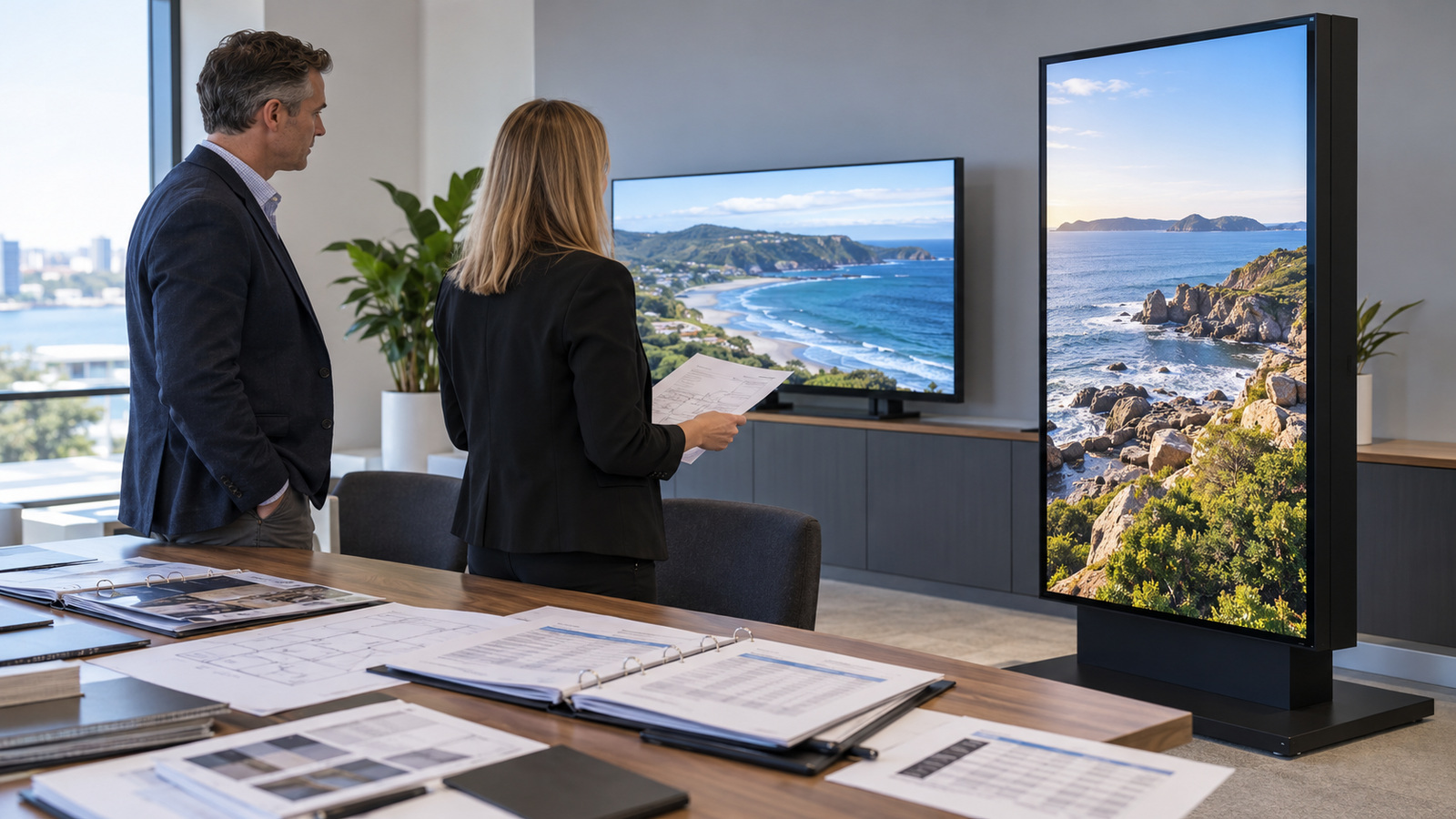
You have been handed a signage project with a one-line brief: supply screens for the new sites. A digital signage tender that compares screens on price alone will pick the cheapest response. It will not tell you which supplier can support those screens in year two.
A better tender asks for three things. It sets out the requirements every supplier must answer in the same format. It asks for evidence behind each claim. It states how responses will be scored before any arrive.
At Manuco, we supply commercial displays and related hardware from Thomastown, Victoria, to buyers across Australia and New Zealand. We are a distributor rather than a manufacturer, which changes who answers questions about stock, warranty and parts.
What is a digital signage tender?
A digital signage tender is a formal request asking suppliers to price and describe a signage project against one fixed set of requirements. The project can include hardware supply, installation, a content management system and ongoing support. Many organisations split these into separate schedules, so each supplier can bid on the part it does well.
Our part is the supply of commercial displays and related hardware. Installation, content software and support contracts often sit in other schedules, so the tender should say which schedule each question belongs to. A supplier who answers a hardware question with a software answer has shown the schedule was unclear.
The specification pack describes each site, screen position and content plan. It is covered in our guide to corporate digital signage for offices and workplaces. The tender schedule then works from that pack.
What requirements belong in a digital signage tender schedule?
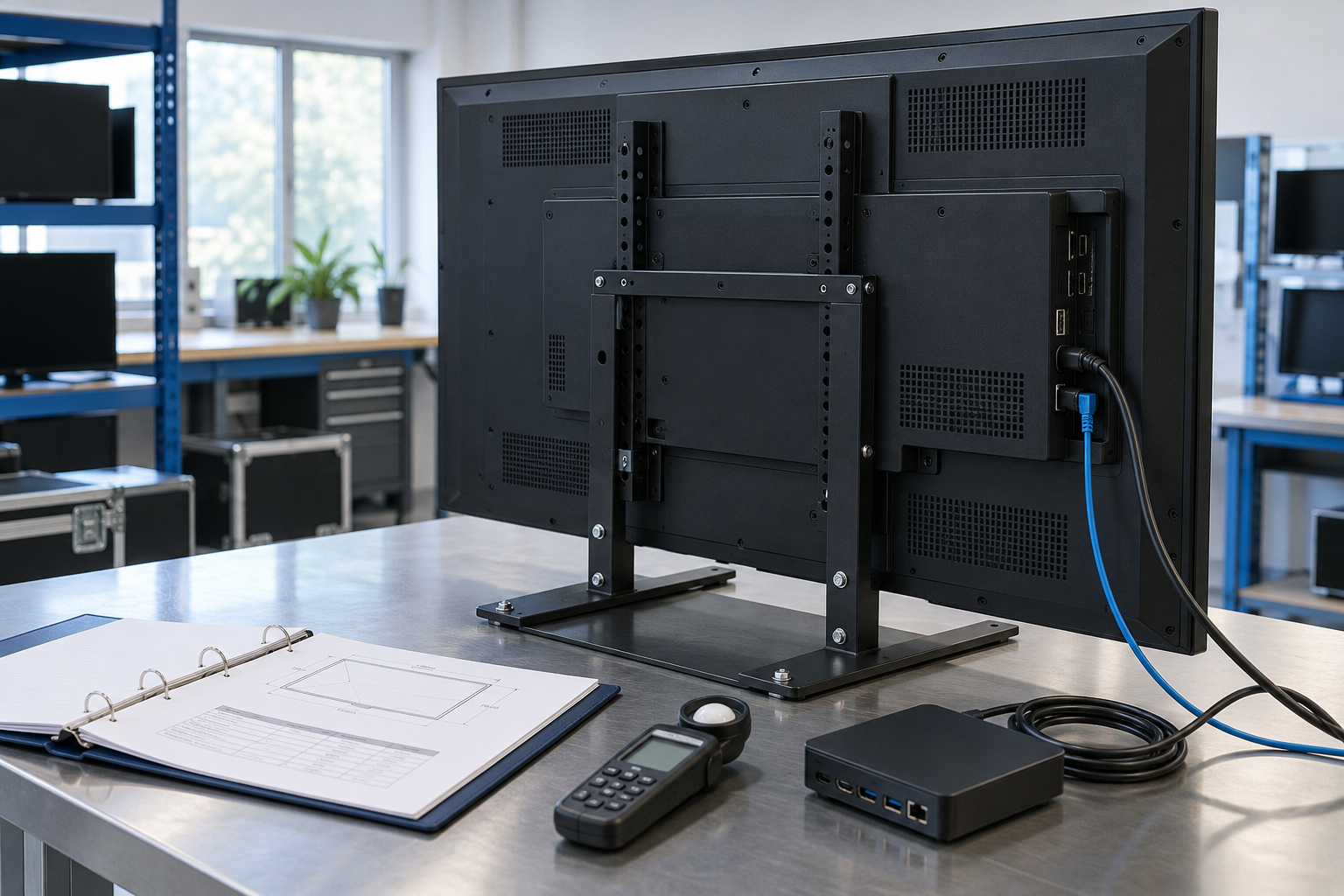
A requirements schedule is the list of technical and commercial needs that every supplier answers line by line. Writing each need as a measurable item makes the responses comparable. A display supply schedule should cover these items:
Each line should also ask for the datasheet page that proves it. Our commercial display monitor selection guide covers size and mounting choices in more depth.
- Screen size and quantity. State the size, the quantity at each site and the total.
- Brightness. Brightness is measured in nits, a unit equal to one candela per square metre. A screen facing direct sun needs a much higher figure than one in a lobby, so state the brightness for each position. Our article on how many nits an outdoor display screen needs explains how to choose the figure.
- Hours of use. State the hours per day and days per week. A screen that runs around the clock needs a panel rated for continuous operation, and the datasheet will say whether it is.
- Operating environment. List the ambient temperature range, exposure to sun, and any dust, vibration or washdown.
- IP rating. An IP rating is an ingress protection code that shows how well an enclosure resists dust and water. Specify it for any screen outdoors or near washdown areas.
- Mounting. Say whether screens mount on walls, ceilings, poles or freestanding stands, and who supplies the brackets.
- Connectivity. List the video inputs and the network connection. State whether the media player is built in or supplied separately.
- Warranty period. State the minimum period and whether cover includes parts, labour and on-site attendance.
- Spare parts and support response. Ask how long parts for the model will stay available and how quickly a fault will be acknowledged.
What should a digital signage tender ask the supplier?
Supplier questions test how a response will hold up after delivery. The requirements schedule shows what the screen does. These questions show who stands behind it.
- Where is the stock held? Ask whether it sits in Australia, New Zealand or overseas.
- What is the lead time for this quantity? Ask for it in writing, with the quantity it applies to.
- Who services the unit? It may be the supplier, the manufacturer or a third party.
- What happens when a unit fails? Ask whether the supplier repairs, replaces or arranges a return, and who pays freight each way.
- How is warranty handled in Australia and New Zealand? Ask whether cover differs between the two.
- Which compliance marks does the model hold? Ask for the evidence for each mark, tied to the exact model quoted.
- Will the same model be available for later orders? Ask for the supplier’s view of the model’s life.
The last question matters on multi-site rollouts. A model that is discontinued halfway through leaves sites with mismatched screens.
How do you weight and score digital signage tender responses?
Weighted scoring turns each response into a number against criteria fixed before responses arrive. It stops the lowest price from deciding the result by default. The table shows suggested weighting ranges for a display supply tender.
| Criterion | Suggested weighting range | Evidence to request |
|---|---|---|
| Total delivered price | 25% to 40% | Itemised price including freight, mounting hardware and any accessories |
| Technical compliance with the schedule | 20% to 30% | Datasheet pages for each requirement, for the exact model quoted |
| Warranty and support | 10% to 20% | Warranty document, service process, fault response commitment |
| Delivery and stock | 10% to 15% | Written lead time statement, stock location, quantity it applies to |
| Product availability over time | 5% to 10% | Supplier statement on model life and later order availability |
| Supplier capability | 5% to 10% | Comparable projects and referees |
These ranges are starting points. A project with screens in direct sun may weight technical compliance higher. A small indoor project may weight price higher. Agree the final weights with the evaluation panel before the tender is issued, and do not change them after responses arrive.
Define each score in writing as well. For example, a score of 5 can mean the requirement is fully met and the evidence is attached. A score of 3 can mean it is met with a query, and 0 can mean no response. Score price on total delivered cost, including freight and mounting hardware, not unit price alone.
What are the red flags in digital signage tender responses?

A red flag is a response that looks complete but cannot be checked. Four are worth building into the evaluation checklist.
- Consumer products offered as commercial. Consumer televisions are generally rated for lighter daily use than commercial panels. If the datasheet lists a rated operating period shorter than your hours, query it. Our article on why consumer screens fail in commercial signage explains the differences.
- No datasheets. A quote without a datasheet cannot be checked against the schedule. A datasheet for a different model number counts as no datasheet.
- Vague warranty wording. A phrase such as ‘limited warranty’ with no period, scope or return process leaves the real cover unknown. Ask for the warranty document itself.
- Specifications given only as ‘up to’ or ‘typical’. Ask for the minimum figure and the conditions it was measured under. Treat a lead time of ‘subject to availability’ the same way.
What should you do before the tender goes out?
Test the schedule against real product information before it is issued. A requirement that no available product meets will leave you with no comparable responses. It is far easier to find that now than after responses arrive.
Ask us for datasheets for the models you are considering and a lead time statement for your quantity. Check each requirement against the datasheets, and check the lead time against your installation date. Adjust the schedule where the two do not line up, then issue it. You can reach us through our contact page.
General information only. Tender conditions and contract terms are not legal advice, so follow your organisation’s procurement policy and have contract terms reviewed by your own legal adviser.
Frequently asked questions
Should I specify a brand in a digital signage tender?
Specifying by performance usually lets more suppliers respond with comparable products. Name a brand only when you must match existing screens or software, and give that reason in the schedule. Your procurement policy may set its own rules on brand specification, so check it first.
Can I ask suppliers for a sample screen?
Yes, a tender can ask for a sample or loan unit. It is most useful for judging brightness and viewing angle in the real location. State who pays freight, how long the unit can be held and how it is returned.
How long should supplier validity be?
Validity is the period a supplier holds its price and terms. Set it to cover your evaluation, approval and contract steps, with some margin. Screen and freight costs can move, so a long period may be priced into responses.