

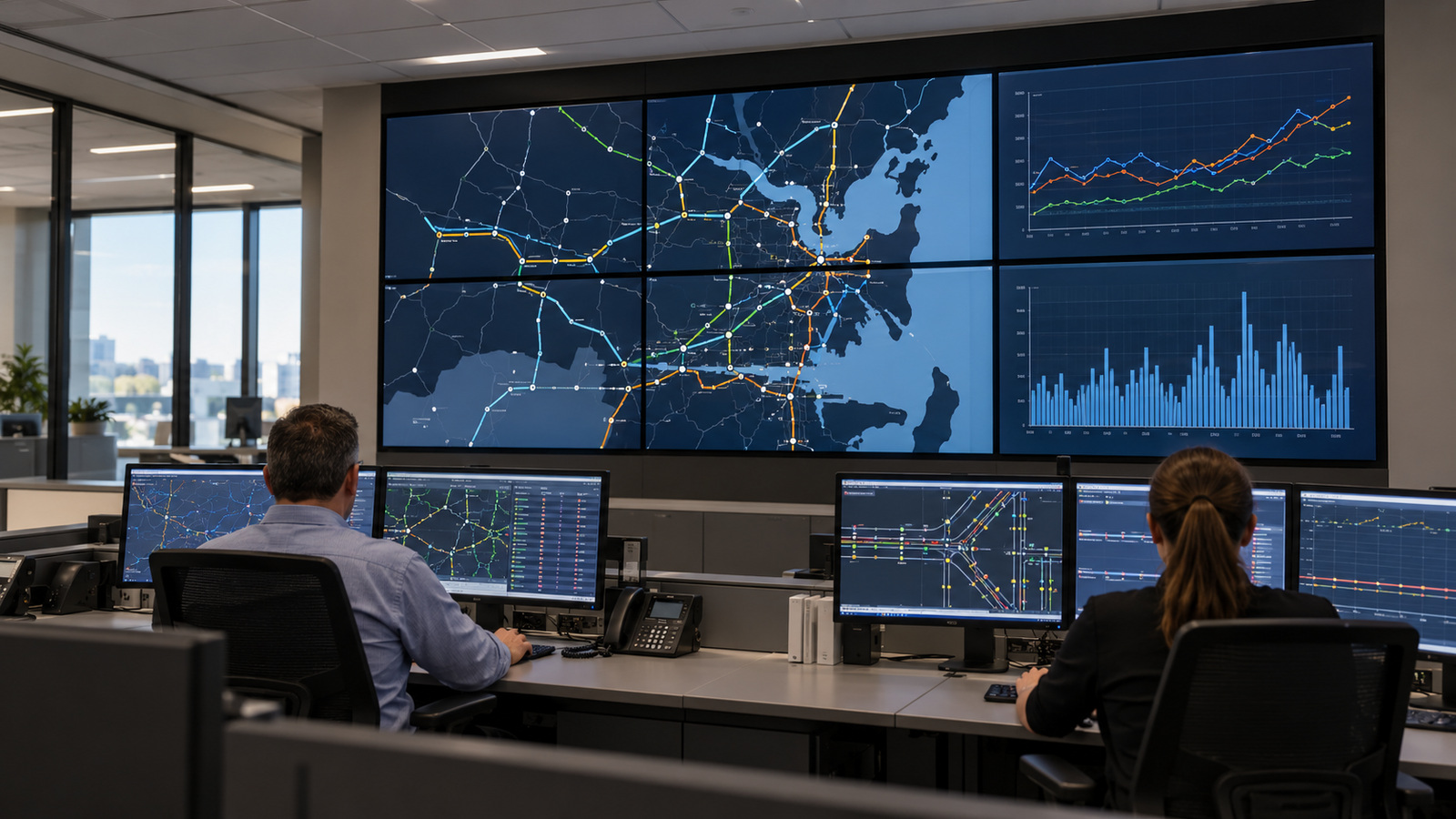
A transport operations room is being fitted out. The drawings show a wall of screens, a row of operator desks and a roster with no gaps. The screens will run every hour of every day, and someone will be reading them closely the whole time.
At Manuco Electronics in Thomastown, we supply commercial displays to integrators and project teams across Australia and New Zealand. Choosing control room displays for a room like that comes down to three checks. Is the screen rated for the hours it will run? Can the smallest text be read from the furthest seat? Can one failed screen be swapped without stopping the room?
What is a control room display?
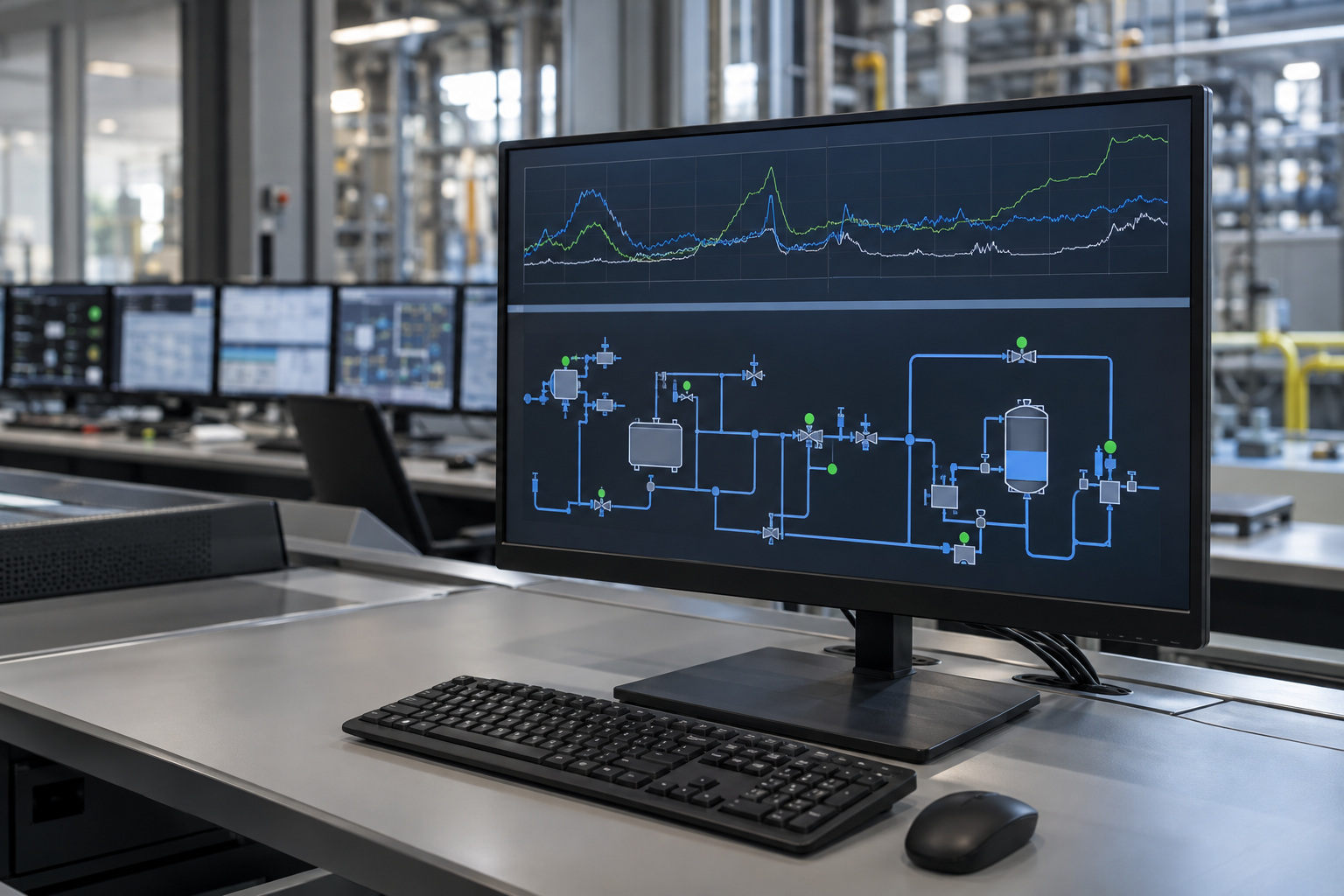
A control room display is a commercial display rated for continuous operation and used to monitor a process, not to present to an audience. Operators watch maps, trend charts, camera tiles and alarm lists, often for a full shift. These rooms are found in transport, utilities, emergency services and security.
That is different from signage. Signage content loops and changes, and people glance at it. A control room layout can sit unchanged for hours while an operator reads small text on it. Consumer televisions are not built for that duty, as our guide to what makes a commercial display suitable for 24/7 use explains.
Panel, brightness and image retention in 24/7 use
Image retention is a faint ghost of a fixed image that stays on an LCD after the content changes. Sharp NEC Display Solutions’ operational guidelines for its desktop displays say an LCD can show it when static information stays on screen for a long time. Control room layouts are that kind of content: fixed borders, fixed labels and sharp contrast.
The same guidelines say a display used 24/7, or for more than 7,000 hours a year, is very likely to show accelerated ageing. They list staining, image retention and uneven brightness. Seven thousand hours a year is about 19 hours a day, so any room that runs through the night is in that range.
The guidelines also carry a warranty point. NEC says image retention is not covered by its standard warranty or its 24/7 warranty extension for those models. The extension also requires brightness to be set no higher than 70 per cent. Terms differ by maker and model, so read them for the exact screen.
Three habits reduce the risk. Keep the room cool, because NEC notes that ambient temperatures above 35 degrees Celsius can bring retention on sooner. Run brightness below the maximum, which an indoor room usually allows. Move content where you can, and avoid sharp black and white borders beside high-contrast pictures.
These figures come from one maker’s desktop range. They show what a warranty can contain, not a rule for every screen.
Should a control room use a video wall or individual screens?
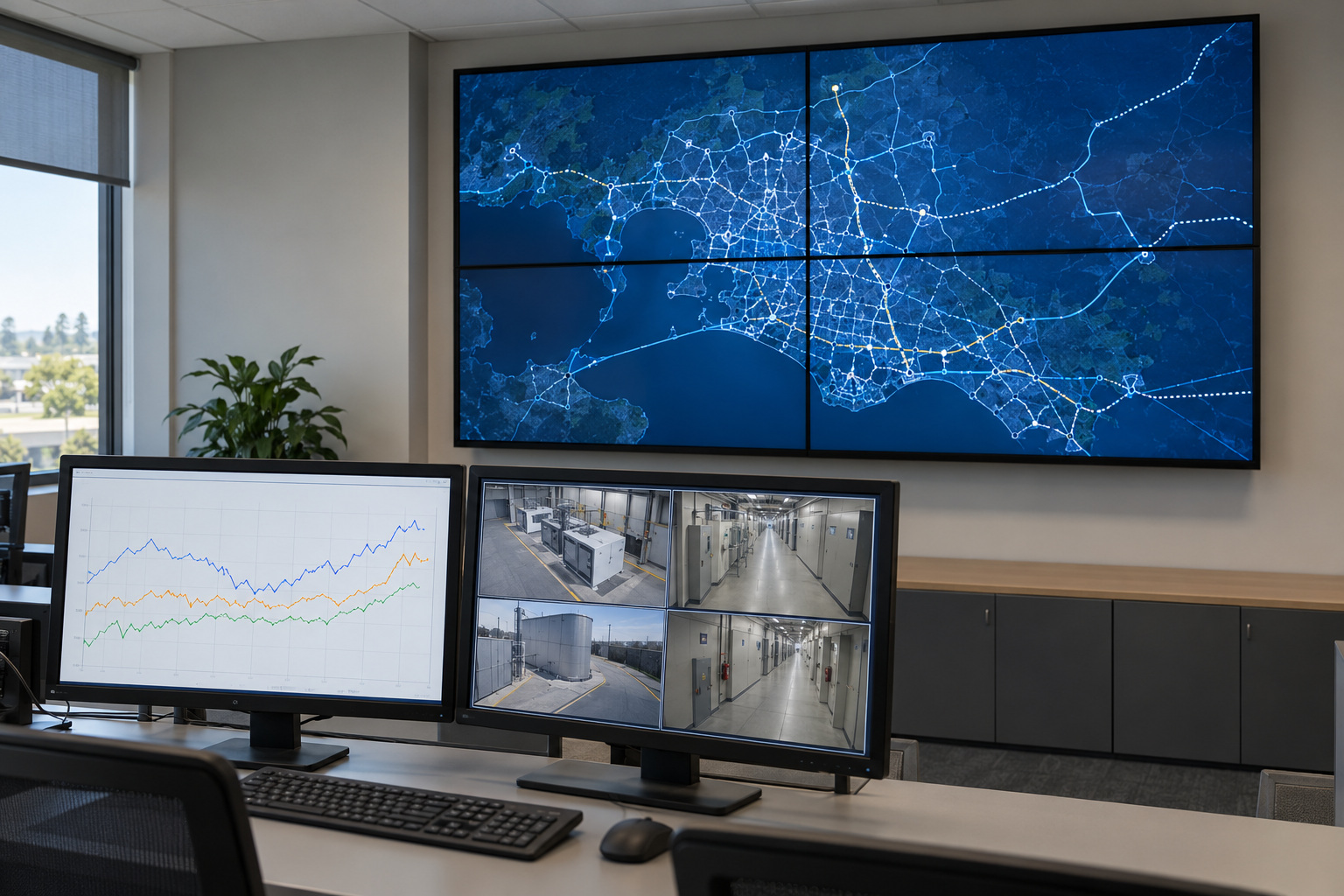
A video wall is a grid of display panels driven together as one large screen. A bank of individual screens is a set of separate displays, each showing its own source. The choice turns on whether the whole room needs one shared picture.
A wall suits a common operating picture that every operator can see from their seat, such as a network map or a live incident view. Control room vendor Activu describes the usual arrangement as personal console displays plus a video wall showing that shared picture. Operators get their own detail and the room’s view at once.
Individual screens are simpler. Each one stands alone, so a fault affects one source and one operator. They cannot span a single picture, though.
A wall adds a processor that splits the picture across the panels. It is a single point of failure for every panel it drives, so ask about a spare. Panels also age unevenly, so a tile fitted years later can differ from its neighbours. Ask how replacement tiles are matched.
Array size, bezel width and mounts are covered in our guide to sizing and specifying a video wall.
How far should operators sit from the screens?
Operators read text at a distance, so the test is character height at the furthest seat. Activu’s control room guidance sets 16 minutes of arc as the smallest easily readable character height and 20 as the better target. Extron gives a similar 15 to 20. A minute of arc is one sixtieth of a degree. Character height equals viewing distance multiplied by the tangent of the angle.
Take an operator seated 4 metres from the wall. Sixteen minutes of arc is about 19 mm of character height, and 20 minutes is about 23 mm. A 55 inch Full HD panel is about 1,217 mm wide across 1,920 pixels, so its pixels sit about 0.63 mm apart. Readable text is then roughly 29 to 37 pixels tall. At 6 metres it is about 28 to 35 mm, or 44 to 55 pixels.
Now the reverse. Text 12 pixels tall on the same panel is about 7.6 mm high. It reaches 16 minutes of arc only within about 1.6 metres. That suits a desk screen, not a wall. Whoever builds the screen layouts needs these pixel heights before the displays are ordered.
Glare is the other half. Windows, ceiling lights and desk lamps reflect off the glass, and the reflections differ from every seat. Check from each seat, not from the middle of the room. Operators at the ends of a row also see the wall from the side, so ask about viewing angle and surface finish.
ISO 11064-4:2013 covers workstation layout and dimensions in control centres, mainly for seated, display-based workstations. It is a paid standard, so take its dimensions from your ergonomics adviser, not a supplier’s guide.
Control room display specification checklist
This checklist turns the points above into questions a supplier can answer from a datasheet. Take it to any supplier, including us. Our indoor display range includes commercial monitors with video wall options, and the same questions apply to each model.
| Requirement | Why it matters | What to ask the supplier |
|---|---|---|
| Rated operating hours | Screens that run all night age faster. | The hours per day stated for this model, and the warranty terms for those hours. |
| Image retention | Fixed layouts can leave ghost images. | Whether retention is covered by the warranty, and what content or brightness limits apply. |
| Ambient temperature | Heat brings ageing on sooner, especially in walls or housings. | The rated operating temperature and the ventilation clearance. |
| Text size at the furthest seat | Operators must read small text at a distance. | The native resolution and panel size, so pixel height can be worked out. |
| Viewing angle and surface | Operators at the row ends view off to the side, and glare differs by seat. | The viewing angle rating and the screen surface finish. |
| Orientation | Some monitors are warranted for landscape use only. | Whether portrait use is warranted. |
| Spares and replacement | One failed screen should not stop the room. | The replacement process, the lead time and whether the same model stays available. |
| Input redundancy | A lost signal blanks the screen. | Whether it can switch to a second input automatically. |
Cabling, redundancy and service
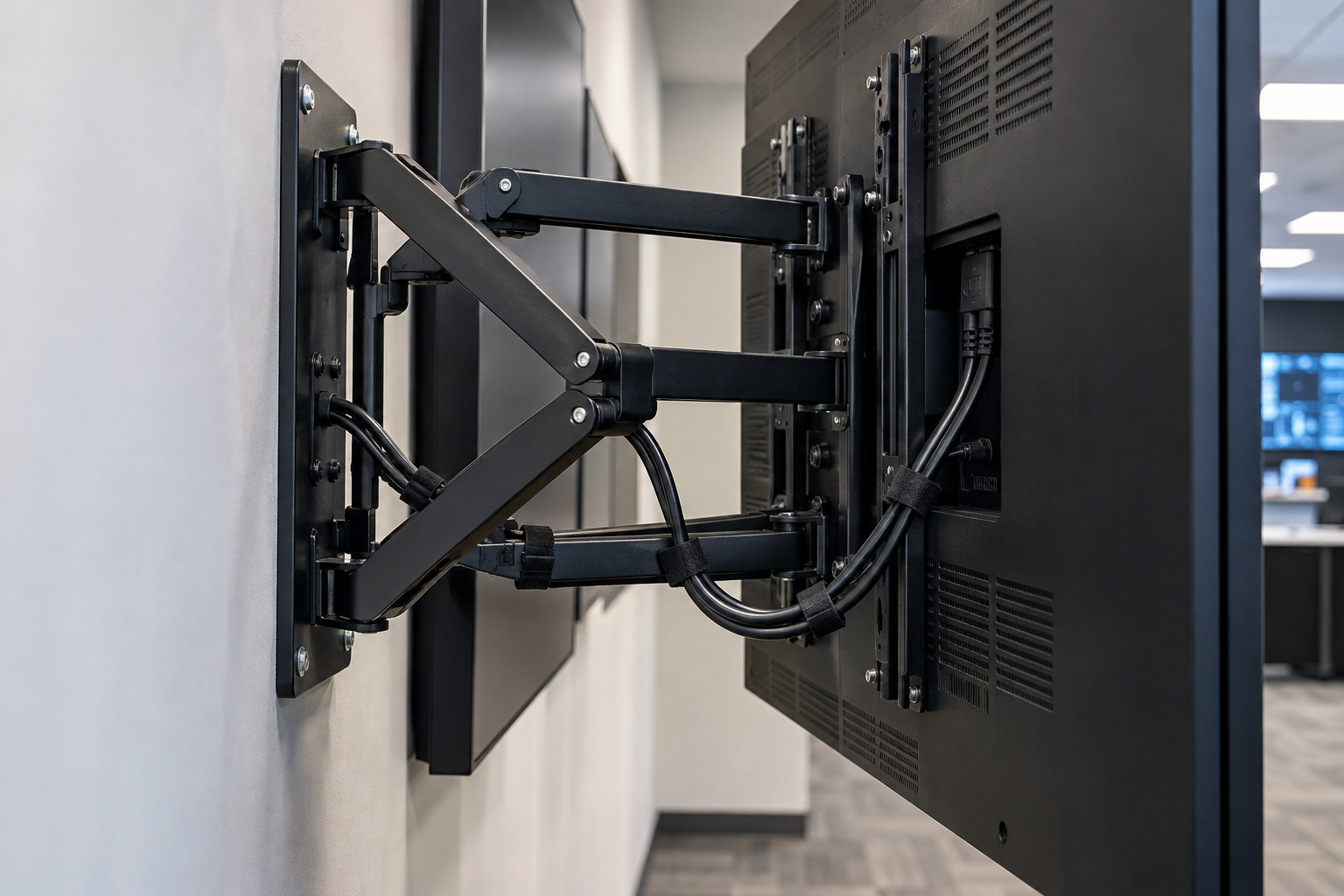
Settle four things before ordering, because a control room cannot wait for a site visit to learn how a failed screen gets replaced.
Inputs come first. Ask whether the display can switch to a second input if the first signal drops. Not every model can. For a wall, ask the same of the processor.
Spares are next. Keep a spare of the same model on site, or agree in writing how fast one can arrive. A spare matters more for a wall, where a dark tile is visible to every operator.
Access is the third. Front-access mounts let a single panel come out from the front, which matters where there is no room behind the wall. Label power and data runs at installation so a technician can trace a cable fast.
Warranty and turnaround finish the list. Ask any supplier for the warranty hours, the replacement process and the expected turnaround for the exact model, in writing.
What to send for a specification recommendation
Send us four things and we can recommend a specification for your room:
- the room size and the distance from the wall to the furthest seat
- the seat positions, including operators at the ends of a row
- the hours of use per day, and whether the room runs overnight
- the type of content on screen, such as fixed maps, trend charts or camera tiles
Add any warranty terms your project requires. Fixed layouts and overnight running change which models suit, so those answers matter most. Send the details through our contact page.
Frequently asked questions about control room displays
How long do commercial panels last in 24/7 use?
No single figure holds across models. Panel datasheets usually state backlight life as the hours until brightness falls to half its starting level, and it depends on temperature and drive current. Ask for the figure for the exact model, then read the warranty’s hours per day.
Can I use a consumer television in a control room?
Consumer televisions are not built for continuous operation, and the warranty may not cover that use, so check the terms before you buy.
How do I check a screen is rated for continuous operation?
Ask for the datasheet and warranty for the exact model, and look for operating hours stated per day. Commercial monitors are often designed for 16/7 or 24/7 operation, so the hours differ by model. The warranty should match the hours you plan.
Should control room screens ever be switched off?
Where operations allow it, yes. NEC says power saving or switching off for 6 to 8 hours a day can extend a display’s life. A room staffed all night cannot do this, so content movement and brightness matter more there.