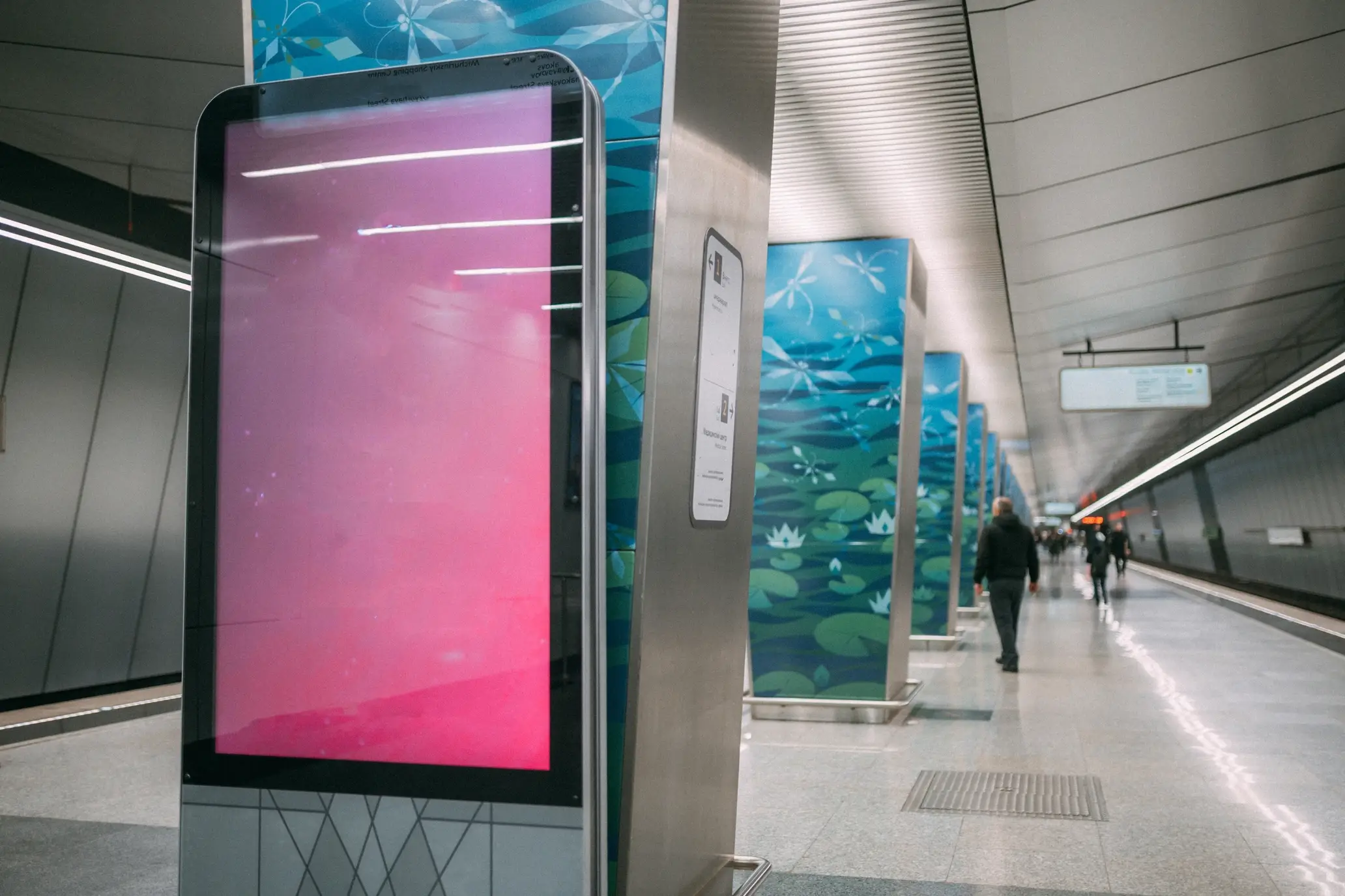
A screen that looks fine on paper can become unreadable in glare, run hot in direct sun, or be expensive to service if access and cabling are not planned early.
This checklist sets out what to record on a site walk so you can brief suppliers clearly, compare quotes fairly, and reduce changes during installation. It is written for Australian conditions, where heat, dust, wind-driven rain, salt air and public access often drive the real-world outcome.
Quick checklist
- Viewing: who needs to read it, from where, and for how long
- Light: sun direction, glare sources, night reflections
- Exposure: heat, dust, wind-driven rain, salt air, condensation risk
- Public space: vandal risk, reachability, cleaning practices
- Mounting: structure type, access method, service clearances
- Power and data: supply location, pathway constraints, comms options
-
Network and security: VLAN, outbound access, remote management
- Content operations: who updates, approvals, scheduling, audit needs
- Install windows: after-hours access, inductions, permits, traffic control
- Handover pack: as-builts, settings, spares, maintenance plan
1) Location and viewing conditions

Start with the reader, not the hardware. If the viewing conditions are misunderstood, you can end up with the wrong screen size, the wrong orientation, or content that cannot be read at speed.
Record:
-
Primary audience: drivers, pedestrians, passengers, staff, customers
-
Viewing distance (closest, typical, furthest)
-
Viewing angle: straight-on, oblique, from below, from above
-
Dwell time: drive-by glance, queue, waiting area, platform, forecourt
-
Message type: pricing, menu, wayfinding, real-time information, branding
Fill in a simple table on site:
| What to record | Why it matters | Common mistake |
|---|---|---|
| Typical viewing distance | Drives screen size and content layout | Choosing size based on wall space, not legibility |
| Viewing angle and height | Affects perceived brightness and contrast | Mounting too high so people view at a steep angle |
| Dwell time | Determines how much information can be read | Treating a queue screen like a billboard |
| Obstructions | Changes placement and need for duplicated screens | Missing poles, trees, awnings, parked vehicles |
| Audience behaviour | Impacts font size and motion use | Designing for ideal viewing instead of real behaviour |
Practical photos:
-
A photo from the typical viewing point
-
A photo from the worst viewing point (furthest, most oblique)
-
A wide shot that shows obstructions and adjacent structures
2) Sun, glare, and readability
Outdoor readability is a mix of brightness, contrast, reflections, and the viewer’s angle. A bright screen can still look washed out if it is reflecting the sky or nearby glazing.
On site, capture:
-
Compass direction the screen will face
-
Photos at the likely worst times for glare (often morning and late afternoon)
-
Shade sources: awnings, trees, nearby buildings, overhangs
-
Reflective surfaces: glass facades, light coloured paving, polished stone, signage lighting
-
Night conditions: a photo after dark to see reflections from street lights and adjacent illuminated signs
Include these notes in the brief:
-
If the display is used for fast decisions (prices, departures, menu items), say so. It changes how conservative you should be with readability.
-
Ask suppliers how they address glare for that orientation, not only what the brightness figure is.

3) Heat, weather, and environmental exposure
-
Whether the site is in direct afternoon sun, especially west and north-facing locations
-
Nearby heat sources: dark metal cladding, plant rooms, exhaust outlets, asphalt heat soak
-
Dust sources: roads, construction, loading bays, unsealed surfaces
-
Coastal exposure: salt air and strong winds
-
Water exposure: sprinklers, wash-down practices, gutter overflow, roof run-off paths
-
Temperature swings that can contribute to condensation risk (warm days, cold nights)
-
Roof edge, gutters, downpipes above the location
-
Sprinkler heads, hose taps, wash-down areas
-
Any gaps where wind can funnel rain onto the face of the unit
-
How the enclosure manages heat at the site, including direct sun exposure
-
How dust and water are kept out without making service access difficult
-
What the recommended inspection and cleaning routine is for that environment

4) Public access, vandal risk, and cleaning realities
Record:
-
Is the screen within reach of the public
-
Is it beside queues, seating, bins, bike racks, or delivery paths
-
Likely impact risks: trolleys, pallets, deliveries, crowding
-
Whether the site is cleaned by an external contractor and what methods are used
-
Whether pressure washing is used anywhere nearby
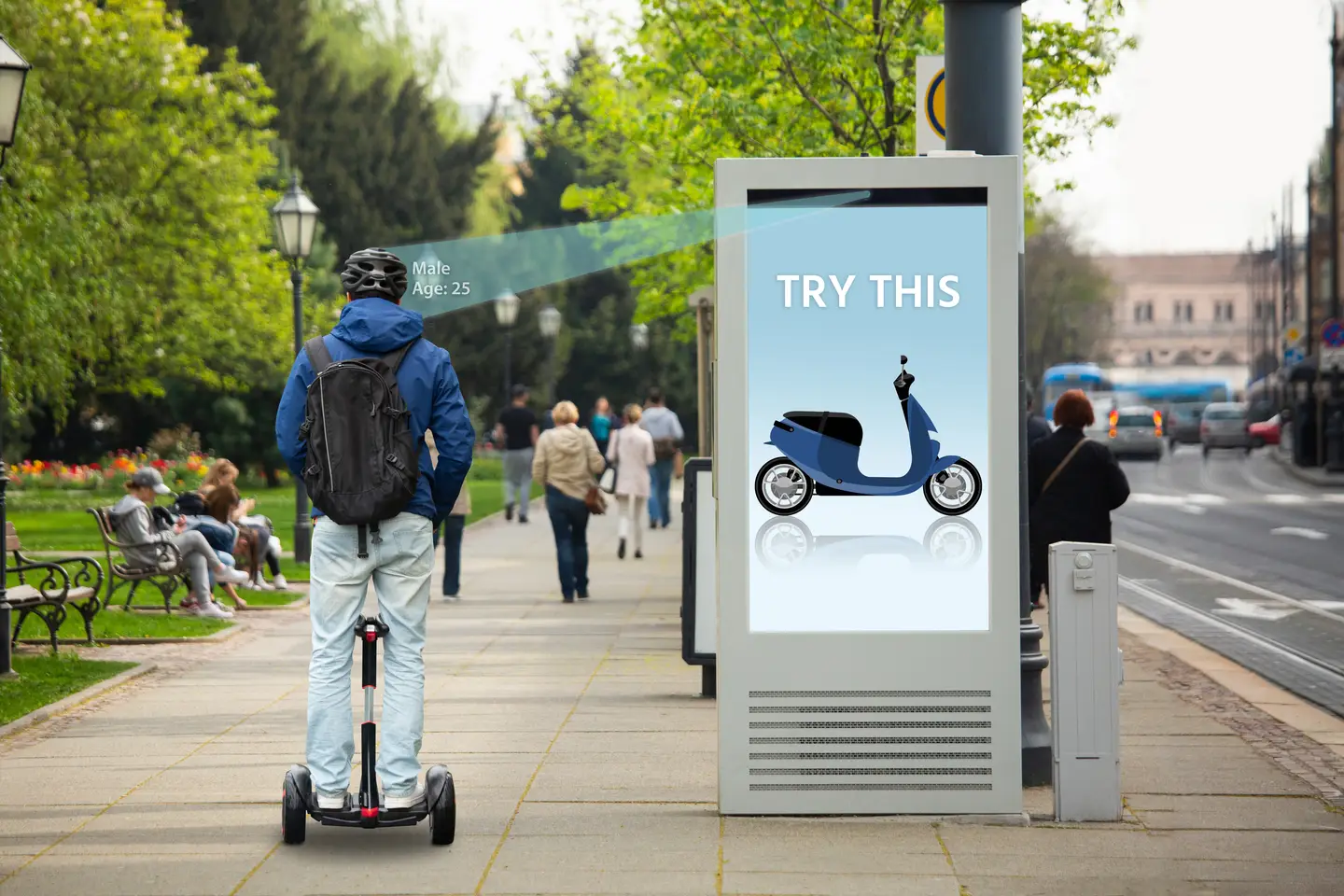
If any of the following are true, put it in the brief:
-
This area is pressure washed
-
This is a high-contact public zone
-
Cleaning is chemical heavy
-
There is a history of vandalism or graffiti

5) Mounting, structure, and service access
A durable installation is only half the job. Outdoor signage must also be serviceable. If a technician needs an elevated work platform every time a filter is checked or a module is swapped, the total cost of ownership climbs fast.
Capture:
-
Mounting type: wall, pole, totem, recessed, under awning
-
Structure material: masonry, steel, composite cladding, existing sign frame
-
Clearances: behind, above, and to the sides (for ventilation and access)
-
Access method for installation and service: ladder, elevated work platform, scaffold, platform
-
Site constraints: pedestrian traffic, vehicle traffic, overhead services, fragile roof sections
Use a simple table to avoid missing basics:
| Mounting type | What to check on site | What to document at handover |
|---|---|---|
| Wall mount | Wall build-up, fixing points, cable route, clearances | Fixing method, cable pathway photos, access method |
| Pole mount | Wind exposure, footing location, vehicle impact risk | Pole and footing responsibility, service access plan |
| Totem / freestanding | Trip hazards, vehicle sweep paths, drainage | Base detail, drainage approach, lock and access notes |
| Recessed / embedded | Water run-off, heat build-up, ventilation paths | Removal steps, ventilation notes, sealing maintenance |
| Under awning / soffit | Reflections, structure capacity, cable pathway | Access plan, safe servicing method, isolation location |
Commercial realism note: Structural engineering and safe access planning are part of project delivery. Avoid vague expectations. Document who is responsible for what, and what approvals are required on that site.
6) Power, data, and pathways

-
Nearest power source location (and whether it can be dedicated)
-
Whether pathways require drilling, trenching, roof penetrations, or approvals
-
Whether cable entry points are exposed to water run-off
-
Comms options: ethernet, fibre, or cellular (where cabling is not feasible)
-
Any restrictions on visible conduit
-
Any heritage, landlord, or centre management approval requirements
-
Any restrictions on after-hours power shutdowns
-
A clear cable pathway plan and protection approach
-
A proposed location for isolation and service access (site-specific, not generic)
-
A commissioning plan that includes signage testing at the worst glare time if practical
7) Network and security inputs IT will ask for
If IT are involved, you will move faster by including their requirements in the initial brief.
Record or confirm:
-
Who provides the network port and who owns the switch side
-
VLAN requirements and whether segmentation is mandatory
-
Whether outbound internet access is required (CMS, updates, monitoring)
-
Remote support method: site-managed VPN, approved remote access platform, or on-site-only support
-
Device management expectations: patching, scheduled reboots, monitoring alerts
-
Credential handling approach (avoid passwords in emails or PDFs)
Practical line to include in the scope:
-
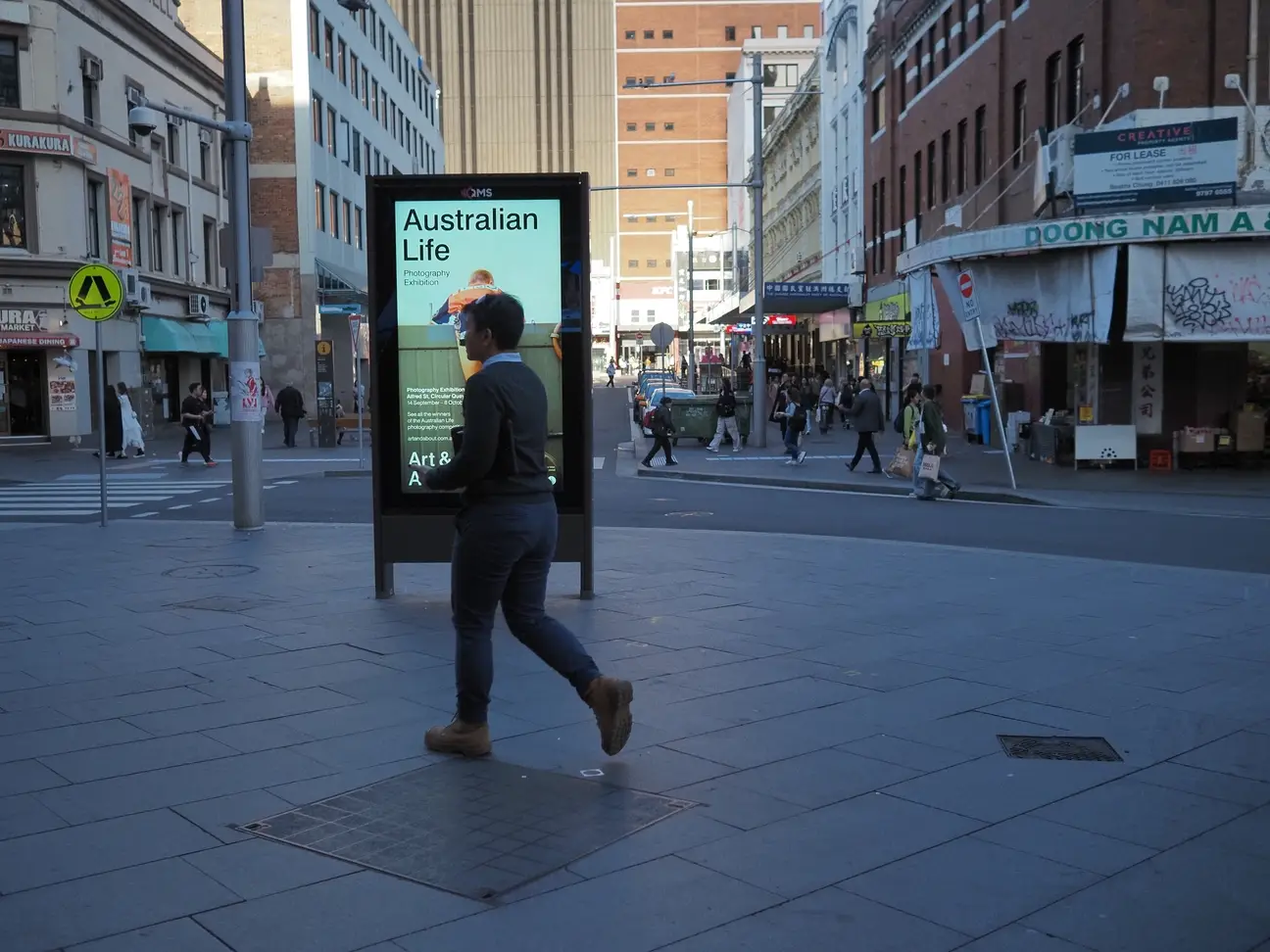
Provide a network summary suitable for IT handover, including required outbound access and remote management approach.

8) Content operations and approvals
Capture:
-
Content owner: marketing, venue operations, transport operations, centre management
-
Update frequency: daily, weekly, event-based, real-time
-
Approval workflow: who signs off, how quickly, and in what tool
-
Scheduling needs: day-parting, events, emergency messaging
-
Audit needs: proof of play or change logs (common in some environments)
If the content includes public information:

-
Define what accurate means, who is accountable, and what happens during outages.
9) Installation windows and site constraints

-
Whether work must be done after hours
-
Inductions, permits, escort requirements, and site rules
-
Traffic management needs (pedestrian and vehicle)
-
Noise restrictions
-
Shutdown windows for power or network changes
-
Stakeholders to notify (centre management, council, operations, security)
10) Handover pack
-
As-built photos of the installed unit and cable pathways
-
Mounting and access notes (how to safely reach it for service)
-
Network configuration summary (without exposing sensitive credentials)
-
Asset register fields: model, serial, install date, location, warranty details
-
Recommended cleaning and inspection routine for that environment
-
Spare parts guidance that matches the operating context
-
Fault reporting pathway and basic diagnostic steps
-
Content ownership and approval workflow
-
Escalation process for urgent content changes
-
Monitoring expectations and who receives alerts

A site survey template for you to copy and paste…
Subject: Outdoor digital signage site survey inputs for quotation
Site details
- Site name:
- Address:
- Contact on site:
- Access hours:
- Install window constraints:
Display purpose and audience
- Use case (menu, advertising, wayfinding, real-time info):
- Primary audience:
- Typical viewing distance (closest, typical, furthest):
- Viewing angle notes:
- Dwell time (drive-by, queue, waiting):
Light and glare
- Screen facing direction:
- Photos taken at times:
- Known glare sources:
- Shade structures:
Environmental exposure
- Direct sun exposure (times of day):
- Heat sources nearby:
- Dust sources:
- Coastal exposure (yes/no, notes):
- Water exposure (sprinklers, wash-down, run-off):
Public space and cleaning
- Public access risk:
- Vandal risk notes:
- Cleaning method and products used:
- Pressure washing nearby (yes/no):
Mounting and service access
- Proposed mounting type:
- Structure type:
- Clearance notes:
- Access method for install:
- Access method for ongoing service:
Power and comms
- Nearest power source location:
- Cable pathway constraints:
- Preferred comms (ethernet, fibre, cellular):
- Approval constraints for pathways:
Network and security
- VLAN requirement:
- Outbound access requirements:
- Remote support approach:
- Device management expectations:
Content operations
- Content owner:
- Update frequency:
- Approval workflow:
- Scheduling requirements:
- Audit or proof requirements:
Requested handover documentation
- As-built photos and cable pathways
- Network summary for IT handover
- Asset register fields
- Cleaning and inspection guidance
- Spares guidance
- Fault reporting pathway
FAQs for procurement and project teams
At minimum: viewing distance and orientation, worst-time glare photos, exposure risks (sun, dust, salt air, wash-down), mounting and access method, power and comms pathway constraints, IT requirements, and installation window restrictions. Without these, quotes are often not comparable.
Mobile data can work, particularly where cabling is difficult, but IT and operations should agree on reliability expectations, monitoring approach, and who owns the SIM and plan. Ethernet is commonly preferred in managed environments for stability and security, but it depends on the site.
Assign a named owner and a backup owner. Define an approval workflow that fits the organisation. If nobody is accountable, content will drift and confidence in the system drops.
As-built photos, access notes, network summary, asset register details, cleaning and inspection guidance, spares recommendations, and a fault reporting pathway. These reduce downtime and make future changes cheaper.