

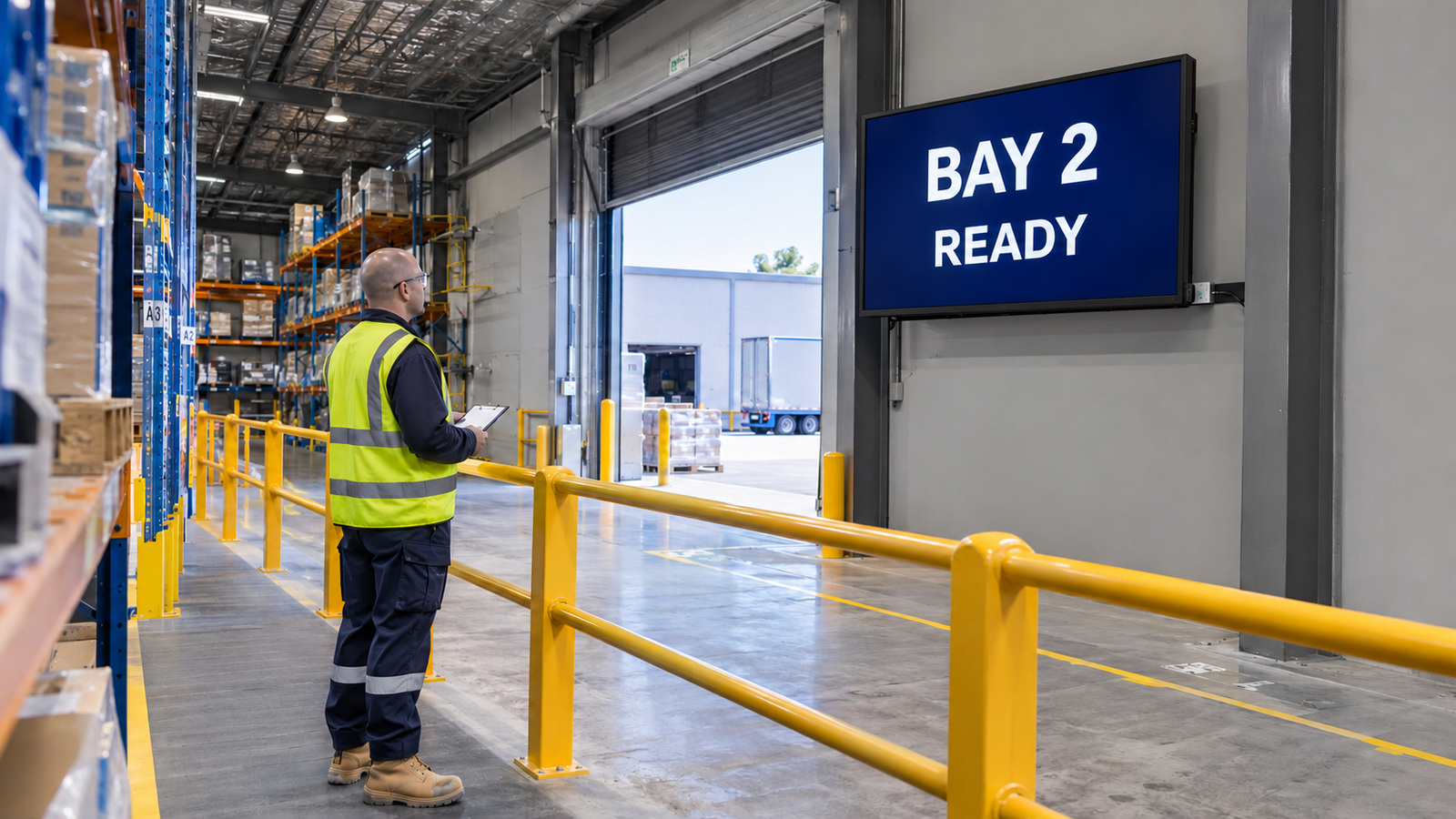
Digital signage for warehouses and factories works when each screen has one clear job, in type big enough for the farthest person who needs it, in a spot where light, traffic and dust do not defeat it. Decide what each location must say and who reads it before you choose a panel. Fewer, larger fields usually do more than a bigger screen.
Picture a dispatch screen above a loading dock. A supervisor walks past at the start of a shift and wants one answer: which bay loads next, and is it running on time. If that answer sits in the corner of a dashboard built for a desk, the screen is switched on and nobody is informed.
Match each screen to the people reading it
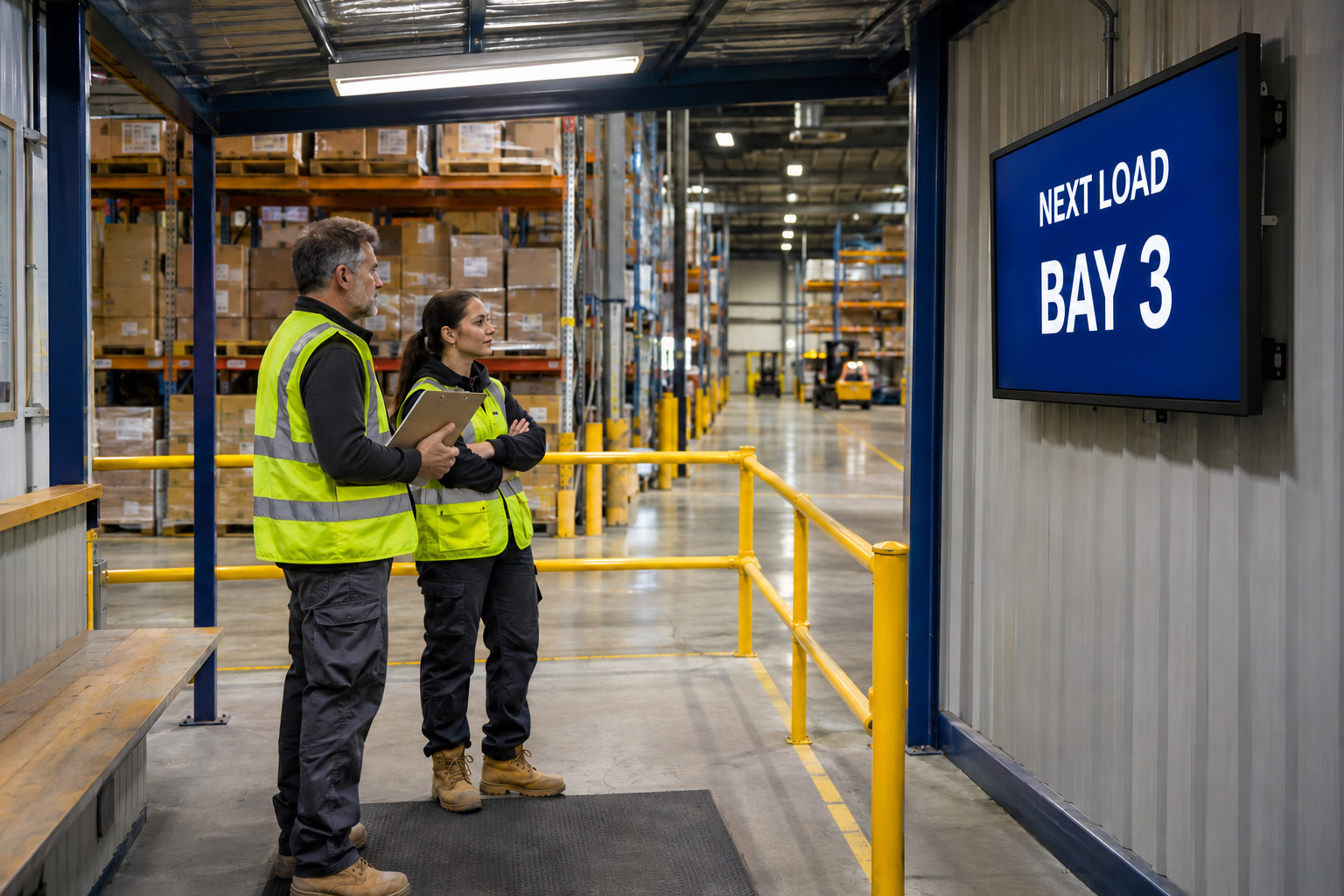
A shared floor display is read in passing, from a distance, by people busy with something else. An operator touch screen fitted to a machine has a different job. Someone uses it at arm’s length to run a process, so gloved touch, sealing and mounting drive the choice. Those screens are covered in our guide to industrial touch screens for a factory floor. A screen read across the floor is a separate choice, made for people who glance at it and keep moving.
Common jobs for a shared screen include:
- Production or dispatch status: what is running, what is next and what is late.
- Shift information: rosters, start times and handover notes.
- Visitor directions: where to sign in and which walkway to use.
- Training and reminders: short procedures or notices played between other content.
Give each screen only the jobs its location needs. A board at the dock door does not need the full production plan. A screen that must show one urgent status should give that status most of the screen.
How big does the text on a floor screen need to be?
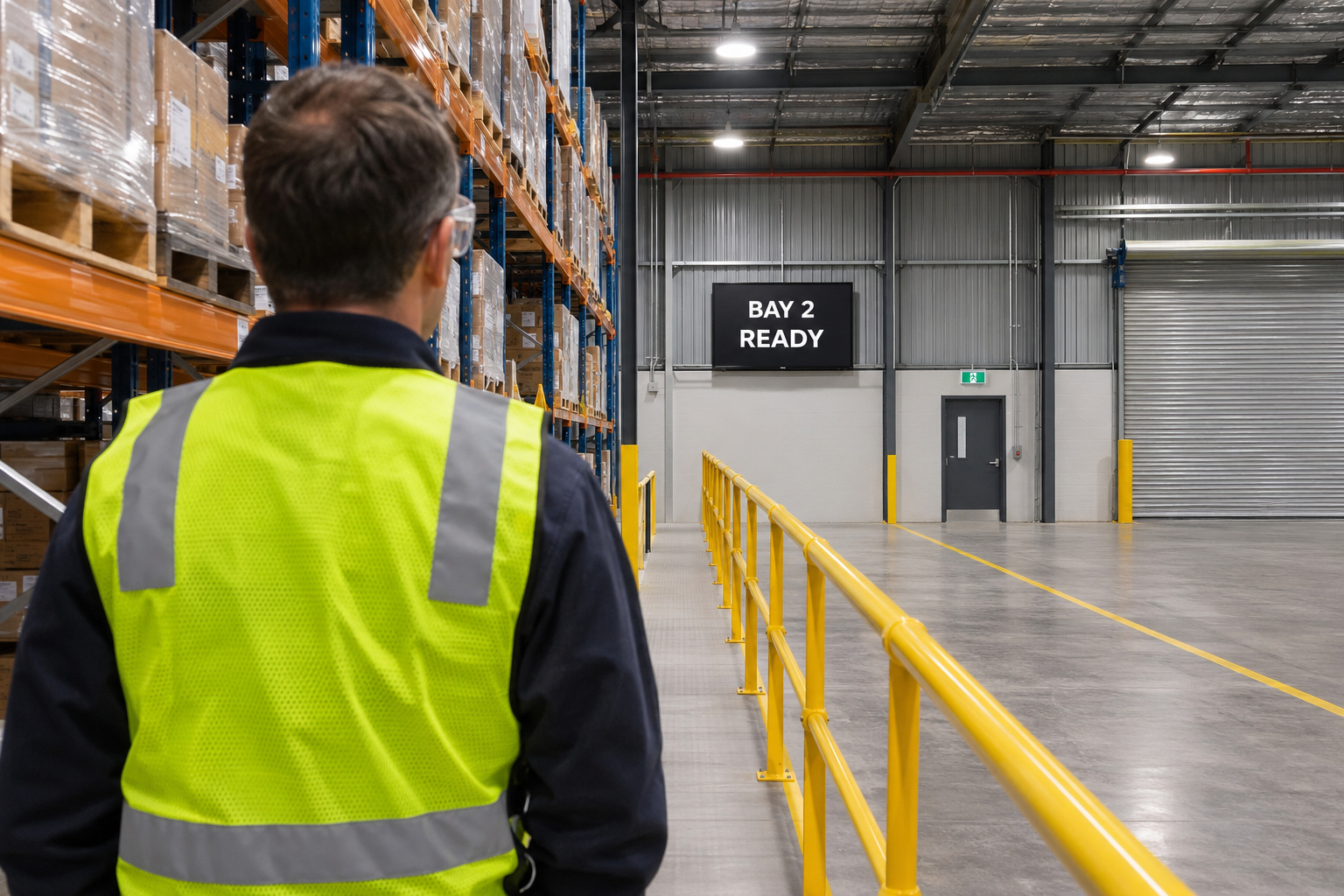
The smallest thing a reader must read, seen from the farthest point where they read it, sets the screen size. The diagonal on a datasheet cannot tell you whether the important text will be readable from where people stand.
AVIXA, the professional association for the audiovisual industry, publishes a standard for this called DISCAS (Display Image Size for 2D Content in Audiovisual Systems). Its method works from the active image, the size of the elements shown on it and the distance to the viewers. The screen size comes out of that work.
On a warehouse or factory floor, that means four checks:
- Find the farthest useful reader. This is the person at the far end of the aisle or the back of the marshalling area who still needs the information, not someone standing under the screen.
- Find the smallest critical element. It is usually a status word, an order number or a bay label.
- Check the side angles. People along a wall or down an aisle read from off to one side, and racking or plant can cut a sightline completely.
- Test a real layout in place. Put representative live content on a temporary screen at the intended height, then walk to the farthest reading point and try it.
If the test fails, cut fields and enlarge the type before you reach for a bigger panel. A table with a dozen columns rarely survives the walk to the back of the area. Our guide to displays for a 24/7 control room works through character height and pixel height for seated operators, and the same method applies to people reading from further away.
Check the light where the panel will sit
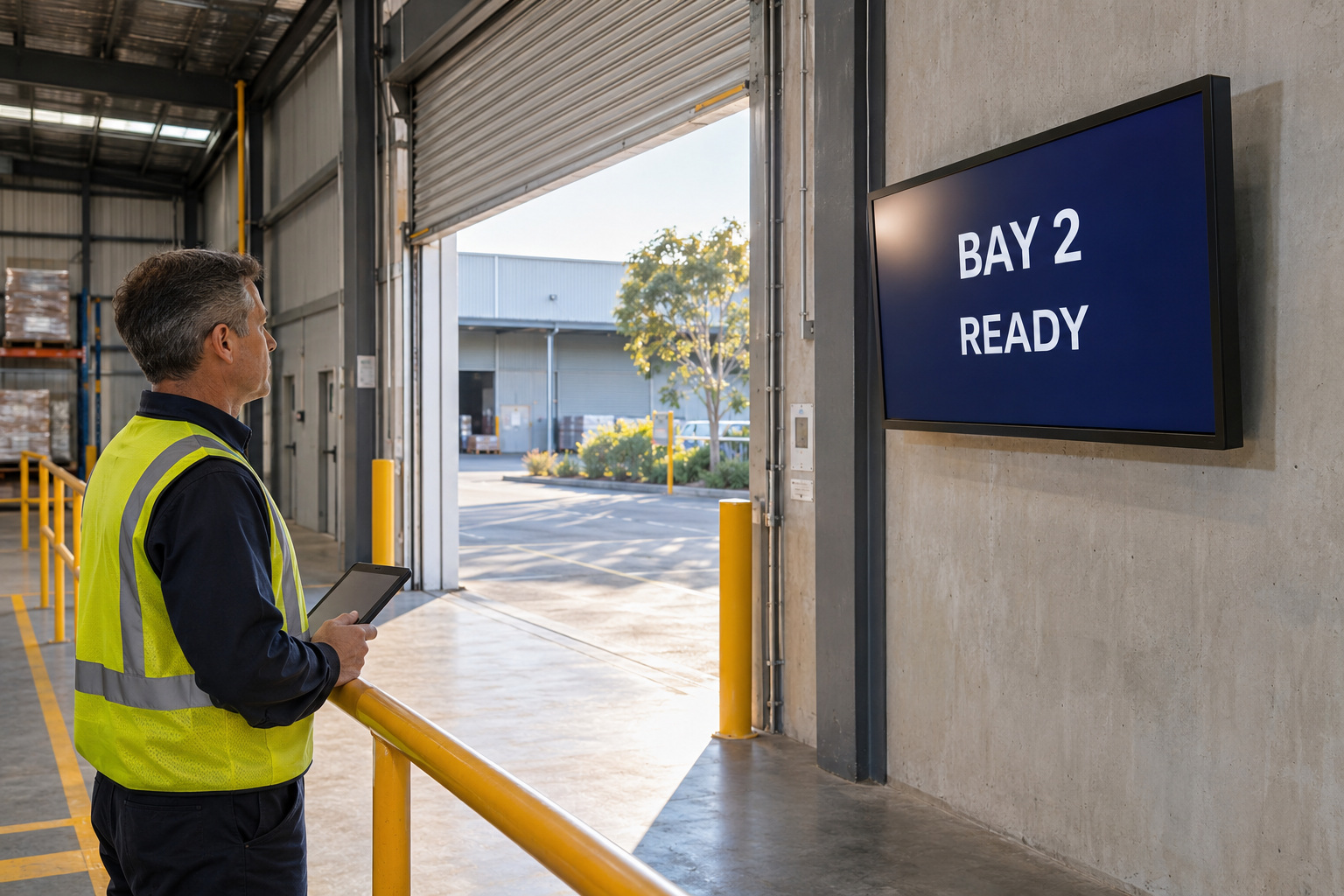
Light changes across one building and across a shift. A panel that looks fine when it is first switched on can wash out at another time of day.
High-bay fittings and skylights in the roof sheeting can reflect in glossy screen glass from some angles and not others. Daylight through an open roller door or dock door moves through the day. A west-facing door on a Melbourne summer afternoon can put low sun on the screen, or behind it and in the reader’s eyes.
A bright wall or doorway behind the screen also lowers the contrast the reader sees. Pale text on a mid-tone background fades first, so strong contrast in the layout helps as much as the panel does.
Stand where readers stand, at the times they read, and look at the real content. Angling the panel or moving it a few metres can clear a reflection that no extra screen size will fix. A screen that faces daylight through an open doorway is close to outdoor conditions. Our article on sunlight readability covers brightness and glare at that end of the range. A high brightness figure on its own does not make a screen suitable for outdoor exposure.
Keep screens out of traffic and within reach for service
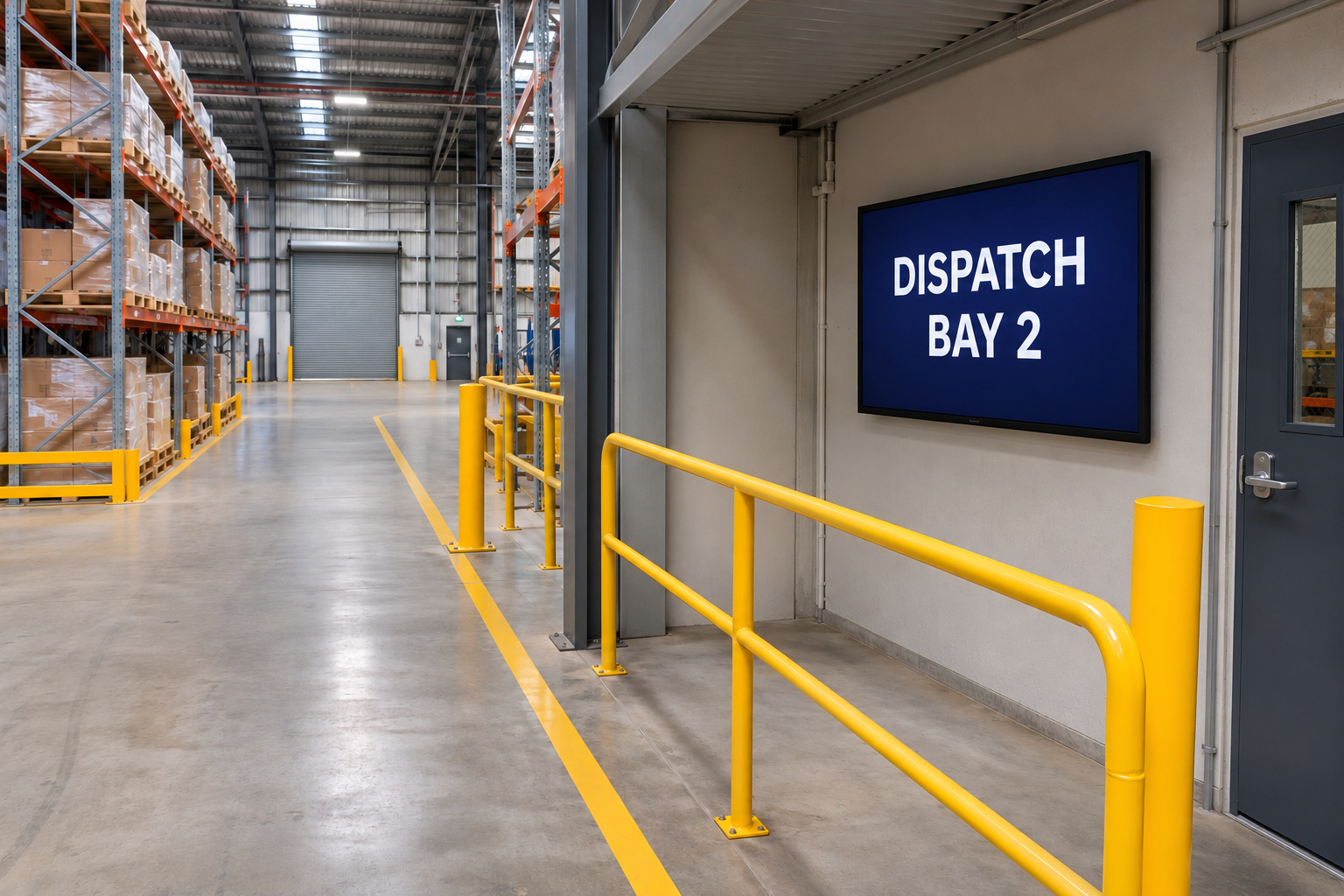
A screen must never become an obstruction, or a reason for someone to stop in a vehicle route to read it. Place it so it can be read from a pedestrian walkway or another protected spot.
WorkSafe Victoria’s guidance on forklift hazards includes separating people from forklifts and keeping clear sightlines among its traffic controls. A screen and its mount add an object to that layout, so check:
- Driver sightlines: the screen and bracket should not block a driver’s view of a crossing, a corner or the end of a racking run.
- Travel paths: keep the unit clear of forklift and pallet movement, including long or high loads.
- Where readers stand: pick a position people can read while standing on a walkway.
- Service access: plan how a technician will reach the screen to clean, restart or replace it without closing an operating aisle.
- Site conditions: mounting height, vibration, dust, moisture and temperature limits depend on the model and the site. Follow the manufacturer’s installation instructions and the site’s own assessment.
Areas with heavy dust, washdown or a real risk of knocks need a sealed, impact-rated unit. The factory-floor guide explains those ratings and when they matter.
A safety message on screen cannot replace a barrier
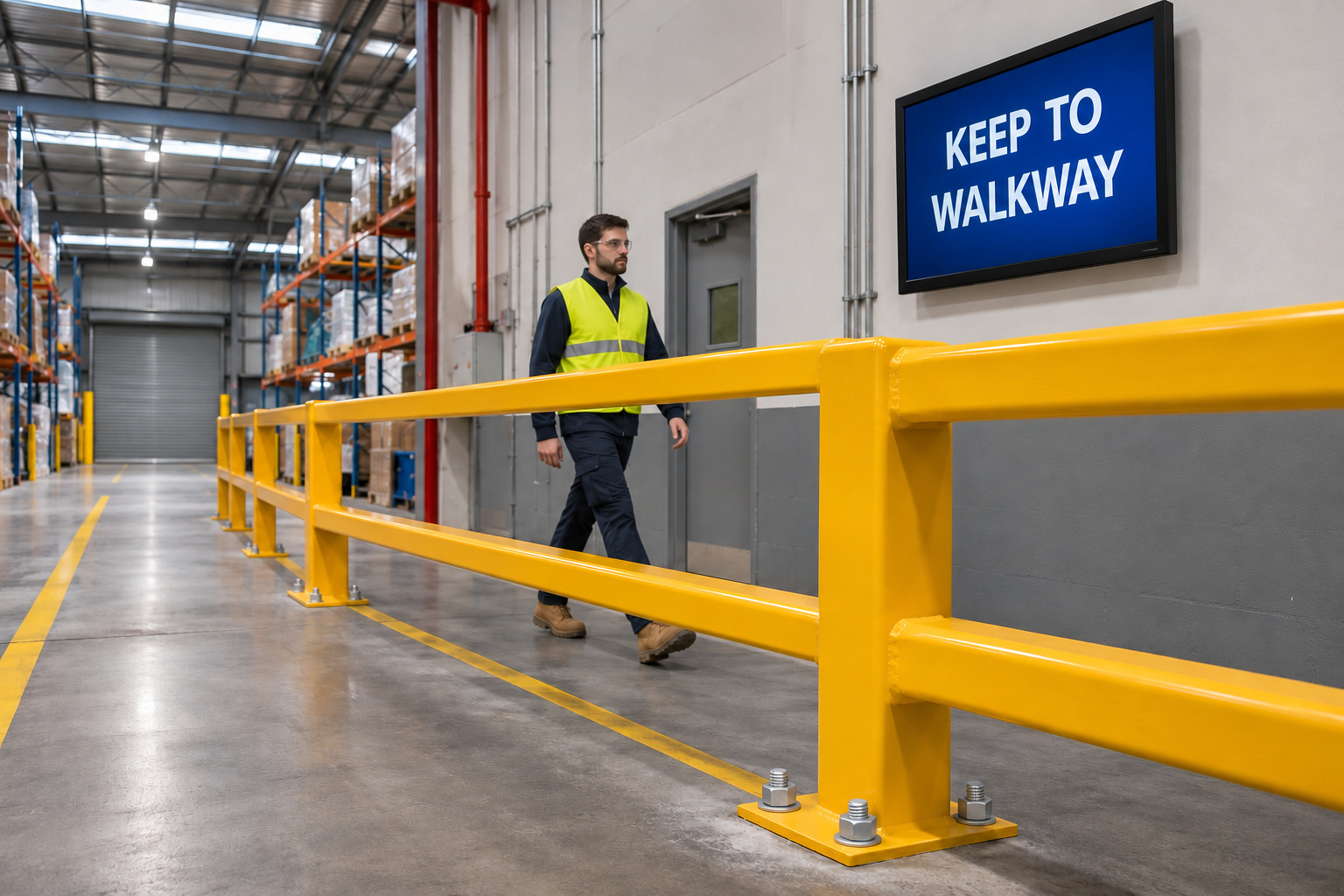
A screen showing a safety message is a communication tool. It works alongside barriers, separation and the site’s other controls, and it cannot stand in for them.
WorkSafe Victoria’s forklift guidance places isolation and engineering controls, such as physical barriers, ahead of administrative measures. It lists signs among its traffic management measures. A message on a screen sits on that administrative side.
In practice:
- Keep required signs separate. Required safety signs, emergency information and exit signage are their own decisions under the rules that apply to the site. Adding a screen does not satisfy them.
- Use the screen for what changes. A temporary closure, today’s traffic plan or a reminder before a shift suits a screen well.
- Never rely on a screen to keep people and vehicles apart. A screen can be switched off, go blank or be missed. A fixed barrier stays where it is.
Which signs a site must carry is a question for its safety adviser and the regulator in its state. The display supplier cannot settle it.
Show when the information stops updating
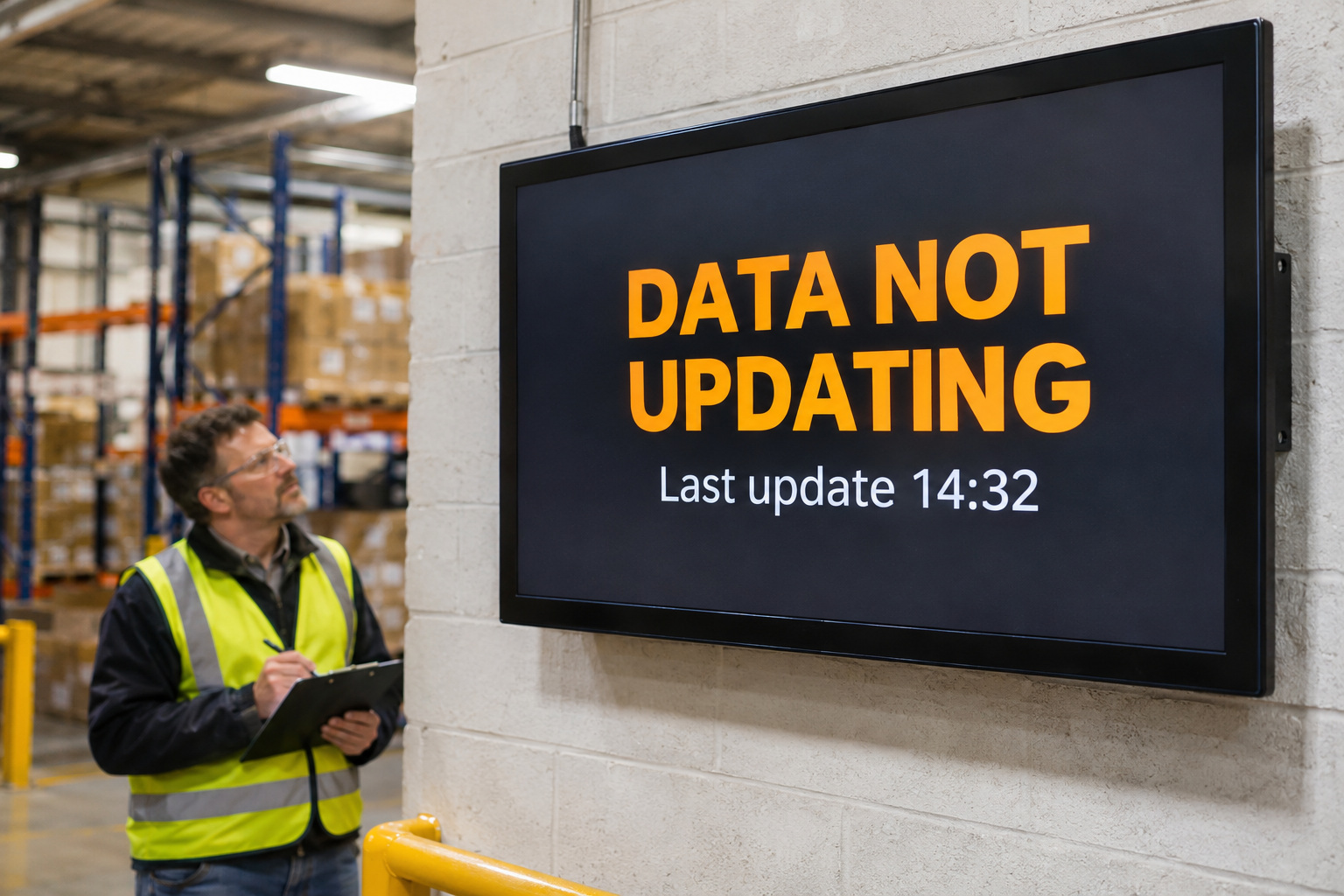
Live data and playlists fail in different ways. A recorded induction video or this week’s roster stays useful if the network drops, because it was never meant to change minute by minute. A live dispatch count or line status is different, because a stale number looks exactly like a current one.
For any live figure on a floor screen:
- Show its age. Put the time of the last update on screen, next to the data.
- Agree a fallback. Settle with the owner of the source system what the screen shows when the feed stops, such as a clear “data not updating” status in place of the old figure.
- Name an owner. Make it clear who looks after the feed, so a frozen screen gets reported to someone who can fix it.
The right fallback depends on the information. A blank screen, a held last value and a default page each suit some content and mislead with other content. A held value with no age shown is the one most likely to mislead. Media players, content management and offline playback are covered in our guide to running content across a display network.
Trial the hardest spot before ordering the rest
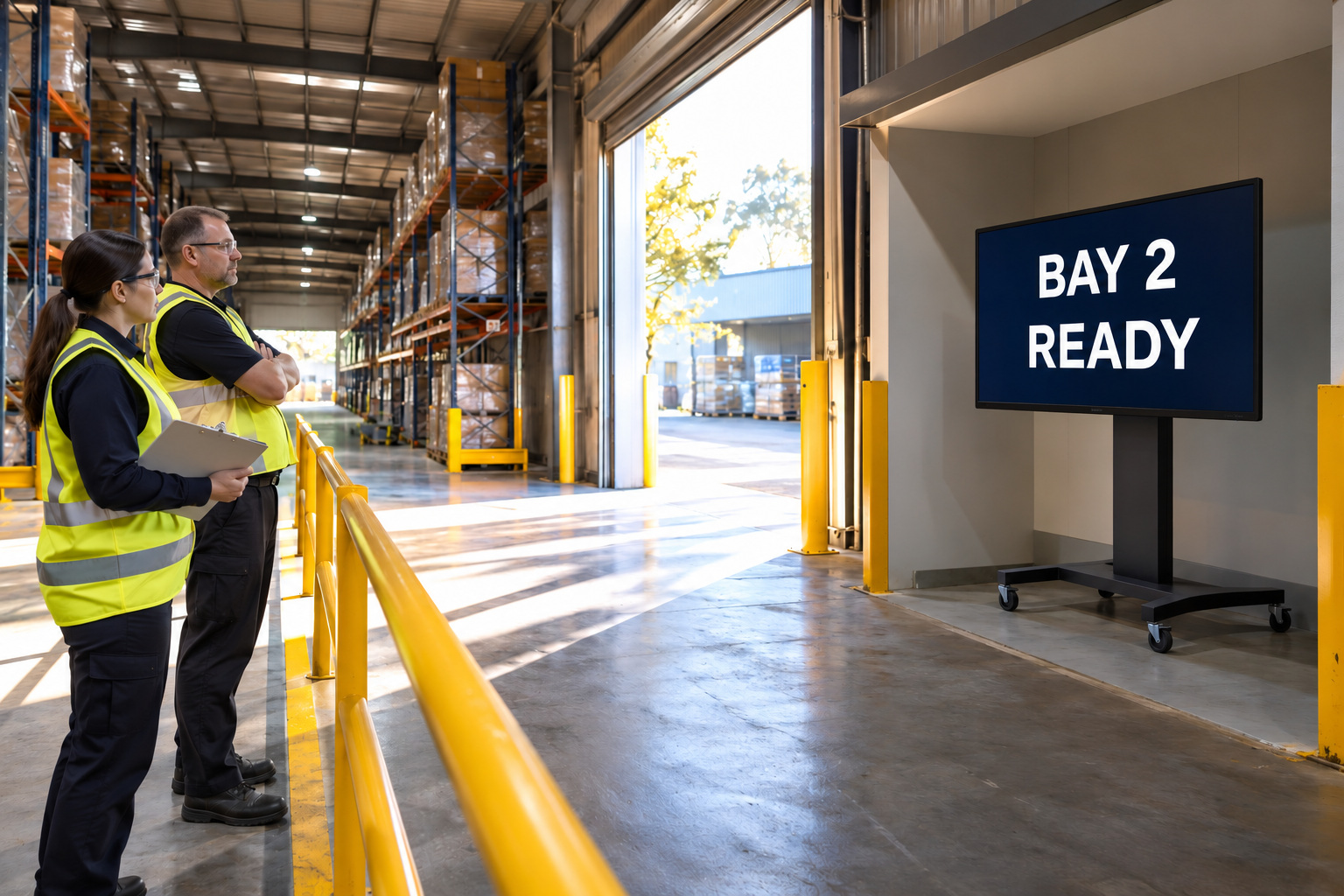
Before ordering screens for the whole floor, trial one in the hardest position: the longest reading distance, the worst light and the busiest traffic nearby. If the real content works there, the easier positions usually follow, and any fix is cheaper while it is still one screen. For yards and outdoor loading areas, the outdoor range on our commercial digital display solutions page names industrial and mining sites among its applications.
If you are planning screens for a warehouse or plant floor, get in touch with Manuco Electronics to talk through a commercial display suited to where each one will sit.