
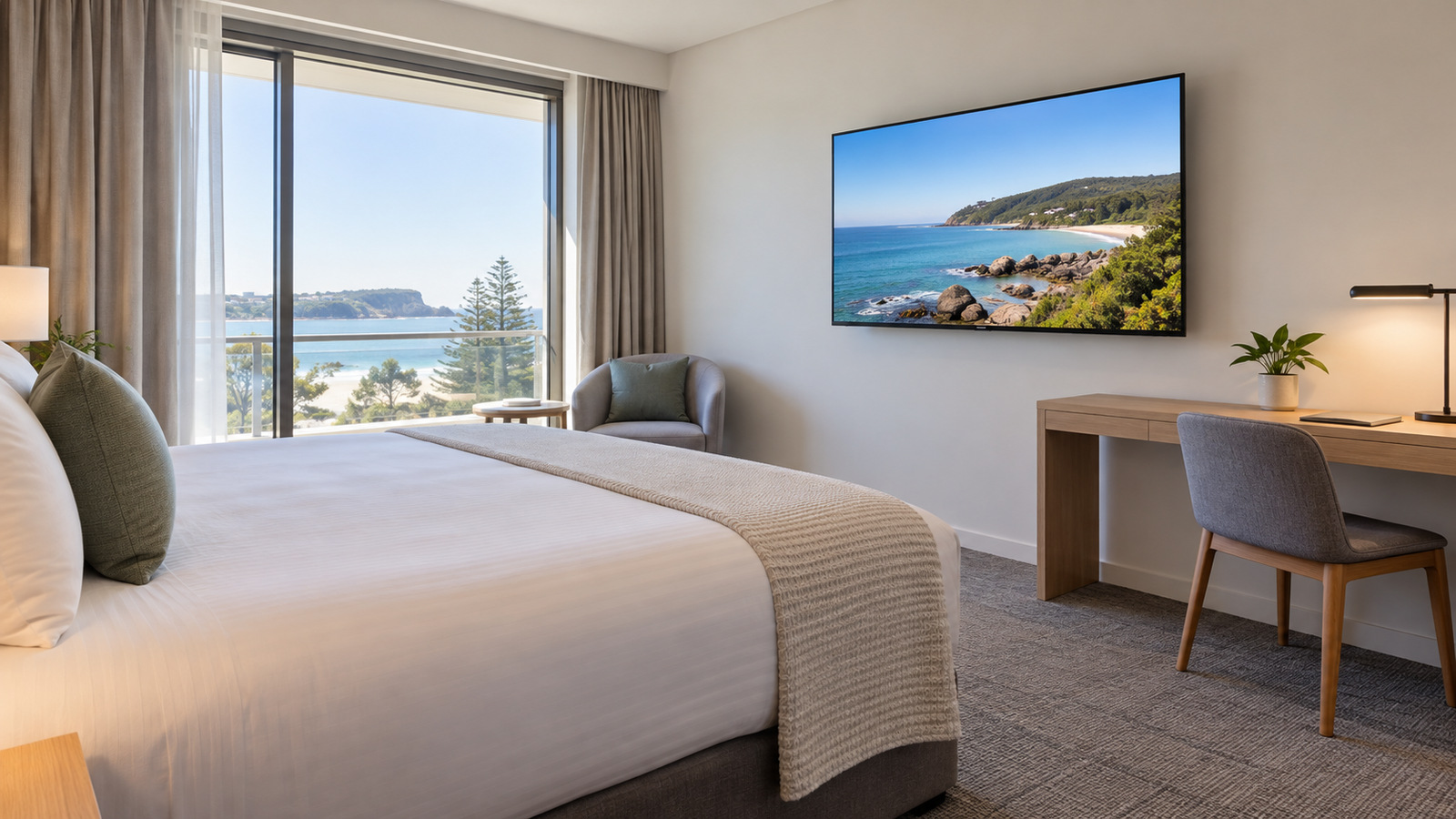
For hotel guest rooms, compare the controls staff can lock, how settings copy between sets, support for later fleet management, guest casting and physical installation. Picture quality and viewing position still matter, but they do not answer those operational questions. Features depend on the chosen model, software and system.
Reception walls, menu boards and wayfinding screens belong to hospitality digital signage. A guest-room TV has a different job: offer useful viewing choices while allowing the hotel to control and maintain the setup. Do not assume the same screen and software suit both uses.
What can a hotel TV stop a guest changing?
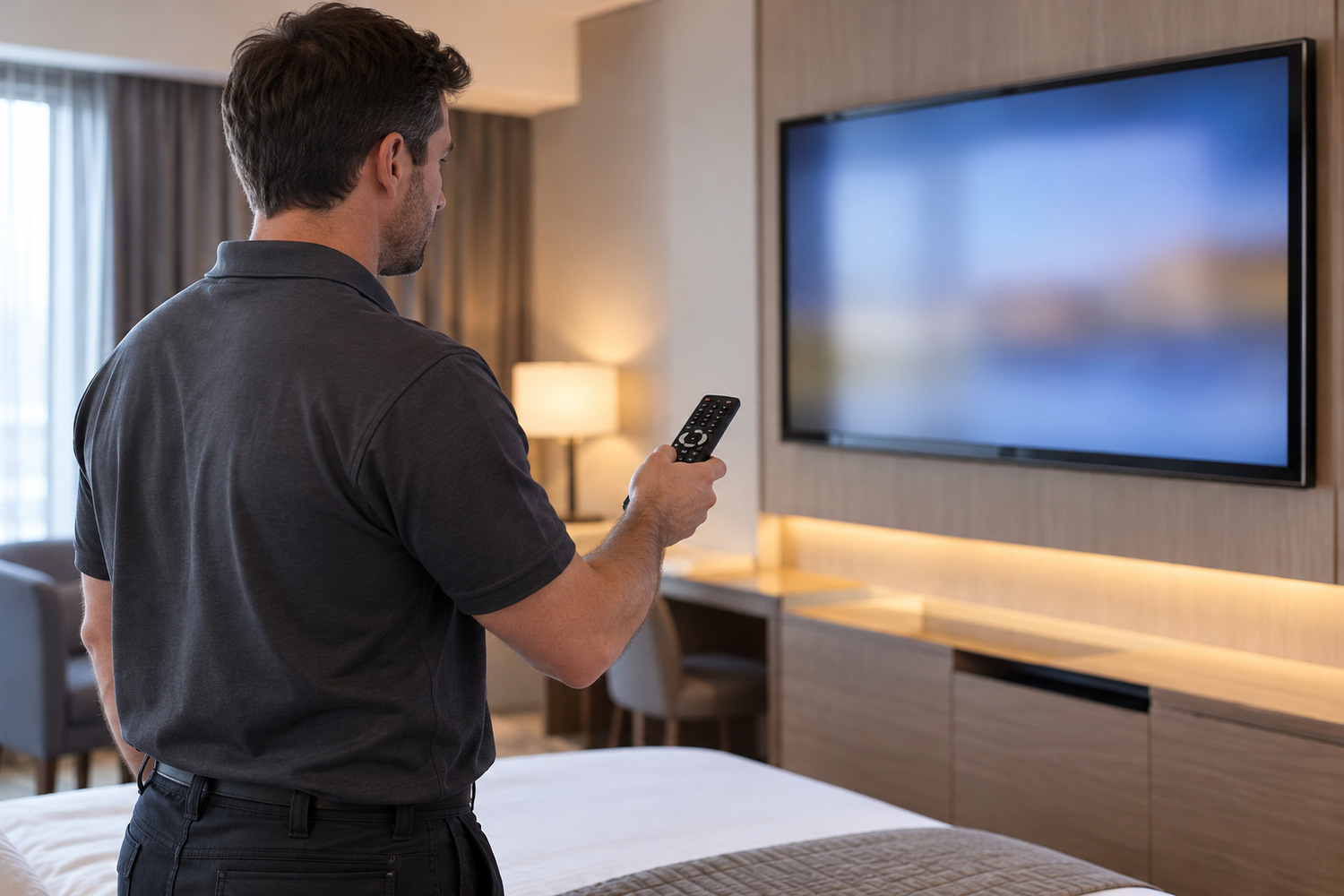
A hospitality TV can let staff restrict settings that would otherwise be available to guests. The access controls need to be configured; the label hotel TV does not, by itself, make an installer menu secure.
Samsung’s Australian 24-inch HF8000F hotel model shows what that menu covers. Its user guide calls it the Hotel Option menu. In Standalone mode, an installer can set the minimum and maximum volume available to guests and the power-on volume. Installer options also decide whether the main menu and broadcasting menu appear. The picture menu can be locked, and the buttons on the set can be switched off. Separate security options control password access to the installer menu and access to USB and HDMI inputs. Their settings matter as much as their presence on a feature list.
A Channel Editor lets the installer organise the available channels. Restricting the guest broadcasting menu is a separate setting, so editing a channel list is not the same as preventing later changes. A Hospitality Mode runs the set alone or alongside a set-top box, so the signal source stays a separate decision.
Welcome messages and in-room promotions are another hotel-controlled feature. The content system and the TV need to support the intended use; a welcome-screen listing does not establish compatibility with every hotel system.
The durability of consumer screens in commercial signage is a separate subject. Check the operating controls you need for guest rooms in the chosen model’s manual.
How do you repeat the same setup in every room?
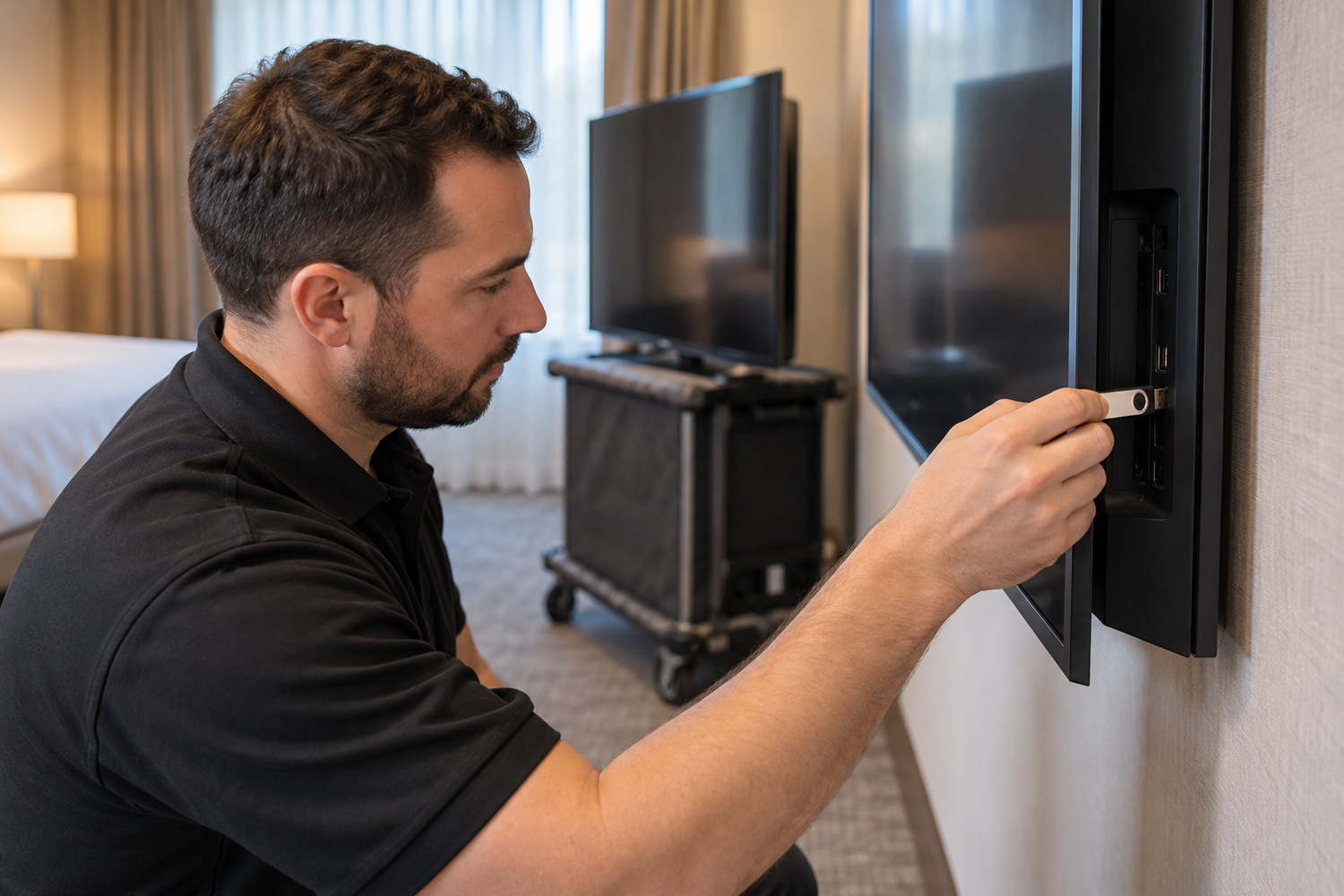
USB cloning copies selected settings from a configured television to compatible sets. It can repeat a master setup across rooms, while leaving some work specific to each television.
Configure one set as the master and copy its settings to a USB drive. Take the drive to each new set and copy them on, then power that set off and on and check the settings held. Samsung’s own hospitality support note describes those two steps. It says the copied values include the picture settings, the hotel menu and the channel list.
Samsung requires the same model and software version for cloning, with displays updated to the same latest version first.
The same manual distinguishes settings that copy from those that do not:
| Setting on this model family | Listed as cloned? |
|---|---|
| Picture Menu Lock and volume limits | Yes |
| Password Setting | Yes |
| Password Input and Password Reset | No |
| Network Setup, Room Number and cloud enrolment | No |
Not every password-related item behaves the same way. Room identity, network configuration and enrolment still need to be dealt with through the chosen deployment process. The table does not establish that every task must be done by hand.
Cloning selected settings is not a whole-device image deployment or a guarantee about guest-data handling. Test a small group of rooms against the master before repeating the process. Check the settings that should copy and those that must remain specific to a room.
How do you manage a fleet through a staged refurbishment?
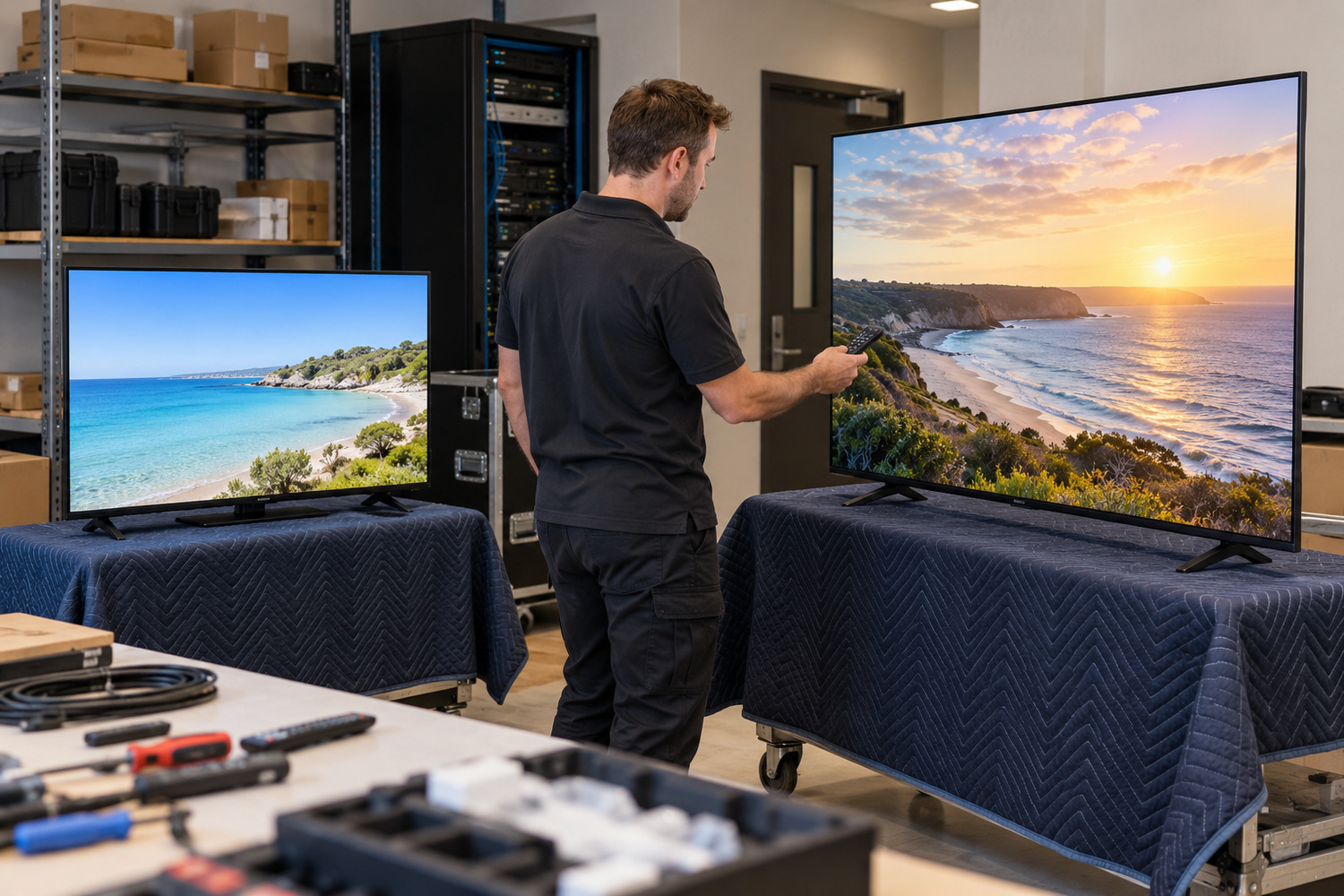
A staged refurbishment can leave older and newer televisions operating together. Establish which models the management platform supports and how each group will be configured.
The same-model, same-version rule is the first consequence. Do not assume a later generation accepts the same file. A shared brand name does not establish cloning compatibility.
Local copying and remote management are different capabilities. Samsung lists LYNK Cloud as a separate purchase for this Australian model. Its product page identifies LYNK Cloud and Tizen Enterprise Platform, or TEP, as solutions for supported casting features. TEP is service and application infrastructure within Tizen OS, rather than the operating system itself. Check platform and model compatibility together. The wider question of who owns the network and the content is covered by managing a display network.
PPDS states that its Philips Cast Server works with Chromecast built-in on its hotel televisions, and can support mixed installations using external Chromecast dongles. Its example is a floor-by-floor upgrade. Check the exact television and external-device combinations the selected platform supports.
Can guests cast to the TV in their own room only?
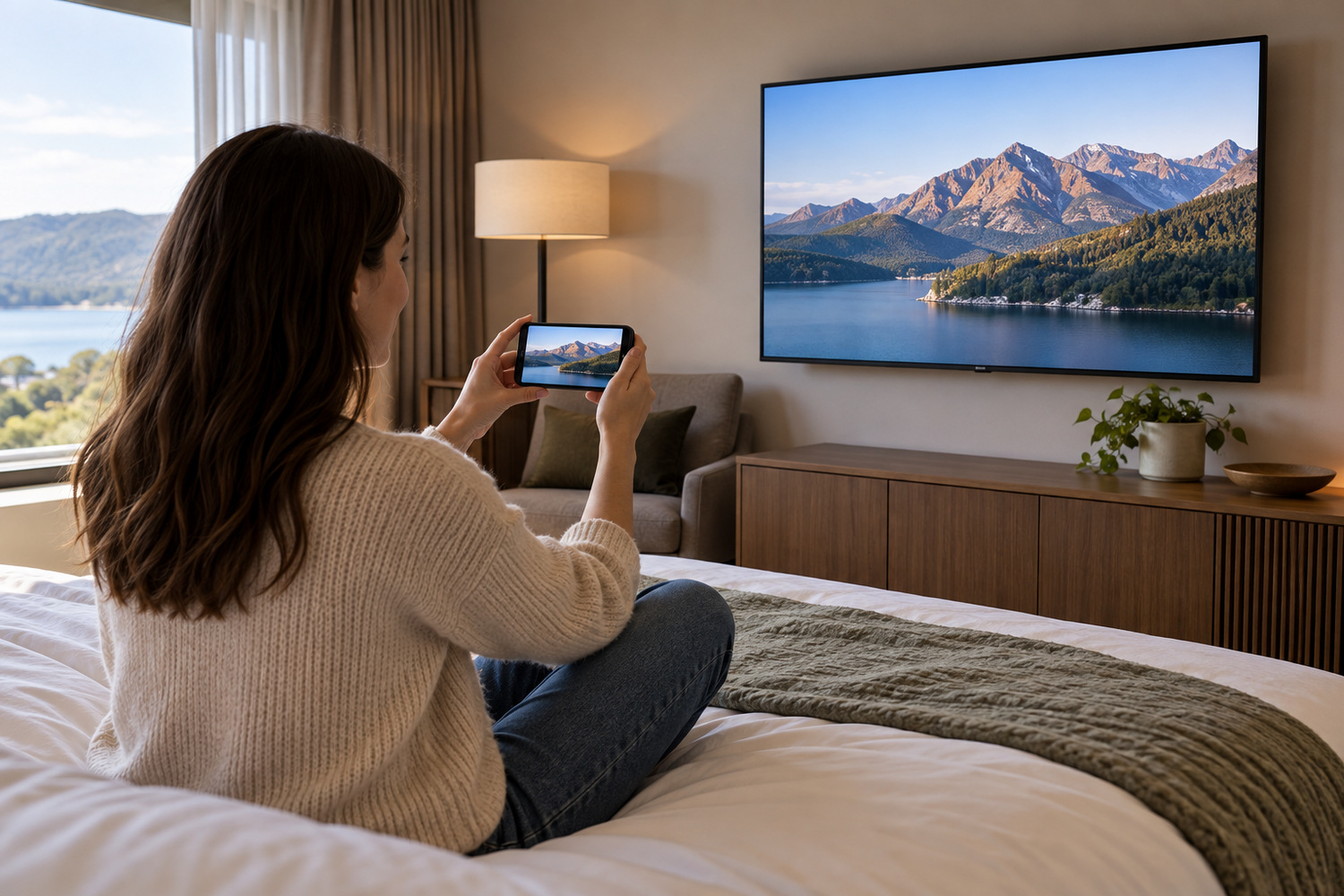
A cast-capable panel and a hotel casting system are two different things. The panel receives a cast. Privacy depends on which devices can reach each TV and what access remains after use.
Samsung’s Australian model lists Google Cast and Apple AirPlay with conditions. Supported devices, software, apps and regions need checking. For AirPlay using TEP, Samsung specifically requires the hotel property and system integrator to be certified separately by Apple. The product page also limits compatible Apple devices and operating-system versions. A casting logo is therefore only the start of the compatibility check.
PPDS describes a different design. Its Philips Cast Server is a rack-mounted unit on the hotel’s existing network. It is compatible with its Chromecast built-in MediaSuite models and its Hospitality TV 4500 Series. The guest scans a code shown on the room’s television while staying on the hotel guest Wi-Fi. No separate network is needed per room. A property management system interface is required, meaning the system that holds bookings and room status.
Those are two documented designs, not a description of every television. Demonstrate the selected system in representative rooms:
- Pair the guest devices and apps the hotel intends to support.
- Check adjacent-room discovery and whether a device can reach the wrong TV.
- End a session and test checkout, including what access or account information remains.
Make those tests part of the proposed setup, rather than assuming a successful first cast proves room isolation or cleanup.
A manufacturer’s European privacy assurance is not an Australian privacy assessment.
What does the mount and the joinery have to allow for?
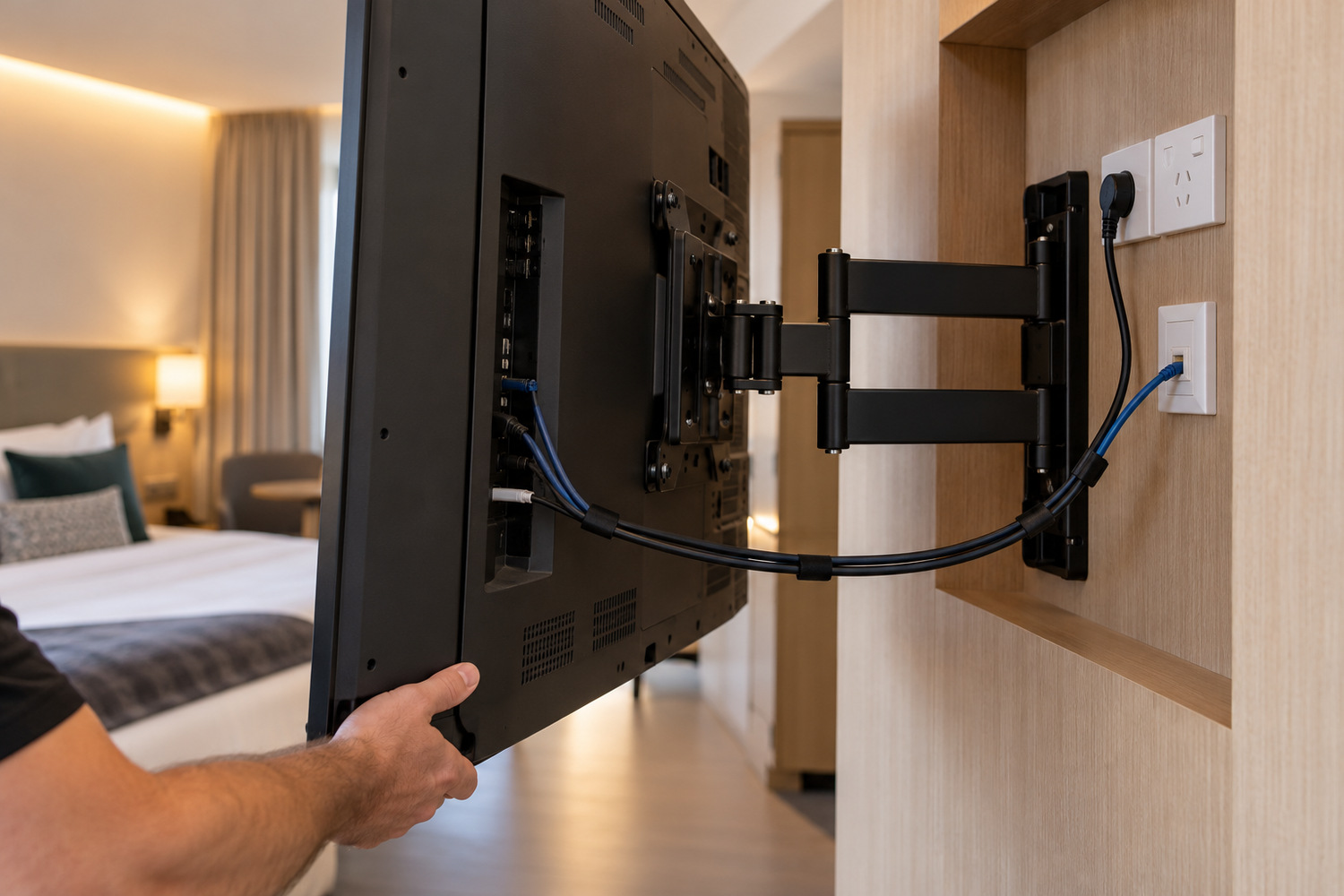
The physical fit is decided by the chosen model’s installation instructions, and the figures change with the model. Read them before the joinery is drawn.
The 24-inch Australian model is a worked example. Its VESA pattern, the mounting-hole layout, is 100 by 100 mm. The manual gives a model-specific screw specification and warns that unsuitable or overly long screws can damage the set. The bracket and fixing arrangement need to follow the instructions, not a generic screen-size rule. The wall mount kit is sold separately.
Ventilation is specified, not assumed. For that model family the guide gives a minimum 15 mm gap for installation on a perpendicular wall. It also gives an ambient temperature under 35 degrees Celsius. That perpendicular-wall arrangement is not a clearance specification for every recessed installation.
Allow access to power, network and other connectors in the actual positions on the chosen set. The manual requires ready access to the power plug and outlet, and warns against pinched power cords. Joinery should allow servicing without blocking ventilation or damaging cables.
Allow room to remove and replace the set without dismantling the surrounding joinery where practical. Check the view from the bed and desk chair in the actual room, including reflections and the position of the screen.
The example figures belong to one model family and installation arrangement. A different screen needs its own mounting, load and ventilation check.
Choose the setup for each room type
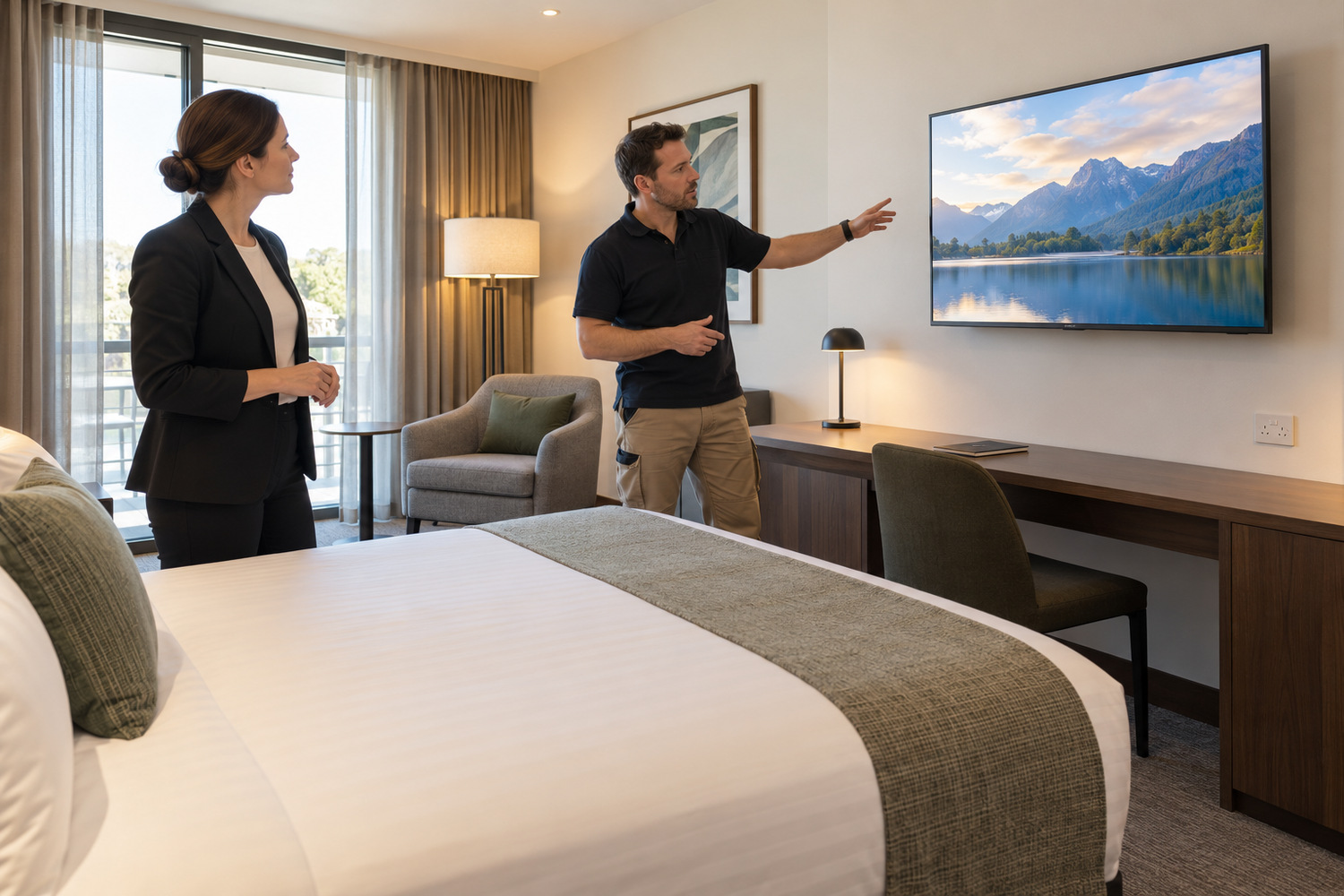
Those five decisions are the locked controls, a copied configuration, the management platform, tested casting, and the mount with service access.
Check the management platform alongside the model choice. Use a fully fitted and configured sample room to test the controls, viewing position, casting behaviour and maintenance access before the wider rollout.
Hotel TV solutions are specified room type by room type. A standard room, a suite and a resort villa are not the same brief. The useful starting point is the rooms themselves: the room types, how many sit in each stage, and where power and data arrive. Send those details to Manuco when you get in touch to discuss the available guest-room display options.