

That distinction matters when specifying from a range as broad as Manuco’s, including their full range of industrial touchscreen solutions.
The company supplies resistive, projected capacitive (PCAP), and specialist ultra-glass-fronted resistive touch overlays, with indoor and outdoor variants, custom sizing, screen printing, masking, and USB or RS-232 controller options. It is a component-level offering, built for the teams designing the products rather than the people using them in the field.
For engineers, procurement leads, and product managers working in the B2B space, the useful question is not which technology sounds more modern. It is which one best fits the way the finished product will be used, cleaned, maintained, and exposed to its operating environment.
That engineering-first approach reflects the way Manuco has operated since 1987. With more than 35 years in display technology and partnerships with manufacturers including Hyundai IT, AUO, and DigitalView, the company’s touchscreen range is designed around the specification process rather than the showroom.
Start With the Operating Conditions, Not the Technology
The most common specification error in touchscreen projects is choosing the technology first and fitting the application around it afterwards. A better approach is to define the real-world conditions the screen will face, then select the touch format that matches.
Before comparing PCAP with resistive, it is worth answering a short set of project-level questions. Will the operator use bare hands, gloves, or a stylus? Will the front surface be exposed to water, grease, dust, or cleaning chemicals? Is the interface public-facing, operator-facing, or embedded in a piece of equipment? Does the application require multi-touch gestures, or is deliberate single-point input the priority? How important is optical clarity and front-of-screen presentation? Will the unit be installed indoors, outdoors, or in transitional environments? And how practical will it be to service or replace the front assembly if it is damaged?
Those questions map directly to Manuco’s application portfolio across industrial, medical, and transport systems.
Where PCAP Fits Best
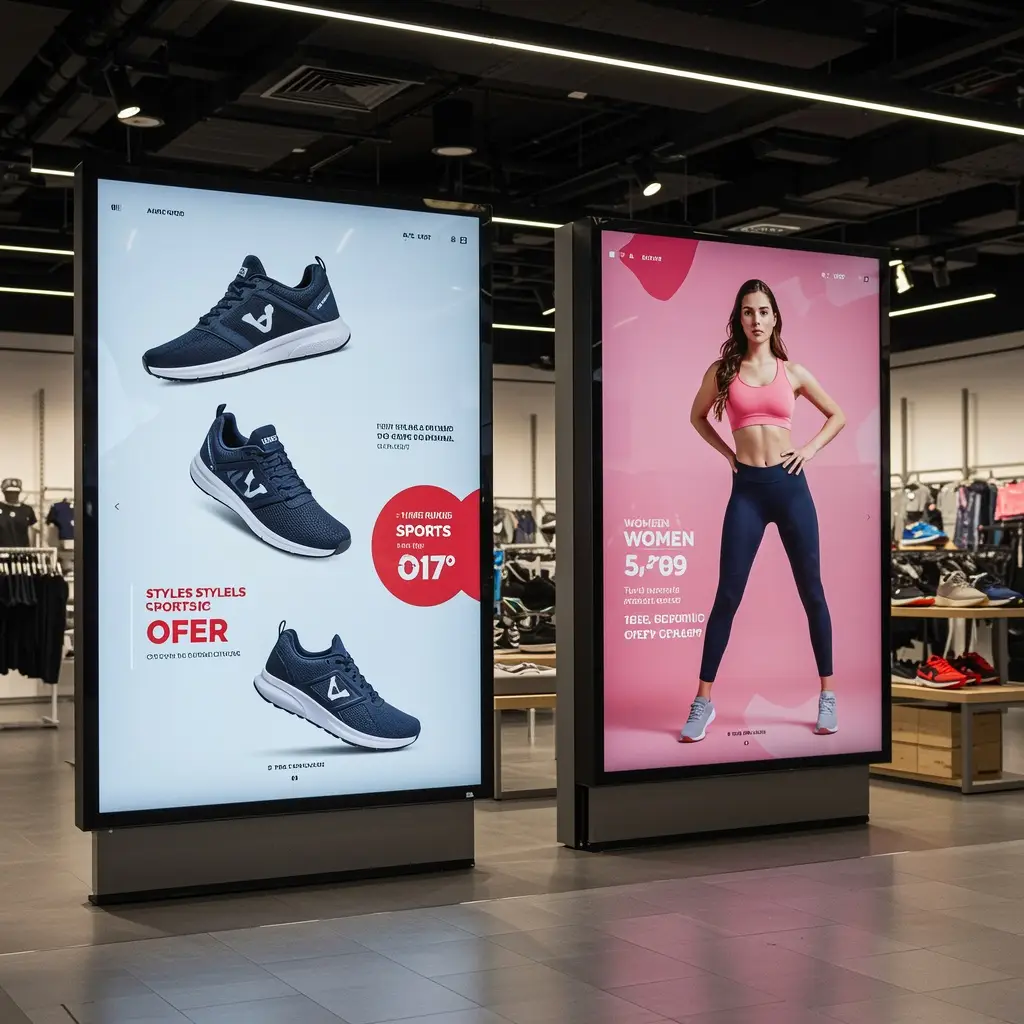
Projected capacitive touch is the dominant technology in consumer electronics, and it has become increasingly common in commercial and industrial products where a clean glass front, strong optical performance, and multi-touch capability matter. Industry literature consistently describes PCAP as offering improved scratch resistance, optical clarity, and gesture support compared with traditional resistive panels. Performance in gloved, wet, or electrically noisy environments, however, depends on controller design, firmware tuning, and the overall stack-up of the touch assembly.
In practical B2B terms, PCAP is often the stronger fit for public-facing kiosks and wayfinding displays, retail and point-of-sale terminals, transport information screens, medical and commercial equipment where interface clarity supports usability, and applications where multi-touch gestures form part of the workflow.
That does not make PCAP the default for every deployment. In environments where the front surface faces aggressive cleaning, heavy glove use, or electromagnetic interference from nearby machinery, the controller tuning and enclosure design carry as much weight as the touch layer itself.
Where Resistive Still Makes Sense
Resistive touch responds to mechanical pressure rather than a capacitive field. That means it registers input from a finger, a gloved hand, or a stylus, depending on the construction and the application. Published industry sources note that resistive panels have been a mainstay in industrial machinery for decades, and they remain part of current commercial touchscreen ranges, including Manuco’s.
In B2B applications, resistive touch continues to be a sound specification where the priorities include deliberate single-point input with minimal false-touch risk, routine glove use across a range of materials and thicknesses, straightforward operator interaction that does not require gesture-based navigation, predictable performance in dirty, oily, or harsh operating environments, and integration into fixed control workflows or embedded equipment interfaces.
The choice is not about old versus new. It is about matching the mechanical and electrical characteristics of the touch layer to the conditions it will face once the product is commissioned.
Manuco’s continued investment in resistive overlays alongside its PCAP and ultra-glass-fronted resistive range reflects this. The company distributes across Australia and New Zealand from its Thomastown headquarters, supporting projects where the specification decision is driven by operating conditions rather than consumer trends.
A Practical Comparison
The table below captures common tendencies rather than absolute rules. In every case, the final performance of the touchscreen depends on the full front assembly, the controller, and the operating environment.
| Decision Area | PCAP | Resistive |
|---|---|---|
| User interaction | Often chosen for gesture-based, intuitive interfaces | Often chosen for deliberate, task-based input |
| Multi-touch | Commonly supported | Commonly limited to single-point |
| Optical appearance | Preferred where front-of-screen clarity is a priority | May be less visually clean depending on construction |
| Glove use | Can work, but must be validated for the specific glove and controller setup | Often the default where glove use is routine |
| Water and moisture | Can perform well with appropriate controller tuning | Often considered for simpler input where moisture is present |
| Front surface | Often paired with glass-front designs | Depends on the specific resistive construction |
| Typical B2B applications | Kiosks, retail, wayfinding, medical, transport | Industrial controls, equipment HMIs, embedded specialist use |
This is why a thorough specification brief matters more than a technology preference. The right choice is shaped by the user, the environment, and the full front assembly.
Gloves, Moisture, and the Gap Between Bench Testing and Field Performance
A touchscreen that performs well on a test bench can behave differently in the field. Gloves vary in thickness, material, and conductivity. Cleaning routines vary by industry and by site. Moisture can pool on the surface in some environments, while electrical noise from nearby motors, power supplies, or welding equipment can affect touch registration in others.
Published design guidance from semiconductor manufacturers notes that sensor construction, shielding materials, mechanical design, and firmware all influence the final behaviour of a capacitive touch interface. Industry sources likewise point to controller firmware, noise immunity, water-handling logic, gloved-touch tuning, and thick cover-lens design as critical factors in successful PCAP implementation for industrial settings.
For the specification brief, that means the project team should capture the type of gloves expected in use, the cleaning products and routines likely to be applied, whether splashes, condensation, or standing moisture are expected, whether the system sits near motors, power equipment, or other potential sources of electromagnetic interference, and whether the interface interaction is fast and public or detailed and operator-driven.
Why the Front Assembly Matters as Much as the Touch Layer
In most commercial and industrial products, the touchscreen is one component within a larger front-of-screen system. Cover glass, surface treatments, sealing, the controller, and the way the touch layer sits within the enclosure all affect how the finished product performs over its service life.
That is one reason Manuco’s touchscreen offering extends well beyond a simple PCAP-versus-resistive split. It also includes specialist ultra-glass-fronted resistive overlays, a choice of USB or RS-232 controllers, and customisation options including screen-printed logos, masking, and custom dimensions.
For buyers, that broadens the specification framework. Some projects will need a glass-front presentation with capacitive response. Others will need glove-capable input with a ruggedised surface. Others again will need custom branding, specific masking, a particular controller interface, or a touchscreen built to fit an existing enclosure or display layout.
In these cases, working with custom touchscreen overlays and tailored front assemblies becomes part of the specification process.Public-Facing Systems and Equipment HMIs Are Not the Same Brief
Touchscreen conversations often lose focus because very different applications get treated as though they share the same priorities.
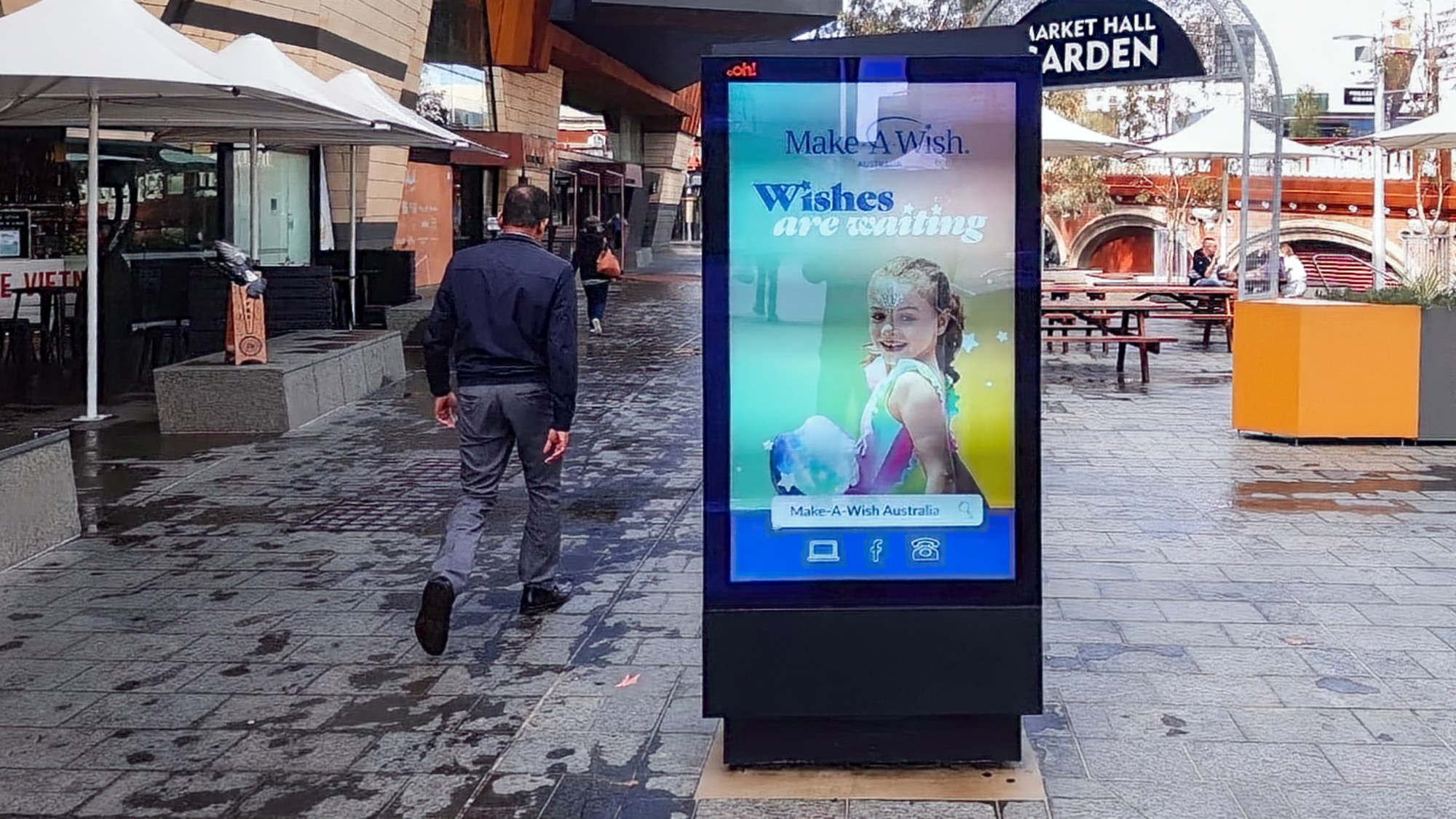
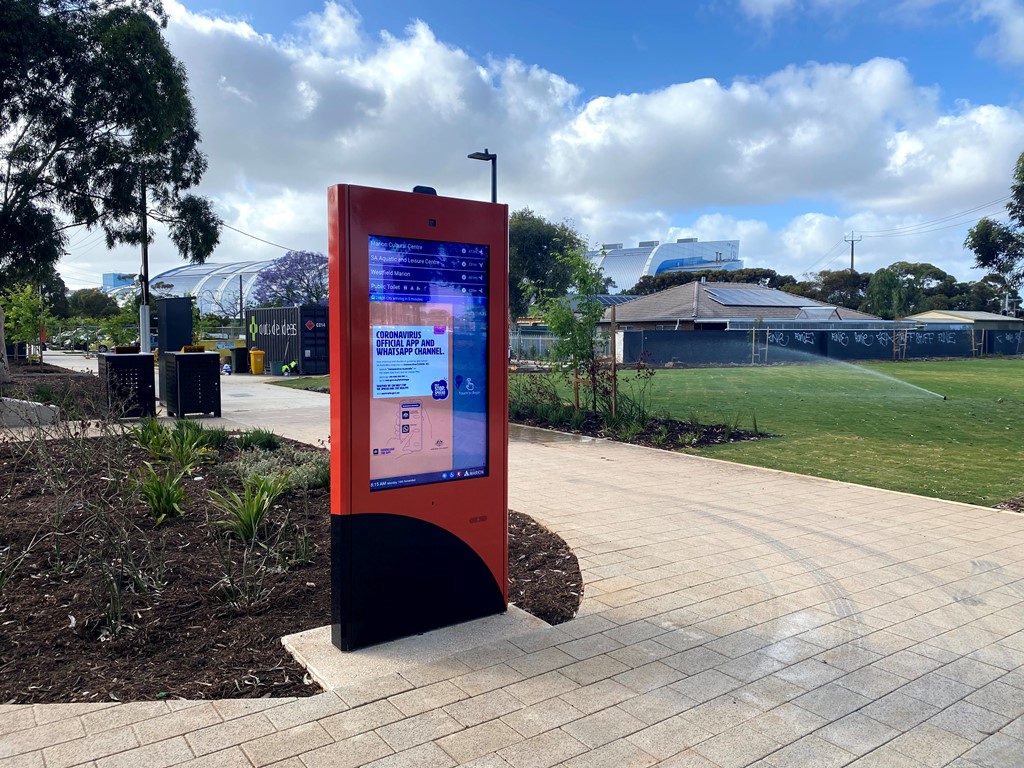
A public-facing kiosk or wayfinding display typically prioritises clear visual presentation, intuitive touch response, a surface suited to repeated public use, and a modern interaction pattern that requires no training.
An industrial or equipment-based interface typically prioritises gloved operation, deliberate single-point input, straightforward serviceability, integration with a fixed control workflow, and long-term reliability in tougher operating conditions.
Manuco’s application list spans both categories. That is precisely why a one-technology answer does not work, and why the specification brief should drive the selection rather than the other way around.
Maintenance and Ownership Belong in the Original Decision
Touch technology selection also affects total cost of ownership. Buyers and specifiers should ask how the front surface should be cleaned and what chemicals to avoid, whether the touch assembly can be replaced independently of the display, what controller interface is required for integration into the wider system, and what spare or replacement strategy makes sense at the intended project scale.
These are commercially relevant questions because field replacement and service access costs can outweigh modest differences in the initial purchase price of the overlay.
A Short Selection Checklist
Before signing off on a touchscreen specification, confirm who will be using the interface, what they will be touching it with, what may be on their hands at the time, how often the surface will be cleaned and with what products, how important front-of-screen clarity is to the application, whether the interface requires gesture input or single-point response, whether the application is public-facing or equipment-facing, how the front assembly will be serviced or replaced if damaged, whether the required controller interface is USB, RS-232, or another protocol, and whether custom masking, branding, or dimensional constraints form part of the brief.
If your project sits between standard options, it’s worth speaking with the Manuco team about your specification before locking in a design.
The Better Buying Question
For B2B teams, the safest approach is not to begin with a fixed preference for PCAP or resistive. It is to define the operating conditions, cleaning requirements, user behaviour, enclosure constraints, and integration needs first, then match the touch technology to that environment.
PCAP is often the stronger fit where optical clarity, gesture support, and a modern glass-front presentation matter. Resistive remains the right answer where pressure-based input, glove use, or more demanding operating conditions make it the better match. And in some cases, a glass-fronted resistive approach may be worth exploring where the project brief falls between those two familiar categories.
The more useful decision is not which technology sounds newer. It is which one is most likely to perform reliably in the field, in the product being built, under the conditions it will face once deployed.
FAQ
No. PCAP is often preferred where clarity, multi-touch, and a glass-front presentation matter. But resistive can be the stronger fit in glove-heavy, equipment-focused, or specialist environments where pressure-based input and predictable performance in harsh conditions are the priority.
They can, but performance depends on the glove type, the controller firmware, and the full touch assembly design. Glove compatibility should be validated against the real operating conditions rather than assumed from a data sheet.
Not in every application. Resistive remains part of current commercial touchscreen offerings, including Manuco’s, and continues to suit industrial and specialist interfaces where its operating characteristics align with the job.
Treating the touch layer as a secondary decision. In practice, touch selection should happen alongside the enclosure, front surface, cleaning method, controller interface, and user conditions. Specifying in isolation risks a mismatch between the technology and the real-world operating environment.
Yes. Manuco offers custom sizing, screen-printed branding and masking, choice of USB or RS-232 controllers, and a range of resistive, PCAP, and specialist glass-fronted resistive overlays to suit specific enclosure and application requirements.